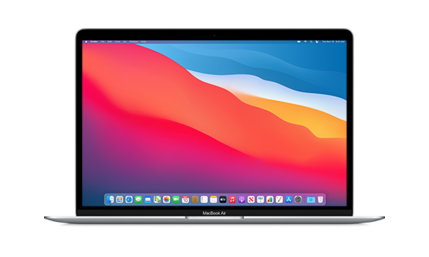
About This Firmware
macOS 26.3 beta 3
(build 25D5112c)
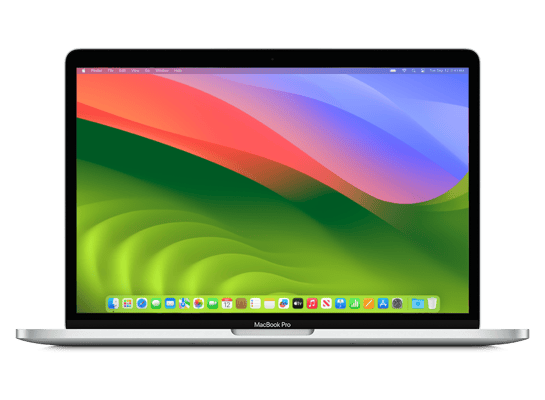
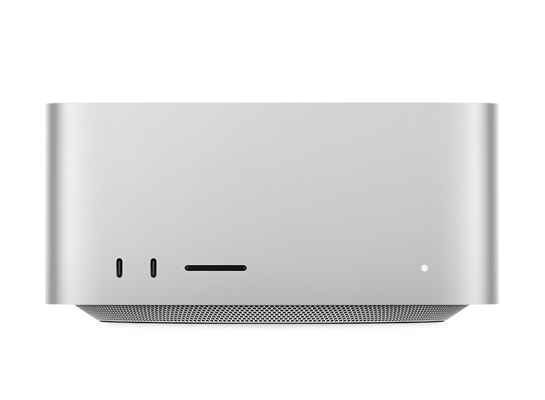
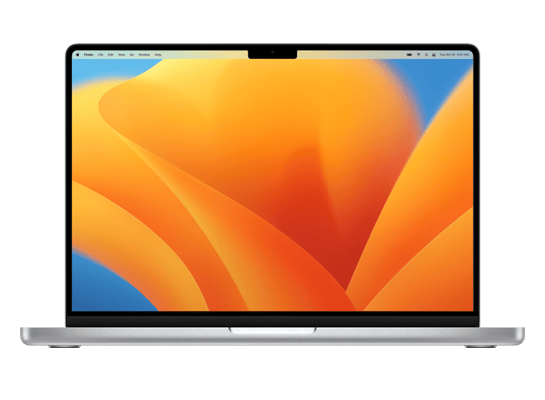
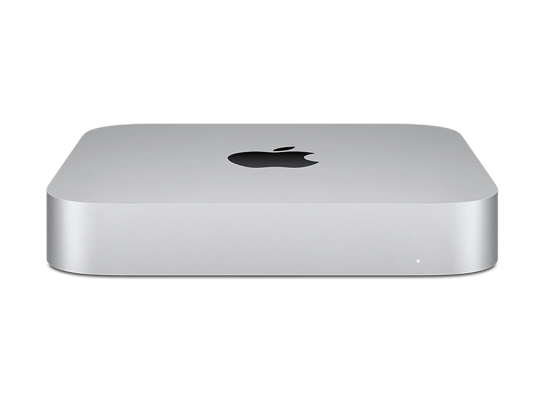
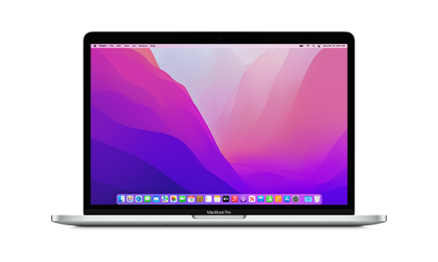
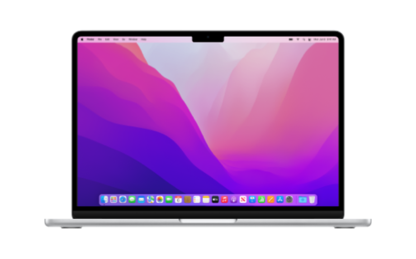
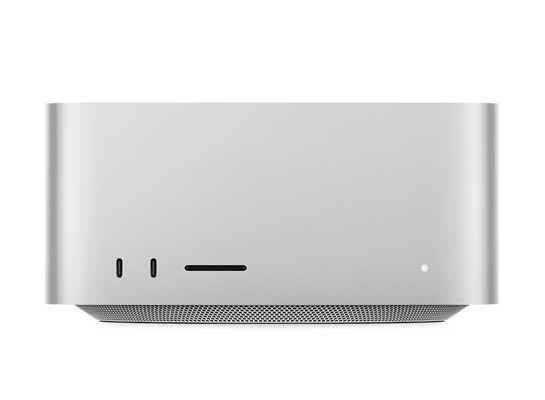
is a beta IPSW for the Mac14,14,
released on January 26, 2026.
The download is 18.87 GB. This build is currently signed by Apple, so blobs can still be saved.
UniversalMac_26.3_25D5112c_Restore.ipsw
How to Install
iTunes / Finder
macOS & Windows- Download the .ipsw file to your computer.
- Connect your Mac14,14 to your computer via USB.
- Open iTunes (Windows / macOS Mojave and earlier) or Finder (macOS Catalina+) and select your device.
- Hold Option ⌘ (Mac) or Shift (Windows) and click Check for Update or Restore iPhone…
- Select the downloaded .ipsw file and follow the on‑screen instructions.
- Wait for the process to complete — do not disconnect the device.
DFU Mode
Recovery tipIf your device is stuck in a boot loop or not recognised by iTunes/Finder, enter DFU (Device Firmware Update) mode first, then select the .ipsw file as normal.
iPhone 8 / X and later
- Quickly press & release Volume Up
- Quickly press & release Volume Down
- Hold Side button until screen goes black
- Hold Side + Volume Down for 5 s
- Release Side, keep holding Volume Down for 5 more seconds
- Black screen = DFU active
iPhone 7 / 7 Plus
- Hold Sleep/Wake + Volume Down for 8 s
- Release Sleep/Wake, keep holding Volume Down for 5 s
- Black screen = DFU active
iPhone 6s and earlier
- Hold Sleep/Wake + Home for 8 s
- Release Sleep/Wake, keep holding Home for 5 s
- Black screen = DFU active
SHSH Blobs
✓ Signed — save nowSHSH blobs are personalised cryptographic tickets Apple issues for a specific device and firmware. Saving blobs for a currently signed build lets you restore to it later using tools like futurerestore. macOS 26.3 beta 3 is currently signed — save your blobs now.
A free open-source GUI app for macOS, Windows and Linux. Connect your device and save blobs with one click.
Download blobsaverCommand-line tool by tihmstar. Requires your device ECID and board config.
tsschecker -d Mac14,14 --buildid 25D5112c -e [ECID] --save
Other Devices with 25D5112c