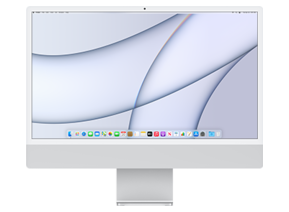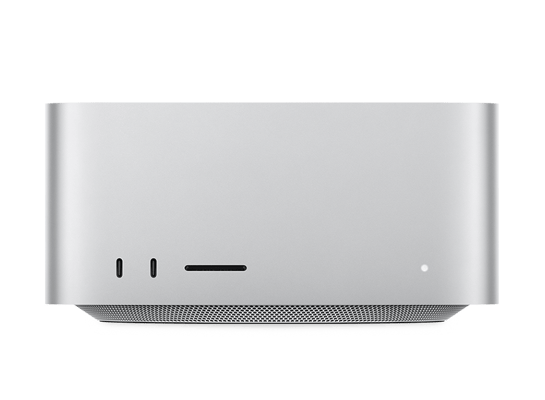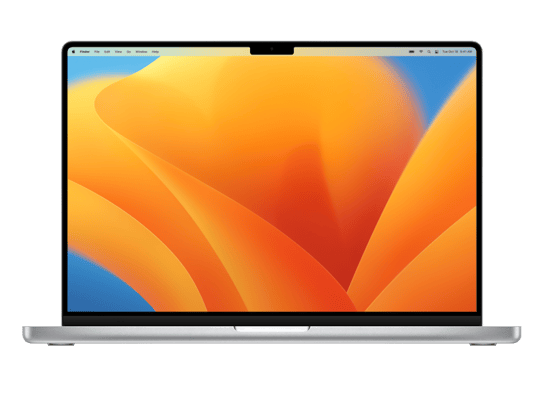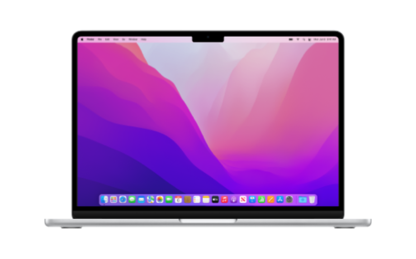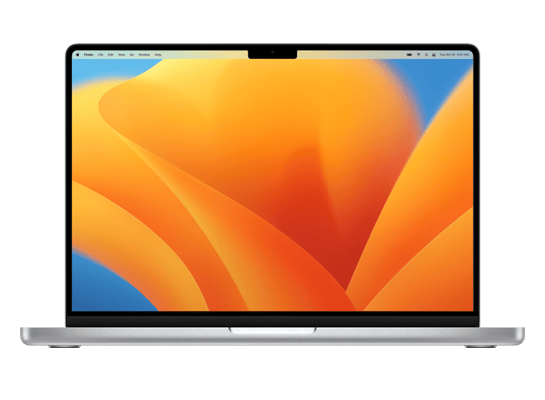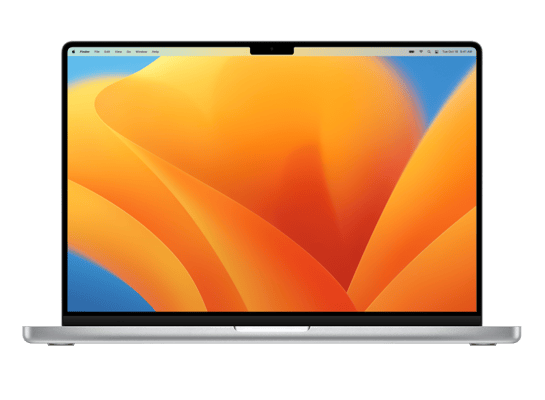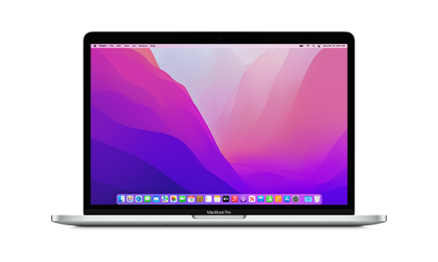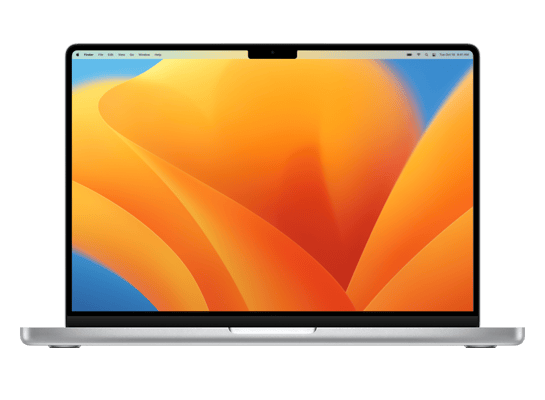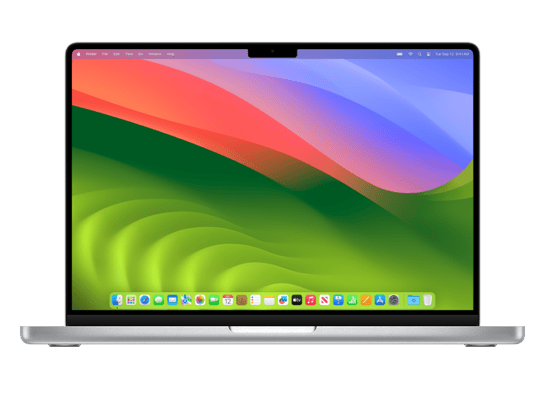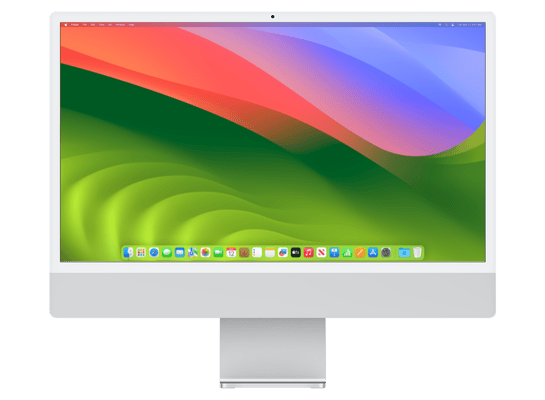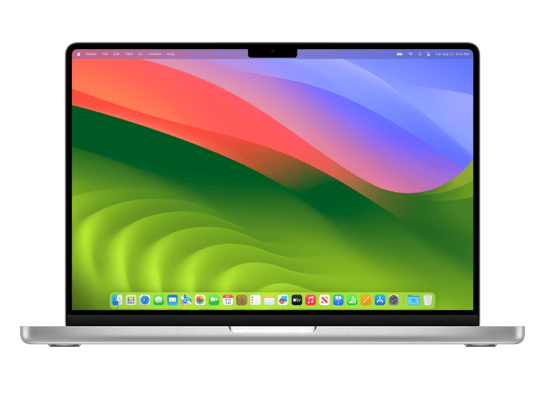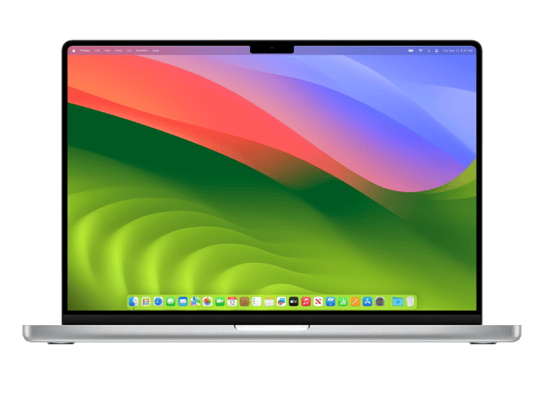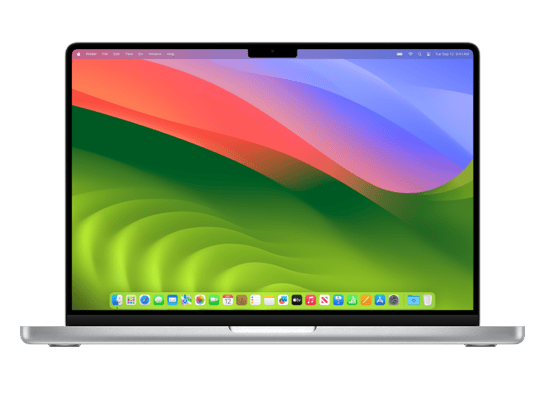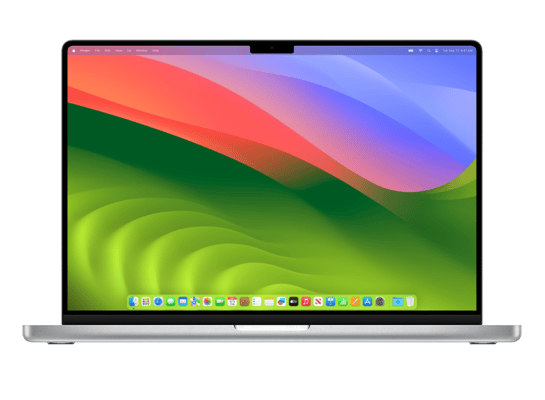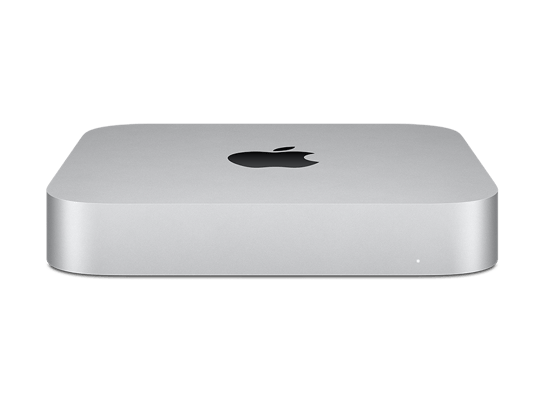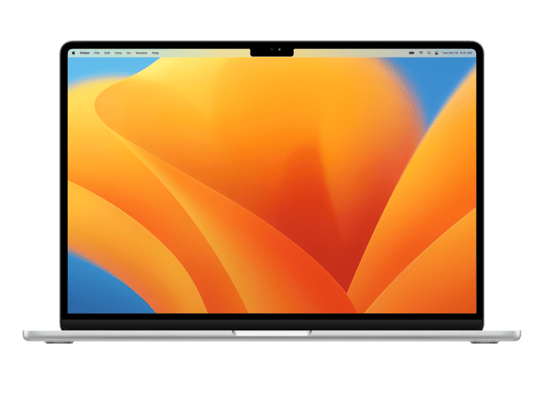
Mac14,15
About This Firmware
macOS 15.4 RC
(build 24E247)
is a beta IPSW for the Mac14,15,
released on March 27, 2025.
The download is 16.81 GB. This build is no longer signed by Apple. Blobs can no longer be saved for this build.
UniversalMac_15.4_24E247_Restore.ipsw
Release Notes
This update introduces the ability to create Memory movies in Photos with Apple Intelligence, a new Sketch Style option in Image Playground, Mail Categorization, and enhancements to better organize and filter your library in Photos. This release also includes other features, bug fixes, and security updates for your Mac.
Apple Intelligence (Mac with M1 and later)- Memory movies can be created by describing the story you want to see in Photos
- Sketch is now available as a style option in Image Playground, so you can create gorgeous drawings
- Apple Intelligence features support 8 additional languages and 2 additional English locales, including English (India, Singapore), French (France, Canada), German (Germany), Italian (Italy), Japanese (Japan), Korean (South Korea), Portuguese (Brazil), Simplified Chinese, and Spanish (Spain, Latin America, US)
- Mail Categorization sorts your messages to help you prioritize the most important messages
- New filter to show or hide items not contained in an album in the Library view
- Retouch brush is included in the Clean Up tool
- Reorder items in the Media Types and Utilities collections
- Consistent filtering options in all collections, including the ability to sort by oldest or newest first
- Option to sort albums by Date Modified
- Disable “Recently Viewed” and “Recently Shared” collections from the View menu
This update also includes the following enhancements and bug fixes:
- 8 new emoji including objects, plants, and a smiley face are now available in the emoji keyboard
- New widgets for Podcasts including a Followed Shows widget to track your favorite shows and a Library widget to get to your most used sections, such as Latest Episodes, Saved, and Downloaded
- Matter-compatible robot vacuum cleaners can be controlled in the Home app as well as be added to scenes and automations
- Resolves an issue where certain external displays might not be able to turn off Night Shift
- Increases the default maximum memory allocation limit available to the GPU on Mac Studio (2025) with M3 Ultra with 256GB or 512GB of unified memory
- Improves transcoding performance in Final Cut Pro on Mac Studio (2025) with M3 Ultra
- Screen Time App Limits persist even after a child uninstalls and reinstalls an app
- Fixes an issue where VoiceOver navigates elements in incorrect order in Music
- Addresses an issue where a Braille display may show an incorrect line when navigating lines with left or right arrows
Some features may not be available for all regions or on all Apple devices.
For detailed information about the security content of this update, please visit: https://support.apple.com/100100
How to Install
iTunes / Finder
macOS & Windows- Download the .ipsw file to your computer.
- Connect your Mac14,15 to your computer via USB.
- Open iTunes (Windows / macOS Mojave and earlier) or Finder (macOS Catalina+) and select your device.
- Hold Option ⌘ (Mac) or Shift (Windows) and click Check for Update or Restore iPhone…
- Select the downloaded .ipsw file and follow the on‑screen instructions.
- Wait for the process to complete — do not disconnect the device.
DFU Mode
Recovery tipIf your device is stuck in a boot loop or not recognised by iTunes/Finder, enter DFU (Device Firmware Update) mode first, then select the .ipsw file as normal.
iPhone 8 / X and later
- Quickly press & release Volume Up
- Quickly press & release Volume Down
- Hold Side button until screen goes black
- Hold Side + Volume Down for 5 s
- Release Side, keep holding Volume Down for 5 more seconds
- Black screen = DFU active
iPhone 7 / 7 Plus
- Hold Sleep/Wake + Volume Down for 8 s
- Release Sleep/Wake, keep holding Volume Down for 5 s
- Black screen = DFU active
iPhone 6s and earlier
- Hold Sleep/Wake + Home for 8 s
- Release Sleep/Wake, keep holding Home for 5 s
- Black screen = DFU active
SHSH Blobs
Unsigned — too late to saveSHSH blobs are personalised cryptographic tickets Apple issues for a specific device and firmware. Saving blobs for a currently signed build lets you restore to it later using tools like futurerestore. macOS 15.4 RC is no longer signed.
A free open-source GUI app for macOS, Windows and Linux. Connect your device and save blobs with one click.
Download blobsaverCommand-line tool by tihmstar. Requires your device ECID and board config.
tsschecker -d Mac14,15 --buildid 24E247 -e [ECID] --save
Other Devices with 24E247