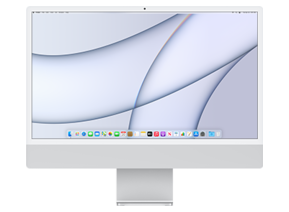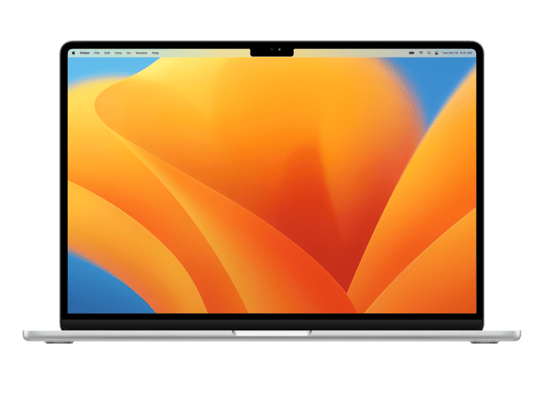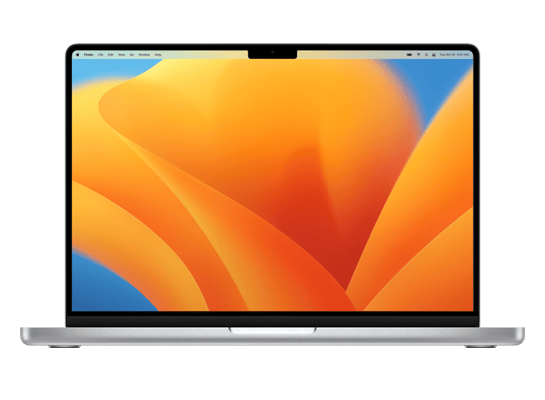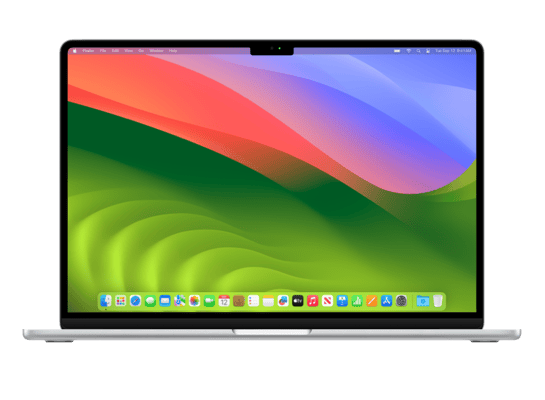
Mac15,13
About This Firmware
macOS 15.2 RC
(build 24C98)
is a beta IPSW for the Mac15,13,
released on December 5, 2024.
The download is 16.53 GB. This build is no longer signed by Apple. Blobs can no longer be saved for this build.
UniversalMac_15.2_24C98_Restore.ipsw
Release Notes
This update introduces new features powered by Apple Intelligence, the personal intelligence system that unlocks powerful new ways to communicate, work, and express yourself, all while protecting your data with an extraordinary step forward for privacy in AI. New features include Image Playground, which lets you create delightful, fun images; ChatGPT support integrated right into Siri and Writing Tools; and more. This release also includes enhancements to Photos and Safari, as well as other features, bug fixes, and security updates for your Mac.
Apple Intelligence (Mac with Apple silicon)
Image Playground- A new app that lets you use concepts, descriptions, and people from your photo library to create fun, playful images in multiple styles
- Swipe through previews and choose from as you add concepts to your playground
- Choose from animation and illustration styles when creating your image
- Create images in Messages and Freeform, as well as third party apps
- Images are synced in your Image Playground library across all your devices with iCloud
- ChatGPT from OpenAI can be accessed right from Siri or Writing Tools
- Compose in Writing Tools allows you to create something from scratch with ChatGPT
- Siri can tap into ChatGPT when relevant to provide you an answer
- A ChatGPT account is not required and your requests will be anonymous and won’t be used to train OpenAI’s models
- Sign in with ChatGPT to access your account benefits, and requests will be covered by OpenAI’s data policies
- Describe your change in Writing Tools allows you to suggest how you’d like something rewritten, for example as a poem
- Favorites album appears in the Utilities collection in addition to Pinned Collections
- Recently Viewed and Recently Shared album history can be cleared
- New background images to customize your Safari Start Page
- HTTPS upgrade tries to use secure HTTPS on all websites
- Simplified import and export for history, bookmarks, and passwords
Other improvements and bug fixes
- Share Item Location in Find My helps you locate and recover misplaced items by easily and securely sharing the location of an AirTag or Find My network accessory with trusted third parties, such as airlines
- Natural language search in Apple Music and Apple TV app lets you describe what you’re looking for using any combination of categories like genres, moods, actors, decades, and more
- Favorite Categories in Podcasts allows you to choose your favorite categories and get relevant show recommendations that you can easily access in your Library
- Personalized Search page in Podcasts highlights the most relevant categories and editorially curated collections tailored to you
- Sudoku for News+ Puzzles provided in three difficulty levels and available for News+ subscribers
- Presenter preview lets you choose what to share — an app or your whole screen — before you share it when connecting to an external display or using AirPlay
- Pre-market price quotes in Stocks lets you track NASDAQ and NYSE tickers prior to market open
- Weather in menu bar allows you to get current weather conditions from the menu bar on your Mac and click through to quickly access detailed forecasts
Some features may not be available for all regions, or on all Apple devices. For information on the security content of Apple software updates, please visit this website: https://support.apple.com/100100
How to Install
iTunes / Finder
macOS & Windows- Download the .ipsw file to your computer.
- Connect your Mac15,13 to your computer via USB.
- Open iTunes (Windows / macOS Mojave and earlier) or Finder (macOS Catalina+) and select your device.
- Hold Option ⌘ (Mac) or Shift (Windows) and click Check for Update or Restore iPhone…
- Select the downloaded .ipsw file and follow the on‑screen instructions.
- Wait for the process to complete — do not disconnect the device.
DFU Mode
Recovery tipIf your device is stuck in a boot loop or not recognised by iTunes/Finder, enter DFU (Device Firmware Update) mode first, then select the .ipsw file as normal.
iPhone 8 / X and later
- Quickly press & release Volume Up
- Quickly press & release Volume Down
- Hold Side button until screen goes black
- Hold Side + Volume Down for 5 s
- Release Side, keep holding Volume Down for 5 more seconds
- Black screen = DFU active
iPhone 7 / 7 Plus
- Hold Sleep/Wake + Volume Down for 8 s
- Release Sleep/Wake, keep holding Volume Down for 5 s
- Black screen = DFU active
iPhone 6s and earlier
- Hold Sleep/Wake + Home for 8 s
- Release Sleep/Wake, keep holding Home for 5 s
- Black screen = DFU active
SHSH Blobs
Unsigned — too late to saveSHSH blobs are personalised cryptographic tickets Apple issues for a specific device and firmware. Saving blobs for a currently signed build lets you restore to it later using tools like futurerestore. macOS 15.2 RC is no longer signed.
A free open-source GUI app for macOS, Windows and Linux. Connect your device and save blobs with one click.
Download blobsaverCommand-line tool by tihmstar. Requires your device ECID and board config.
tsschecker -d Mac15,13 --buildid 24C98 -e [ECID] --save
Other Devices with 24C98