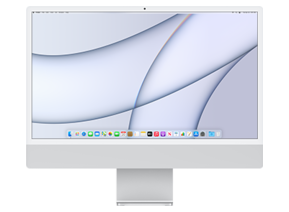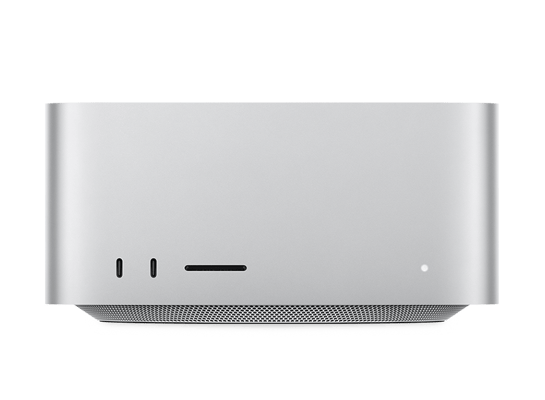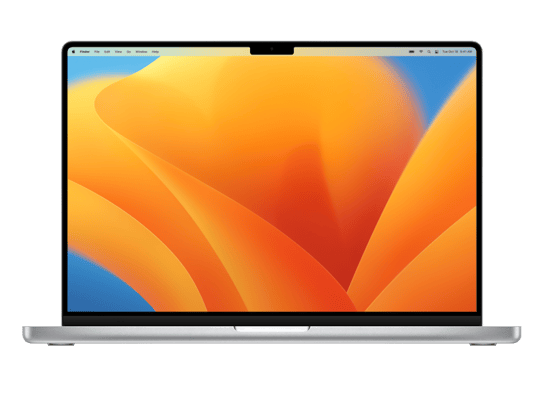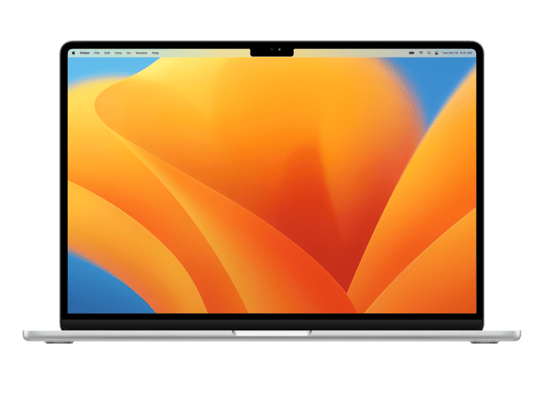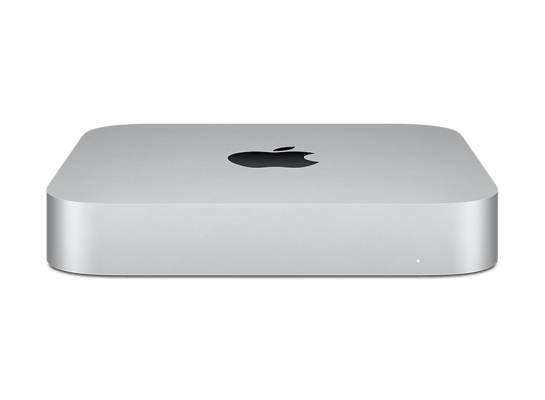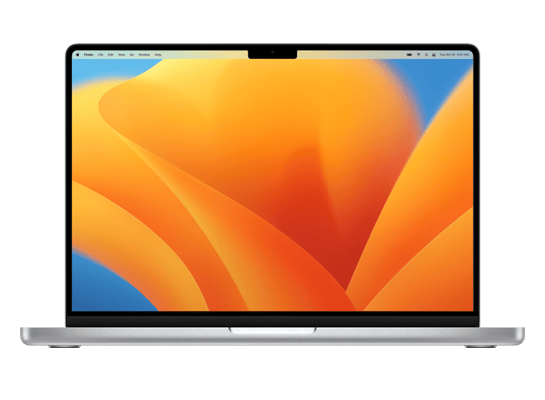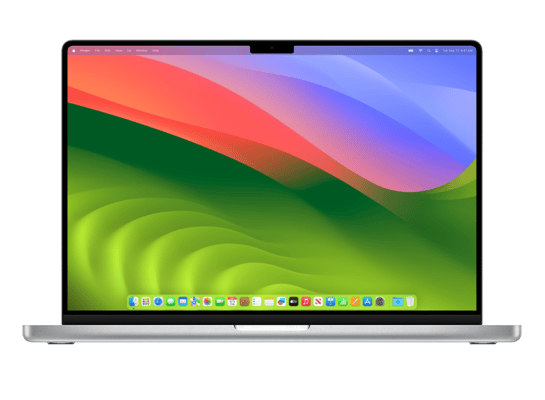
Mac15,9
About This Firmware
macOS 15.1 RC
(build 24B82)
is a beta IPSW for the Mac15,9,
released on October 21, 2024.
The download is 15.76 GB. This build is no longer signed by Apple. Blobs can no longer be saved for this build.
UniversalMac_15.1_24B82_Restore.ipsw
Release Notes
This update introduces the first set of features powered by Apple Intelligence, the personal intelligence system that unlocks powerful new ways to communicate, work, and express yourself, all while protecting your data with an extraordinary step forward for privacy in AI. This release also includes drag and drop support for iPhone Mirroring and other features, bug fixes, and security updates for your Mac.
Apple Intelligence (Mac with M1 and later)
Writing Tools- Writing Tools are available nearly everywhere you type, allowing you to rewrite, proofread, and summarize text right in the app you're working in
- Rewrite suggests different versions of your text so you can choose which combination of flow and wording you like best
- Proofread lets you view suggested improvements to what you're writing, like grammar fixes and language refinements
- Summarize allows you to select text wherever you're writing and generate a high-quality summary
- A new look and feel includes a glowing light that wraps around the edge of your screen, animates responsively to the sound of your voice, and lets you keep scrolling or typing while you talk to Siri
- Type to Siri when you don't want to speak a request out loud
- Richer language understanding enables Siri to follow along if you stumble over your words or change your mind mid-sentence
- Conversational context is maintained over the course of a session, so you can refer more naturally to something you said in a recent request or something Siri mentioned in a recent response
- Product knowledge helps you get answers to thousands of questions about the features and settings on your Apple products
- Voice enhancements make Siri sound more natural, expressive, and clear
- Memory movies can be created by describing the story you want to see
- Photos search lets you find photos and videos simply by describing what you're looking for
- Clean Up removes distractions in your photos
- Notification summaries make it easy to catch up on your notifications with a glanceable summary of the most important information
- Reduce Interruptions is a new Focus that ensures the most urgent notifications get through to you while silencing potential distractions
- Smart Reply in Mail and Messages help you quickly respond to messages with suggested responses
- Transcription summaries in Notes give you an intelligently created summary of the transcript from your audio recording
- Drag and drop support lets you seamlessly move files, photos, videos, and more between your Mac and iPhone
- Hearing Protection feature helps users minimize exposure to loud environmental noise across listening modes (available in the United States and Canada)
- Features require AirPods Pro 2 with firmware version 7B19 or later. All features may not be available for all countries or regions, for more information visit: https://apple.com/airpods-pro/feature-availability/
This update also includes the following improvements and bug fixes:
- Option to automatically download and install games and apps to an external disk drive
- Game Center friend invites can be sent directly from the Contacts app and Friend Suggestions and receivers can see the invites in the inbox in Settings
Some features may not be available for all regions or on all Apple devices. For information on the security content of Apple software updates, please visit this website: https://support.apple.com/100100
How to Install
iTunes / Finder
macOS & Windows- Download the .ipsw file to your computer.
- Connect your Mac15,9 to your computer via USB.
- Open iTunes (Windows / macOS Mojave and earlier) or Finder (macOS Catalina+) and select your device.
- Hold Option ⌘ (Mac) or Shift (Windows) and click Check for Update or Restore iPhone…
- Select the downloaded .ipsw file and follow the on‑screen instructions.
- Wait for the process to complete — do not disconnect the device.
DFU Mode
Recovery tipIf your device is stuck in a boot loop or not recognised by iTunes/Finder, enter DFU (Device Firmware Update) mode first, then select the .ipsw file as normal.
iPhone 8 / X and later
- Quickly press & release Volume Up
- Quickly press & release Volume Down
- Hold Side button until screen goes black
- Hold Side + Volume Down for 5 s
- Release Side, keep holding Volume Down for 5 more seconds
- Black screen = DFU active
iPhone 7 / 7 Plus
- Hold Sleep/Wake + Volume Down for 8 s
- Release Sleep/Wake, keep holding Volume Down for 5 s
- Black screen = DFU active
iPhone 6s and earlier
- Hold Sleep/Wake + Home for 8 s
- Release Sleep/Wake, keep holding Home for 5 s
- Black screen = DFU active
SHSH Blobs
Unsigned — too late to saveSHSH blobs are personalised cryptographic tickets Apple issues for a specific device and firmware. Saving blobs for a currently signed build lets you restore to it later using tools like futurerestore. macOS 15.1 RC is no longer signed.
A free open-source GUI app for macOS, Windows and Linux. Connect your device and save blobs with one click.
Download blobsaverCommand-line tool by tihmstar. Requires your device ECID and board config.
tsschecker -d Mac15,9 --buildid 24B82 -e [ECID] --save
Other Devices with 24B82