Sign In

About This Firmware

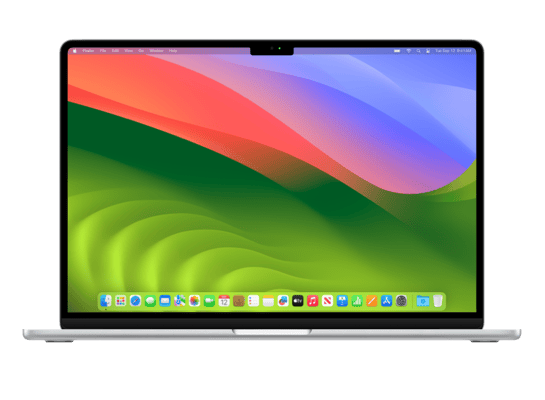
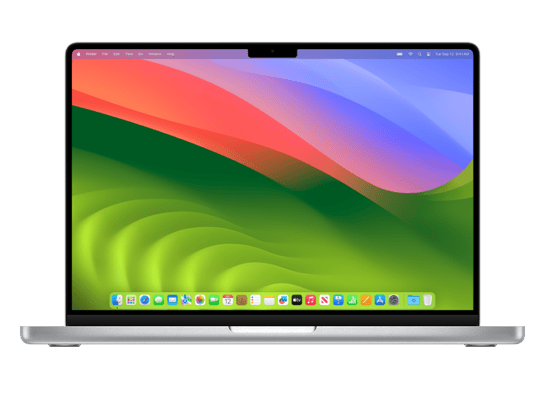
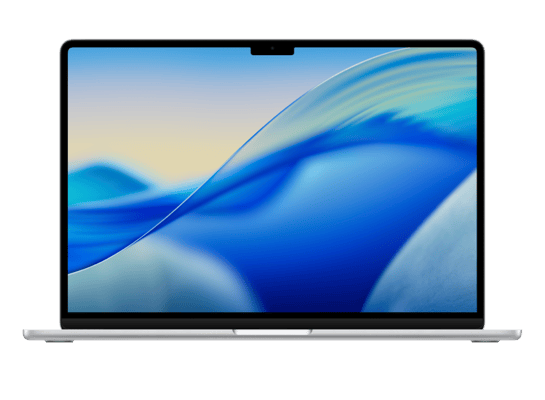
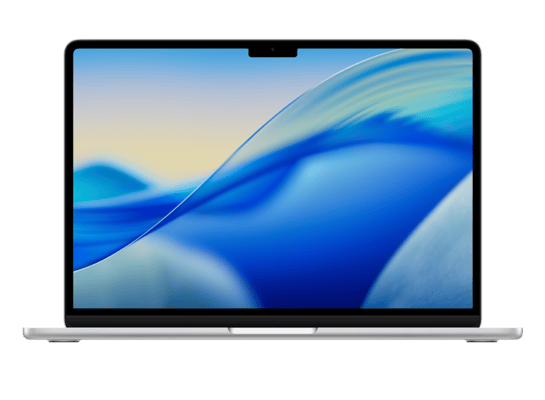
macOS 26.5 RC (build 25F71) is a beta IPSW for the Mac16,11, released on May 4, 2026. The download is 19.77 GBConsumer Ele. This build is currently signed by Apple, so blobs can still be saved.

Filename
UniversalMac_26.5_25F71_Restore.ipsw
Download IPSW

How to Install

iTunes / Finder

macOS & Windows
  1. Download the .ipsw file to your computer.
  2. Connect your Mac16,11 to your computer via USB.
  3. Open iTunes (Windows / macOS Mojave and earlier) or Finder (macOS Catalina+) and select your device.
  4. Hold Option ⌘ (Mac) or Shift (Windows) and click Check for Update or Restore iPhone…
  5. Select the downloaded .ipsw file and follow the on‑screen instructions.
  6. Wait for the process to complete — do not disconnect the device.
Restoring will erase all data on the device. Back up with iCloud or Finder/iTunes before proceeding.

DFU Mode

Recovery tip

If your device is stuck in a boot loop or not recognised by iTunes/Finder, enter DFU (Device Firmware Update) mode first, then select the .ipsw file as normal.

iPhone 8 / X and later

  1. Quickly press & release Volume Up
  2. Quickly press & release Volume Down
  3. Hold Side button until screen goes black
  4. Hold Side + Volume Down for 5 s
  5. Release Side, keep holding Volume Down for 5 more seconds
  6. Black screen = DFU active

iPhone 7 / 7 Plus

  1. Hold Sleep/Wake + Volume Down for 8 s
  2. Release Sleep/Wake, keep holding Volume Down for 5 s
  3. Black screen = DFU active

iPhone 6s and earlier

  1. Hold Sleep/Wake + Home for 8 s
  2. Release Sleep/Wake, keep holding Home for 5 s
  3. Black screen = DFU active

SHSH Blobs

✓ Signed — save now

SHSH blobs are personalised cryptographic tickets Apple issues for a specific device and firmware. Saving blobs for a currently signed build lets you restore to it later using tools like futurerestore. macOS 26.5 RC is currently signed — save your blobs now.

blobsaver GUI

A free open-source GUI app for macOS, Windows and Linux. Connect your device and save blobs with one click.

Download blobsaver
tsschecker CLI

Command-line tool by tihmstar. Requires your device ECID and board config.

tsschecker -d Mac16,11 --buildid 25F71 -e [ECID] --save

Save your blobs now

macOS 26.5 RC (25F71) is currently signed by Apple.

✓ Signed

Other Devices with 25F71
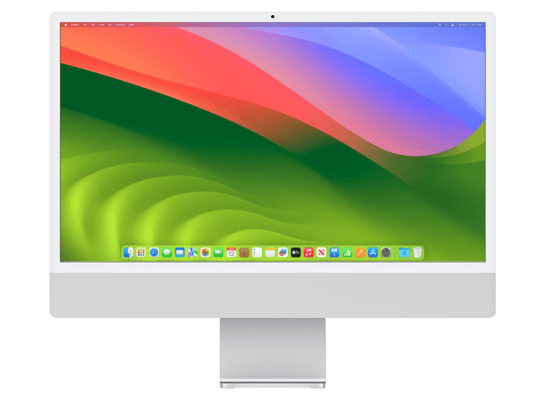
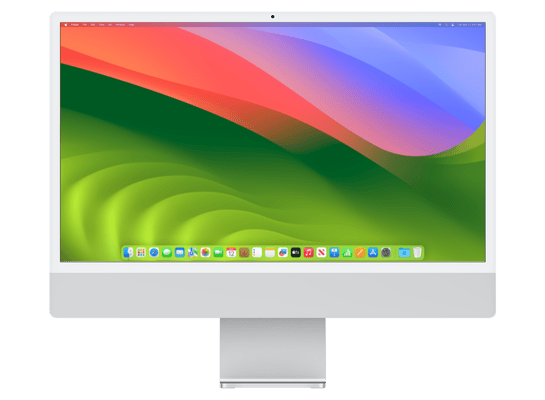
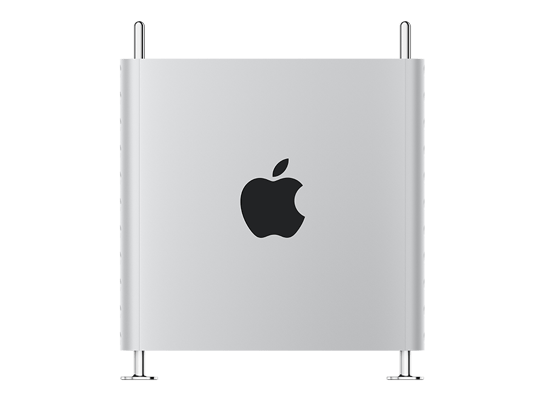
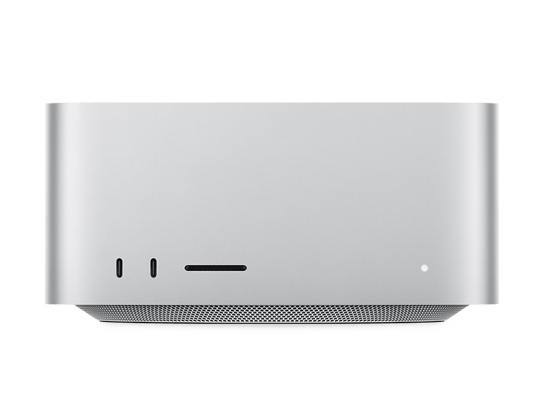
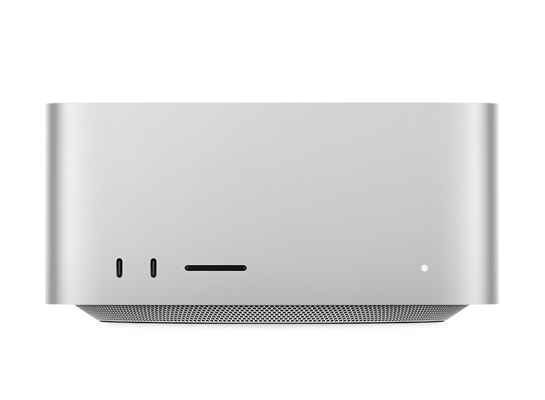
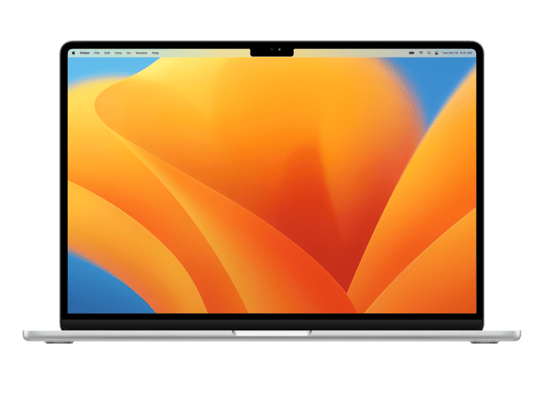
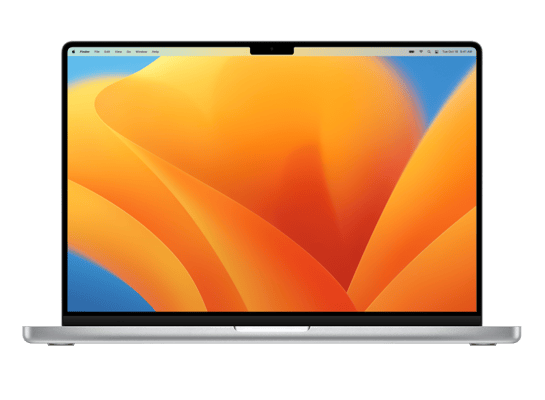
Mac Studio (M3 Ultra, 2025) Mac Studio (M4 Max, 2025) MacBook Air (13-inch, M4, 2025) iMac (24-inch, M4, 2024, Four Ports) iMac (24-inch, M4, 2024, Two Ports) MacBook Pro (16-inch, M4 Max, Nov 2024) MacBook Pro (16-inch, M4 Pro, Nov 2024) MacBook Pro (14-inch, M4 Max, Nov 2024) MacBook Pro (14-inch, M4 Pro, Nov 2024) MacBook Pro (14-inch, M4, Nov 2024) Mac mini (M4, 2024) MacBook Air (15-inch, M3, 2024) MacBook Air (13-inch, M3, 2024) MacBook Pro (16-inch, 14-core M3 Max, Nov 2023) MacBook Pro (16-inch, 16-core M3 Max, Nov 2023) MacBook Pro (16-inch, M3 Pro, Nov 2023) MacBook Pro (14-inch, 14-core M3 Max, Nov 2023) MacBook Pro (14-inch, 16-core M3 Max, Nov 2023) MacBook Pro (14-inch, M3 Pro, Nov 2023) MacBook Pro (14-inch, M3, Nov 2023) iMac (24-inch, M3, 2023, Four Ports) iMac (24-inch, M3, 2023, Two Ports) Mac Pro (2023) Mac Studio (M2 Ultra, 2023) Mac Studio (M2 Max, 2023) MacBook Air (15-inch, M2, 2023) MacBook Pro (16-inch, M2 Max, 2023) MacBook Pro (16-inch, M2 Pro, 2023) MacBook Pro (14-inch, M2 Max, 2023) MacBook Pro (14-inch, M2 Pro, 2023) Mac mini (M2 Pro, 2023) Mac mini (M2, 2023) MacBook Pro (13-inch, M2, 2022) MacBook Air (M2, 2022) Mac Studio (M1 Ultra) Mac Studio (M1 Max) MacBook Pro (14-inch, M1 Max, 2021) MacBook Pro (14-inch, M1 Pro, 2021) MacBook Pro (16-inch, M1 Max, 2021) MacBook Pro (16-inch, M1 Pro, 2021) iMac (24-inch, M1, 2021, Two Ports) iMac (24-inch, M1, 2021, Four Ports) Mac mini (M1, Late 2020) MacBook Pro (13-inch, M1, 2020) MacBook Air (M1, 2020) MacBook Pro (14-inch, M5, 2025) MacBook Pro (14-inch, M5 Pro) MacBook Pro (16-inch, M5 Pro) MacBook Pro (14-inch, M5 Max) MacBook Pro (16-inch, M5 Max) MacBook Neo MacBook Air (15-inch, M5) MacBook Air (13-inch, M5)
© 2026 iOSBuddy. Firmware data provided by ipswdl.com API. Not affiliated with Apple Inc.