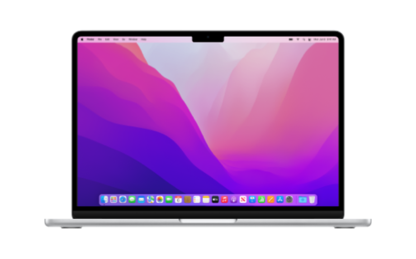
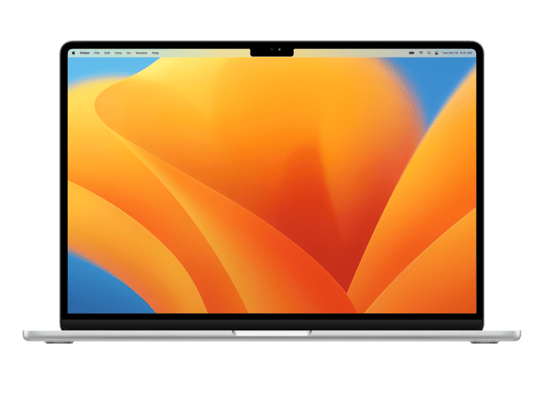
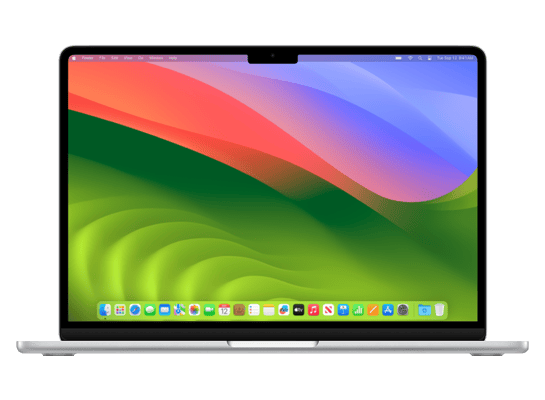
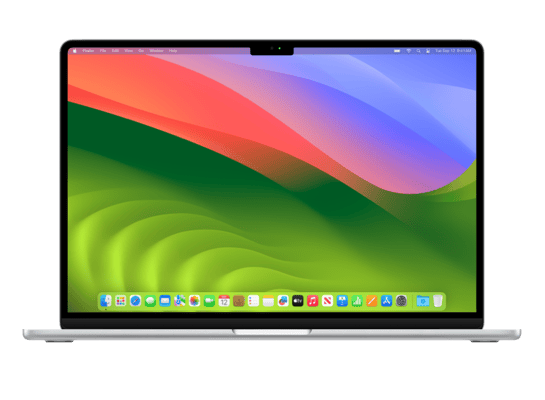
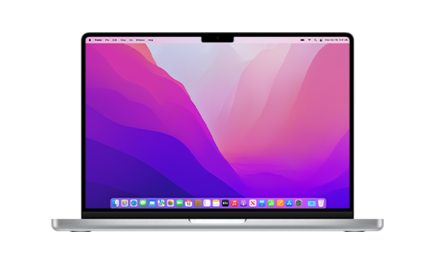
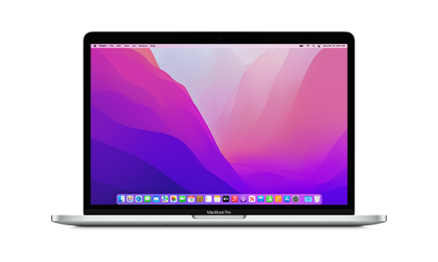
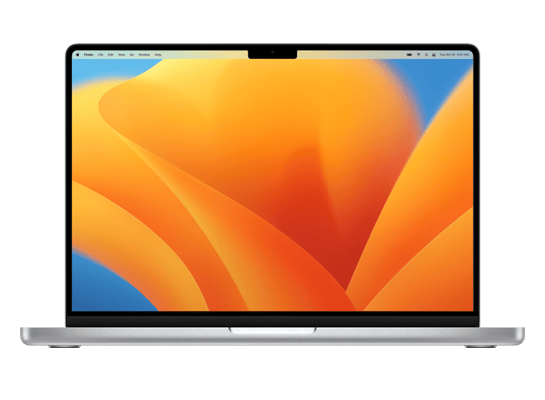
Mac16,12
About This Firmware
macOS 26.6 Beta
(build 25G5028f)
is a beta IPSW for the Mac16,12,
released on 2026-05-26.
The download is 19.8 GB. This build is currently signed by Apple, so blobs can still be saved.
UniversalMac_26.6_25G5028f_Restore.ipsw
Release Notes
macOS Tahoe 26.6 Beta Release Notes
Update your apps to use new features, and test your apps against API changes.
Overview
The macOS 26.6 SDK provides support to develop apps for Mac computers running Tahoe 26.6 beta. The SDK comes bundled with Xcode 26.6, available from the Mac App Store. For information on the compatibility requirements for Xcode 26.6, see Xcode 26.6 Release Notes.
Ecosystem
Resolved Issues
- Fixed: macOS deprecation notifications incorrectly identify a host app as Intel-only when a system plugin loader, such as a Color Picker or Print Dialog Extension, loads x86 code into the host process. (174841181) (FB22512943)
How to Install
iTunes / Finder
macOS & Windows- Download the .ipsw file to your computer.
- Connect your Mac16,12 to your computer via USB.
- Open iTunes (Windows / macOS Mojave and earlier) or Finder (macOS Catalina+) and select your device.
- Hold Option ⌘ (Mac) or Shift (Windows) and click Check for Update or Restore iPhone…
- Select the downloaded .ipsw file and follow the on‑screen instructions.
- Wait for the process to complete — do not disconnect the device.
DFU Mode
Recovery tipIf your device is stuck in a boot loop or not recognised by iTunes/Finder, enter DFU (Device Firmware Update) mode first, then select the .ipsw file as normal.
iPhone 8 / X and later
- Quickly press & release Volume Up
- Quickly press & release Volume Down
- Hold Side button until screen goes black
- Hold Side + Volume Down for 5 s
- Release Side, keep holding Volume Down for 5 more seconds
- Black screen = DFU active
iPhone 7 / 7 Plus
- Hold Sleep/Wake + Volume Down for 8 s
- Release Sleep/Wake, keep holding Volume Down for 5 s
- Black screen = DFU active
iPhone 6s and earlier
- Hold Sleep/Wake + Home for 8 s
- Release Sleep/Wake, keep holding Home for 5 s
- Black screen = DFU active
SHSH Blobs
✓ Signed — save nowSHSH blobs are personalised cryptographic tickets Apple issues for a specific device and firmware. Saving blobs for a currently signed build lets you restore to it later using tools like futurerestore. macOS 26.6 Beta is currently signed — save your blobs now.
A free open-source GUI app for macOS, Windows and Linux. Connect your device and save blobs with one click.
Download blobsaverCommand-line tool by tihmstar. Requires your device ECID and board config.
tsschecker -d Mac16,12 --buildid 25G5028f -e [ECID] --save
Other Devices with 25G5028f