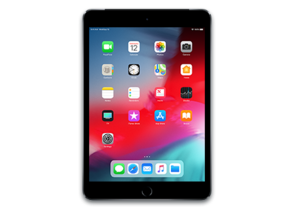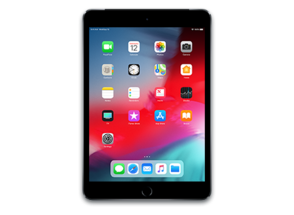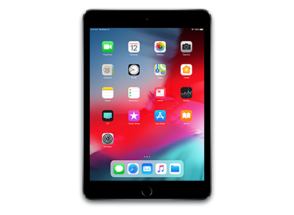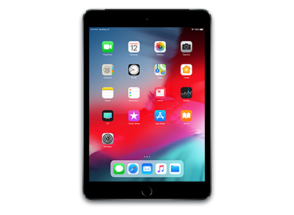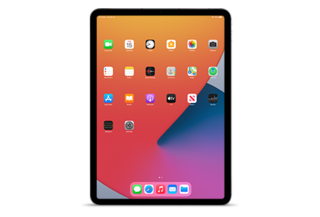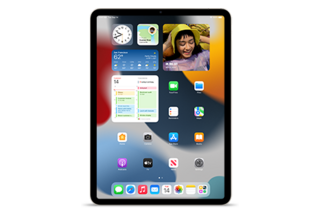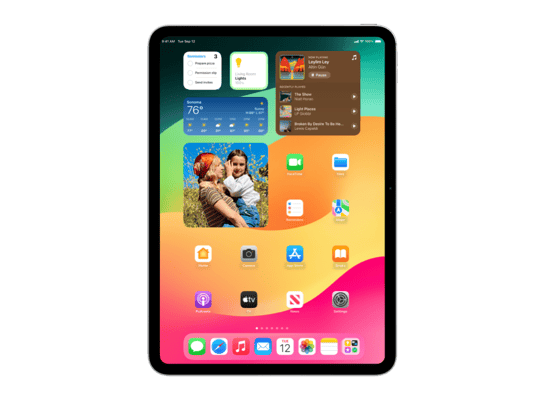
iPad16,4
About This Firmware
iPadOS 18.3 RC
(build 22D60)
is a beta IPSW for the iPad16,4,
released on January 21, 2025.
The download is 9.15 GB. This build is no longer signed by Apple. Blobs can no longer be saved for this build.
iPad_Pro_M4_18.3_22D60_Restore.ipsw
Release Notes
This update includes enhancements, bug fixes, and security updates for your iPad.
Notification summaries (iPad with M1 and later)- Easily manage settings for notification summaries from the Lock Screen
- Updated style for summarized notifications better distinguishes them from other notifications by using italicized text as well as the glyph
- Notification summaries for News & Entertainment apps are temporarily unavailable, and users who opt-in will see them again when the feature becomes available
This update includes the following enhancements and bug fixes
- Calculator repeats the last mathematical operation when you tap the equals sign again
- Fixes an issue where the keyboard might disappear when initiating a typed Siri request
Some features may not be available for all regions or on all Apple devices. For information on the security content of Apple software updates, please visit: https://support.apple.com/100100
How to Install
iTunes / Finder
macOS & Windows- Download the .ipsw file to your computer.
- Connect your iPad16,4 to your computer via USB.
- Open iTunes (Windows / macOS Mojave and earlier) or Finder (macOS Catalina+) and select your device.
- Hold Option ⌘ (Mac) or Shift (Windows) and click Check for Update or Restore iPhone…
- Select the downloaded .ipsw file and follow the on‑screen instructions.
- Wait for the process to complete — do not disconnect the device.
DFU Mode
Recovery tipIf your device is stuck in a boot loop or not recognised by iTunes/Finder, enter DFU (Device Firmware Update) mode first, then select the .ipsw file as normal.
iPhone 8 / X and later
- Quickly press & release Volume Up
- Quickly press & release Volume Down
- Hold Side button until screen goes black
- Hold Side + Volume Down for 5 s
- Release Side, keep holding Volume Down for 5 more seconds
- Black screen = DFU active
iPhone 7 / 7 Plus
- Hold Sleep/Wake + Volume Down for 8 s
- Release Sleep/Wake, keep holding Volume Down for 5 s
- Black screen = DFU active
iPhone 6s and earlier
- Hold Sleep/Wake + Home for 8 s
- Release Sleep/Wake, keep holding Home for 5 s
- Black screen = DFU active
SHSH Blobs
Unsigned — too late to saveSHSH blobs are personalised cryptographic tickets Apple issues for a specific device and firmware. Saving blobs for a currently signed build lets you restore to it later using tools like futurerestore. iPadOS 18.3 RC is no longer signed.
A free open-source GUI app for macOS, Windows and Linux. Connect your device and save blobs with one click.
Download blobsaverCommand-line tool by tihmstar. Requires your device ECID and board config.
tsschecker -d iPad16,4 --buildid 22D60 -e [ECID] --save
Other Devices with 22D60