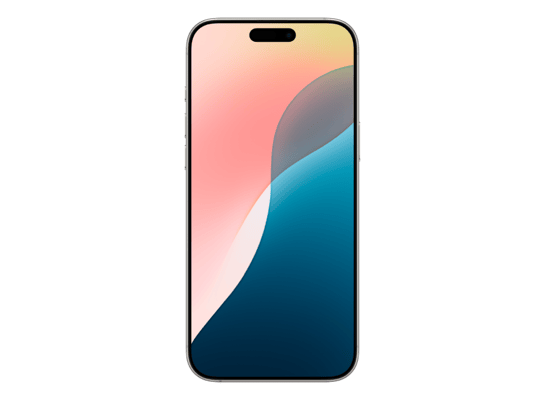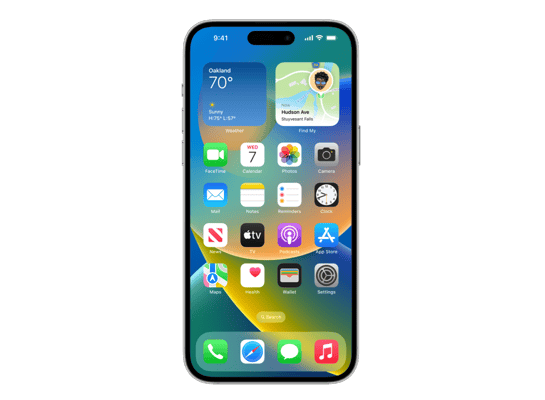
iPhone14,3
About This Firmware
iOS 26.5 RC
(build 23F75)
is a beta IPSW for the iPhone14,3,
released on May 4, 2026.
The download is 10.32 GB. This build is no longer signed by Apple. Blobs can no longer be saved for this build.
iPhone14,3_26.5_23F75_Restore.ipswCell Phones
Release Notes
This update includes the following enhancements:
- End-to-end encrypted RCS messaging (beta) in Messages is available with supported carriers and will roll out over time. For more information visit: https://support.apple.com/109526
- Pride Luminance wallpaper that dynamically refracts a spectrum of colors, is available for download
- Suggested Places in Maps displays recommendations based on what's trending nearby and your recent searches
For information on the security content of Apple software updates, please visit: https://support.apple.com/100100
Some features may not be available in all regions or on all iPhone models. To learn more, please visit: https://apple.com/ios/feature-availability/
Software updates, like this one, add new features and improvements that may affect performance and/or battery life. To learn more, please visit: https://support.apple.com/125039
How to Install
iTunes / Finder
macOS & Windows- Download the .ipsw file to your computer.
- Connect your iPhone14,3 to your computer via USB.
- Open iTunes (Windows / macOS Mojave and earlier) or Finder (macOS Catalina+) and select your device.
- Hold Option ⌘ (Mac) or Shift (Windows) and click Check for Update or Restore iPhone…
- Select the downloaded .ipsw file and follow the on‑screen instructions.
- Wait for the process to complete — do not disconnect the device.
DFU Mode
Recovery tipIf your device is stuck in a boot loop or not recognised by iTunes/Finder, enter DFU (Device Firmware Update) mode first, then select the .ipsw file as normal.
iPhone 8 / X and later
- Quickly press & release Volume Up
- Quickly press & release Volume Down
- Hold Side button until screen goes black
- Hold Side + Volume Down for 5 s
- Release Side, keep holding Volume Down for 5 more seconds
- Black screen = DFU active
iPhone 7 / 7 Plus
- Hold Sleep/Wake + Volume Down for 8 s
- Release Sleep/Wake, keep holding Volume Down for 5 s
- Black screen = DFU active
iPhone 6s and earlier
- Hold Sleep/Wake + Home for 8 s
- Release Sleep/Wake, keep holding Home for 5 s
- Black screen = DFU active
SHSH Blobs
Unsigned — too late to saveSHSH blobs are personalised cryptographic tickets Apple issues for a specific device and firmware. Saving blobs for a currently signed build lets you restore to it later using tools like futurerestore. iOS 26.5 RC is no longer signed.
A free open-source GUI app for macOS, Windows and Linux. Connect your device and save blobs with one click.
Download blobsaverCommand-line tool by tihmstar. Requires your device ECID and board config.
tsschecker -d iPhone14,3 --buildid 23F75 -e [ECID] --save
Other Devices with 23F75