
About This Firmware
Firmware 11.1
(build 20C69) is an official Apple IPSW
for the Developer Transition Kit,
released on 2020-12-14.
The file is served directly from Apple's CDN.
This firmware is currently signed by Apple, so it can be used to restore or update your device via iTunes or Finder.
Verify the download using the checksums below.
Filename
UniversalMac_11.1_20C69_Restore.ipsw
Checksums
SHA-256
e294a6770b15954e0e87f54004d1b681b9bb146a9b9cb3d563946bfac8775c07
SHA-1
fc1fe7eec02c7dddf81d2746c328775e765aed7d
MD5
048a4ad637864d279ab08ad22633eca8
Direct URL
https://updates.cdn-apple.com/2020FallFCS/fullrestores/001-86608/A64021D1-CE56-4ABE-BB05-566A951EE3D0/UniversalMac_11.1_20C69_Restore.ipsw
Other Devices
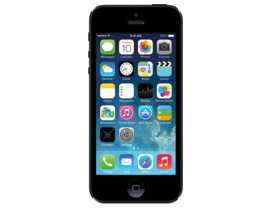
iPhone 5 (GSM)
iPhone5,1
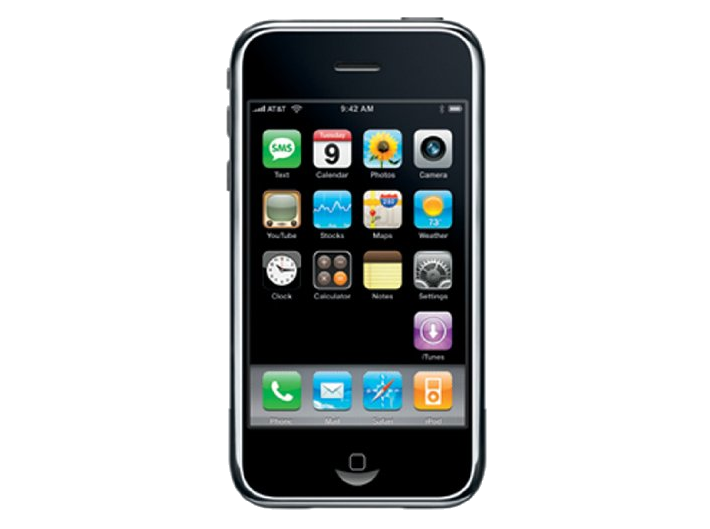
iPhone 2G
iPhone1,1
iPhone 13 mini
iPhone14,4
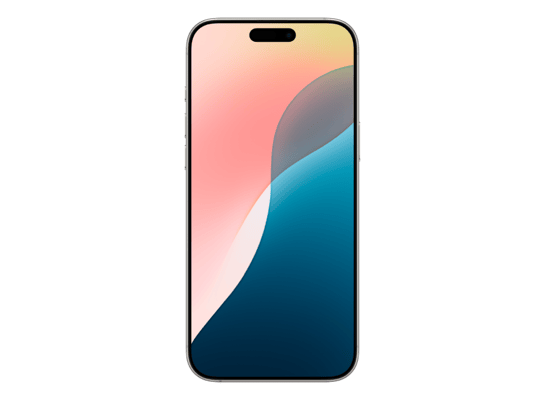
iPhone 16 Pro Max
iPhone17,2
iPhone 12 Pro Max
iPhone13,4
iPhone 15 Pro
iPhone16,1
How to Restore with This IPSW
iTunes / Finder
macOS & Windows- Download the .ipsw file to your computer.
- Connect your Developer Transition Kit via USB.
- Open iTunes (Windows / macOS Mojave and earlier) or Finder (macOS Catalina+) and select your device.
- Update (keep data): hold Option (Mac) or Shift (Windows) and click Update, then pick the .ipsw file.
- Restore (erase & install): hold Option / Shift and click Restore iPhone…, then pick the .ipsw file.
- Wait for the process to finish - do not disconnect.
Restoring will erase all data on the device. Back up first.
3uTools
Windows- Download and install 3uTools from 3u.com.
- Connect your Developer Transition Kit via USB and trust the computer on the device.
- Go to Flash & JB > Easy Flash.
- Click Import and select the downloaded .ipsw file.
- Choose Flash mode: Update keeps data, Restore wipes the device.
- Click Flash and wait for the progress bar to complete - do not disconnect.
Only flash firmware that matches your exact device model.
DFU Mode
Recovery tipIf your device is stuck in a boot loop or iTunes/Finder does not recognise it, enter DFU mode first, then select the .ipsw file as normal.
iPhone 8 / X and later
- Quickly press & release Volume Up
- Quickly press & release Volume Down
- Hold Side button until screen goes black
- Hold Side + Volume Down for 5 s
- Release Side, hold Volume Down 5 more s
- Black screen = DFU active
iPhone 7 / 7 Plus
- Hold Sleep/Wake + Volume Down for 8 s
- Release Sleep/Wake, keep holding Volume Down for 5 s
- Black screen = DFU active
iPhone 6s and earlier
- Hold Sleep/Wake + Home for 8 s
- Release Sleep/Wake, keep holding Home for 5 s
- Black screen = DFU active