
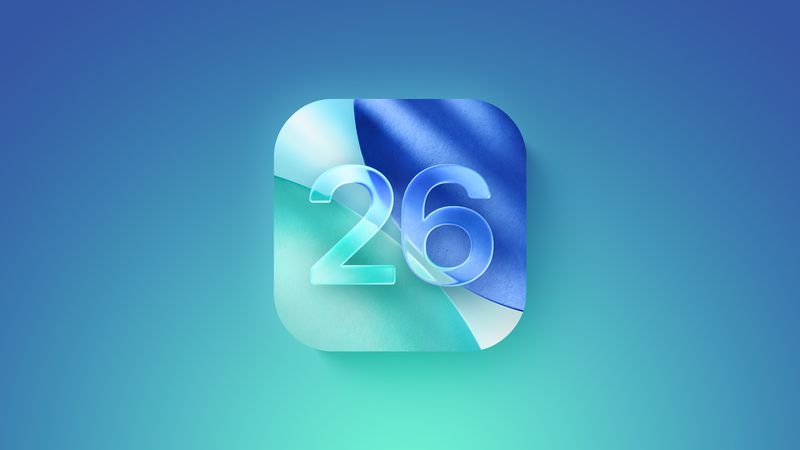
Everything you need to know about Apple's iOS 26
iOS 26's Liquid Glass redesign to iOS 27's Siri AI overhaul — full roadmap of every feature, release date, and what Apple's foldable iPhone means for iOS.
Apple's iPhone software has entered its biggest stretch of change in years. In just twelve months, Apple rebuilt the entire visual language of iOS, then turned around and rebuilt Siri from the ground up — all while quietly laying the software groundwork for its first foldable iPhone. This roadmap walks through where iOS has been, where it stands right now, and where it's headed next.
Quick Overview
| Version | Status | Released / Releasing | Headline Feature |
|---|---|---|---|
| iOS 26 | Current, on 26.6 | September 15, 2025 | Liquid Glass redesign |
| iOS 26.6.1 | In beta | Expected August 2026 | Security patch |
| iOS 27 | In public beta | September 2026 | Siri AI overhaul |
| iOS 28 | Unannounced | Expected September 2027 | TBD |
Part 1: iOS 26 — The Liquid Glass Foundation (Current Release)
iOS 26 marked Apple's naming-scheme reset — jumping from iOS 18 straight to iOS 26 to align every Apple OS (iOS, iPadOS, macOS, watchOS, tvOS, visionOS) under a single year-based number tied to the 2025–2026 release season. But the number change was the least important thing about it.
- Quick Overview
- Part 1: iOS 26 — The Liquid Glass Foundation (Current Release)
- Liquid Glass: iOS's first true redesign since iOS 7
- The Apple Intelligence layer
- Everyday features that shipped
- Where iOS 26 stands today
- Part 2: iOS 27 — Siri Finally Gets Its AI Overhaul
- Siri AI: the headline feature
- Visual Intelligence moves into the Camera app
- AI-powered editing and productivity
- Meaningful app updates
- Performance: the quiet headline
- Design: Liquid Glass, refined
- Parental controls get serious
- Compatibility
- Part 3: What's Next — iOS 27 and the Foldable iPhone
- Looking further out
- iOS 26 vs. iOS 27: What Actually Changed
- Should You Update?
Liquid Glass: iOS's first true redesign since iOS 7
iOS 26 introduced Liquid Glass, a translucent material that reflects and refracts its surroundings in real time. Apple says it's the design foundation for the next decade of its software. Key characteristics:
- Translucent, reflective surfaces across controls, navigation, app icons, menus, buttons, and widgets
- Real-time rendering that reacts to device movement, changing how light appears to hit buttons, sliders, and tab bars
- Pop-out menus that consolidate settings behind a tap instead of cluttering the interface (most visible in the redesigned Camera app)
- Disappearing navigation — tab bars in Safari and elsewhere shrink while scrolling and reappear when needed
- Rounder corners everywhere — pill-shaped nav bars, circular buttons, elongated toggles — a shift away from iOS 18's squircle-heavy look
- Cross-platform consistency: the same Liquid Glass language appears in iPadOS 26, macOS Tahoe, watchOS 26, tvOS 26, and visionOS 26 (which inspired it)
The Apple Intelligence layer
iOS 26 significantly expanded Apple Intelligence:
- Live Translation in Messages, FaceTime, and Phone for real-time conversation translation
- Visual Intelligence gained screenshot support, so users can ask ChatGPT-powered questions about anything on their screen, plus a Highlight to Search tool
- Genmoji can now combine multiple emoji or blend an emoji with a text description
- Image Playground added ChatGPT-powered image generation styles (Anime, Oil Painting, Watercolor, Vector, Print)
- A new Foundation Models framework let third-party developers tap directly into Apple's on-device AI model
Everyday features that shipped
- Phone: Call Screening (asks unknown callers for name/reason before ringing you), Hold Assist (waits on hold and alerts you when an agent picks up), unified Favorites/Recents/Voicemail layout
- Messages: screening for unknown senders, custom backgrounds, polls, typing indicators in group chats, Apple Cash in groups
- Apple Music: AutoMix (AI-powered beat-matched transitions), Lyrics Translation and Pronunciation
- Wallet: AI-scanned email order tracking, in-store installments and rewards, Live Activity boarding passes, and — rolled out in November 2025 — a Digital ID passport feature usable at select TSA checkpoints
- New apps: a standalone Games app (library, leaderboards, friend challenges) and Preview (Mac's PDF/image tool, now on iPhone and iPad)
- Battery: a rebuilt Battery section with weekly usage comparisons, and a new Adaptive Power mode (iPhone 15 Pro and later) that trims performance to stretch battery life
- CarPlay: Liquid Glass redesign, Tapback support, Live Activities, multi-touch map gestures, and the ability to AirPlay video to the car screen while parked
- AirPods (4 and Pro 2): studio-quality call/recording audio, camera remote via stem press, in-app firmware updates, and Pause for Sleep
Where iOS 26 stands today
As of this writing, iOS 26 is on version 26.6, released July 27, 2026, which patched hundreds of security flaws and optimized Spotlight ahead of iOS 27. A 26.6.1 update is in beta with additional security fixes. Notably, iOS 26 received its first jailbreak (via Dopamine) in early August 2026 — a sign the platform has matured and stabilized enough for the jailbreak community to fully crack it.
Compatible devices: iPhone 11 and later, plus the iPhone SE (2nd generation and later). Apple Intelligence features require an iPhone 15 Pro or newer. Older devices — the iPhone XR, XS, and XS Max — were left behind for the first time in this generation.
Part 2: iOS 27 — Siri Finally Gets Its AI Overhaul
If iOS 26 was about how the iPhone looks, iOS 27 is about how it thinks. Announced at WWDC in June 2026 and currently in public beta ahead of a September 2026 release, iOS 27 is built around one massive centerpiece: Siri AI.
Siri AI: the headline feature
Apple rebuilt Siri to behave like a full conversational assistant on par with Claude or ChatGPT, built on Apple Foundation models developed in partnership with Google (using technology behind the Gemini models). Four capabilities define the new Siri:
- Personal Context Understanding — Siri can search and understand your emails, texts, notes, photos, and files to answer things like "What was that restaurant Sarah recommended?" or "Find the lease my landlord emailed me."
- Broad World Knowledge — Siri can search the web in real time to answer virtually any question, plan trips, suggest recipes, or help with homework.
- Onscreen Awareness — Siri can see and reason about whatever's currently on your display, whether that's a photo, a webpage, or a document.
- App Actions — Siri can actually complete tasks inside apps: drafting email replies, adding calendar events, sending photos, moving meetings.
This is delivered through a redesigned interface: a Search or Ask panel (replacing Spotlight) accessible from the Dynamic Island, a standalone Siri app with synced conversation history across devices, and — on the iPhone 17 Pro and iPhone Air — a customizable Siri voice with adjustable pace and expressivity.

A systemwide Write with Siri tool lets you draft, proofread, or rewrite text in any app, mimicking your own writing style in Mail and Messages.
Availability caveat: Siri AI launches in English only, expanding to more languages over time. It will not be available in the European Union at launch due to Digital Markets Act compliance issues, and it's excluded from China entirely.
Visual Intelligence moves into the Camera app
Visual Intelligence now lives behind a dedicated Siri Mode in the Camera app rather than being tucked behind Camera Control. New tricks include nutritional insights from a photo of food, U.S.-only bill splitting with Apple Cash payment requests, importing multiple calendar events from a single photo, and turning a business card photo into a contact.
AI-powered editing and productivity
- Photos: overhauled Clean Up (Fast/High Quality/Auto object removal), Extend (AI-generated fill to change a photo's crop), and Reframe (uses spatial data to shift a photo's perspective)
- Safari: automatic AI tab/bookmark organization by topic, natural-language custom extension creation, and a Notify Me tool that watches webpages for changes (restocks, ticket drops)
- Shortcuts: full natural-language shortcut creation — describe what you want and Apple Intelligence builds it
- Passwords: AI can automatically find and upgrade weak or compromised passwords
- Image Playground: now supports photorealistic generation, with daily usage caps and expanded access tied to iCloud+ plans
Meaningful app updates
- Mail: rebuilt relevance-based search, plus an in-line "Ask Siri" for summarizing emails or tracking packages
- Calendar & Reminders: natural-language event and task creation
- Wallet: new customizable pass templates via Visual Intelligence, plus a financial Insights dashboard for connected accounts
- Home: AI-written activity summaries from HomeKit Secure Video, multi-camera event stitching, and 4K recording support
- Health: perimenopause/menopause tracking added to Cycle Tracking; GymKit comes to iPhone (no Watch required)
- FaceTime: Dual Capture (front and back camera simultaneously) on iPhone 17 and iPhone Air models
Performance: the quiet headline
Apple put real weight behind performance this cycle — apps launch up to 30% faster, AirDrop transfers up to 80% faster, Photos loads up to 70% faster, and CPU scheduler improvements extend all the way back to the iPhone 11. It's a rare cycle where older phones are explicitly promised to feel noticeably snappier, not just "supported."
Design: Liquid Glass, refined
iOS 27 doesn't reinvent Liquid Glass — it tunes it. A new opacity slider in Settings lets users dial translucency up or down. Apple also improved contrast and legibility (darker edges, brighter highlights) after real-world feedback that iOS 26's glass effect could hurt readability in some contexts.
Parental controls get serious
iOS 27 brings a significant child-safety push: app-level access controls, Ask to Buy and Ask to Browse approval requirements, contact-request approval, expanded Communication Safety (now blurring gore and violence, not just nudity), and a redesigned Screen Time dashboard with real-time adjustment tools.
Compatibility
iOS 27 runs on everything that supports iOS 26 (iPhone 11 and later, iPhone SE 2nd-gen+). Apple Intelligence and Siri AI require an iPhone 15 Pro or later; the customizable Siri voice and on-device dictation model are exclusive to the iPhone 17 Pro and iPhone Air.
Part 3: What's Next — iOS 27 and the Foldable iPhone
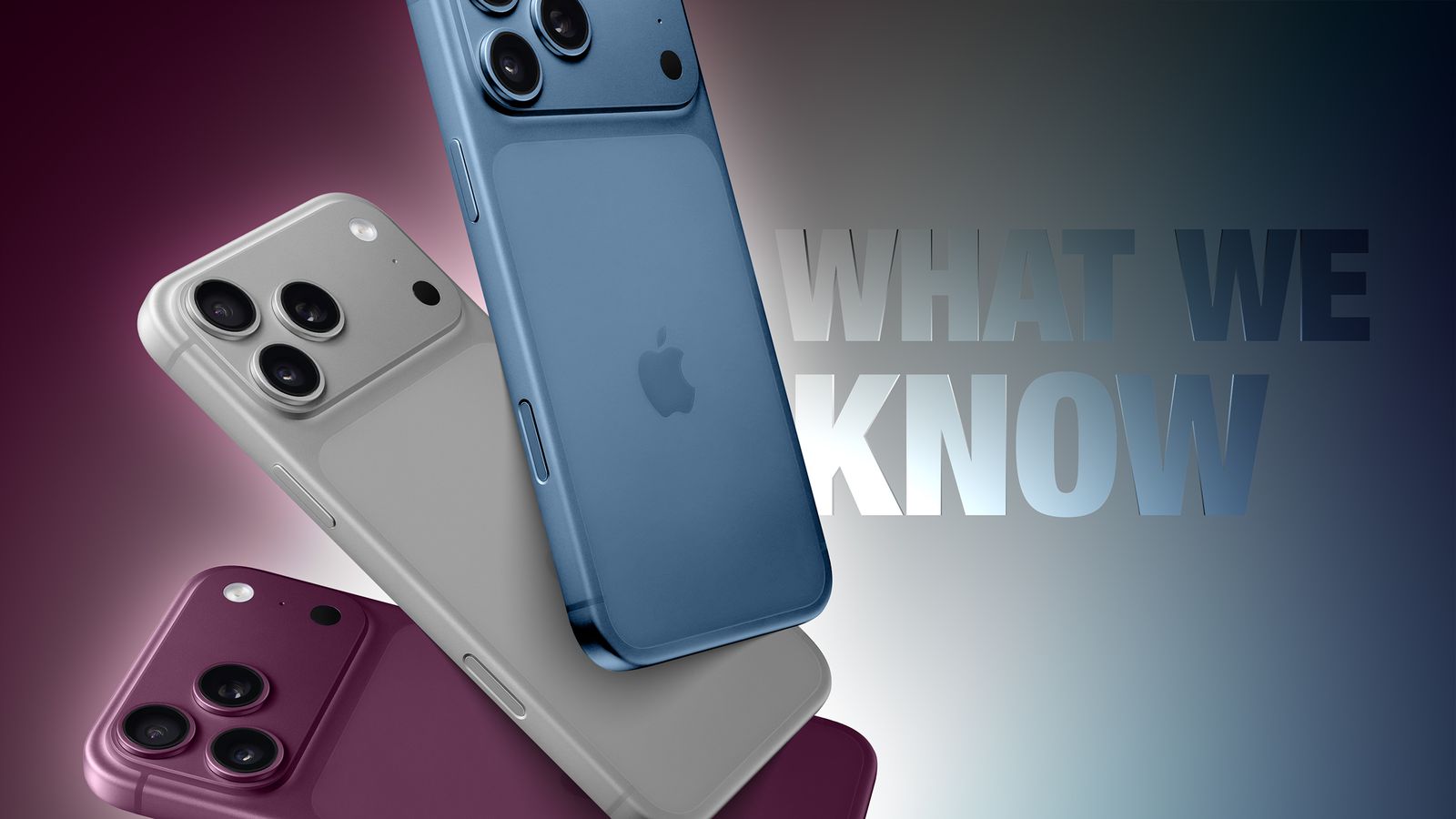
The most consequential subplot of iOS 27 isn't a listed feature at all — it's the hardware Apple is quietly building toward. Developers digging through the iOS 27 beta have found framework references to foldState, angleDegrees, and mechanicalAngleDegrees, along with functions for detecting multiple built-in displays. Combined with a resizable iPhone Mirroring window and multi-screen detection code, the evidence strongly points to one thing: Apple's first foldable iPhone, widely expected to be called the iPhone Fold (or possibly "iPhone Ultra," per some reports).
What's rumored so far:
- Book-style folding design with a roughly 5.5-inch outer display and a 7.8-inch inner display
- Expected to launch alongside the iPhone 18 Pro lineup in September 2026, per Bloomberg's Mark Gurman
- A premium price point, reportedly around $2,000
- New gestures and continuity features built for flipping between phone-sized and tablet-sized use
- Direct competition with Samsung's Galaxy Z Fold8 and Z Fold8 Ultra, which launched in July 2026 starting at $1,899.99 and $2,099.99 respectively
Apple has been unusually quiet about the device publicly — nothing was mentioned on stage at WWDC 2026 — but the software groundwork in iOS 27 makes clear the company is treating this as a genuine new form factor, not a gimmick. Given Apple's pattern of using its numbered iOS releases to prep hardware a cycle in advance, expect the first iOS 27.x update after the Fold's launch to unlock foldable-specific UI refinements, much like how iOS 26.6 already included "iOS 27 optimizations" ahead of iOS 27's release.
Looking further out
Beyond the Fold, a few dots are worth connecting for anyone tracking Apple's software trajectory:
- iOS 28 (expected September 2027) will likely be the first release built from the ground up with foldable multitasking, rather than retrofitted support
- Apple's Private Cloud Compute is now expanding onto Google Cloud using NVIDIA hardware — a notable shift from Apple's previous all-in-house server strategy — suggesting Siri AI's cloud workloads will scale significantly over the next few release cycles
- Siri AI's EU unavailability is tied to Digital Markets Act compliance, not a technical limitation, so watch for regulatory developments that could unlock it there sooner than expected
iOS 26 vs. iOS 27: What Actually Changed
| Area | iOS 26 | iOS 27 |
|---|---|---|
| Design | Liquid Glass introduced | Liquid Glass refined (opacity slider, better contrast) |
| Siri | Unchanged (classic Siri) | Full generative AI overhaul, standalone app |
| Visual Intelligence | Screenshot support added | Moved into Camera app, Siri-integrated |
| Photos editing | Basic Clean Up | Clean Up, Extend, and Reframe with generative AI |
| Performance | — | Up to 30% faster app launches, 80% faster AirDrop |
| Parental controls | Basic improvements | Ask to Buy/Browse, gore/violence blurring, Time Allowances |
| Hardware groundwork | None publicly evident | Strong foldable-device signals in code |
Should You Update?
If you're on iOS 26: You're on stable, mature software — 26.6 is well-patched and jailbroken already, which tells you how settled the code is. There's no urgent reason to rush into the iOS 27 beta unless you want early access to Siri AI.
If you're considering the iOS 27 public beta: The performance improvements alone make it tempting even on older iPhones, but as with any beta, expect rough edges — Apple's own documentation flags natural-language features in Shortcuts and Reminders as inconsistent in current builds.
If you're waiting for the final release: iOS 27 ships in September 2026 alongside the iPhone 18 lineup — and, if the leaks hold up, Apple's first foldable iPhone.
Sources: MacRumors iOS 26 Roundup, MacRumors iOS 27 Roundup, Bloomberg, TechRepublic. This article will be updated as new iOS 27 betas and foldable iPhone details emerge.
You Might Also Like
Jun 14, 2026
How to install iPadOS 18 on iPad 6 via Tethered Dualboot or Restore using upRa1n
upRa1n lets you tethered dualboot or restore iPadOS 18 on an iPad 6 (Wi-Fi & Cellular). Full step-by-step setup guide covering dependencies, installation, known fixes, and how it works under the hood.
Read more →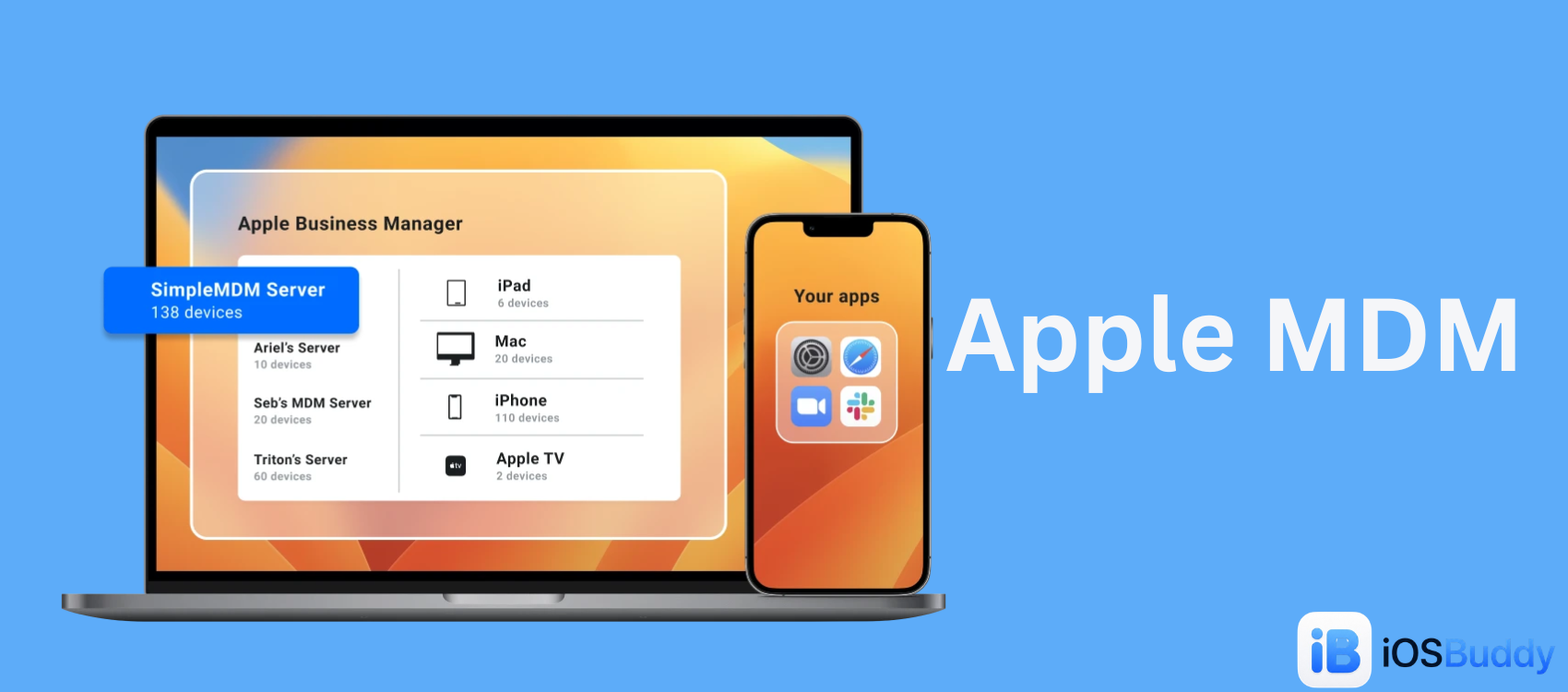
Jun 5, 2026
Apple MDM
Mobile Device Management (MDM) for Apple allows organizations to securely configure, monitor, and manage iPhones, iPads, Macs, and Apple TVs remotely.
Read more →
Jun 9, 2026
Apple WWDC 2026 Keynote Recap: Every Major Announcement
Apple's WWDC 2026 keynote marked a massive shift for the company, headlined by the transformation of its virtual assistant into Siri AI, major ecosystem-wide Apple Intelligence upgrades, the introduction of macOS 27 Golden Gate, and a farewell message from outgoing CEO Tim Cook.
Read more →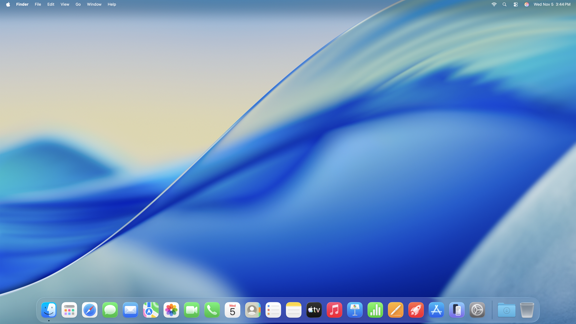
Jun 6, 2026
mcOS Tahoe
macOS Tahoe (version 26) is the twenty-second major release of Apple's desktop operating system, succeeding macOS Sequoia. It introduces a "Liquid Glass" design, new features like iPhone Live Activities in the menu bar, and a revamped Spotlight.
Read more →
Jun 8, 2026
How to Watch Apple's WWDC 2026 Keynote: iOS 27, New Siri, and Everything You Need to Know
Apple's Worldwide Developers Conference (WWDC) 2026 is set to take place from June 8 to June 12, 2026. The event will kick off with a keynote presentation at 10 a.m. PT/1 p.m. ET, followed by a Platforms State of the Union address.
Read more →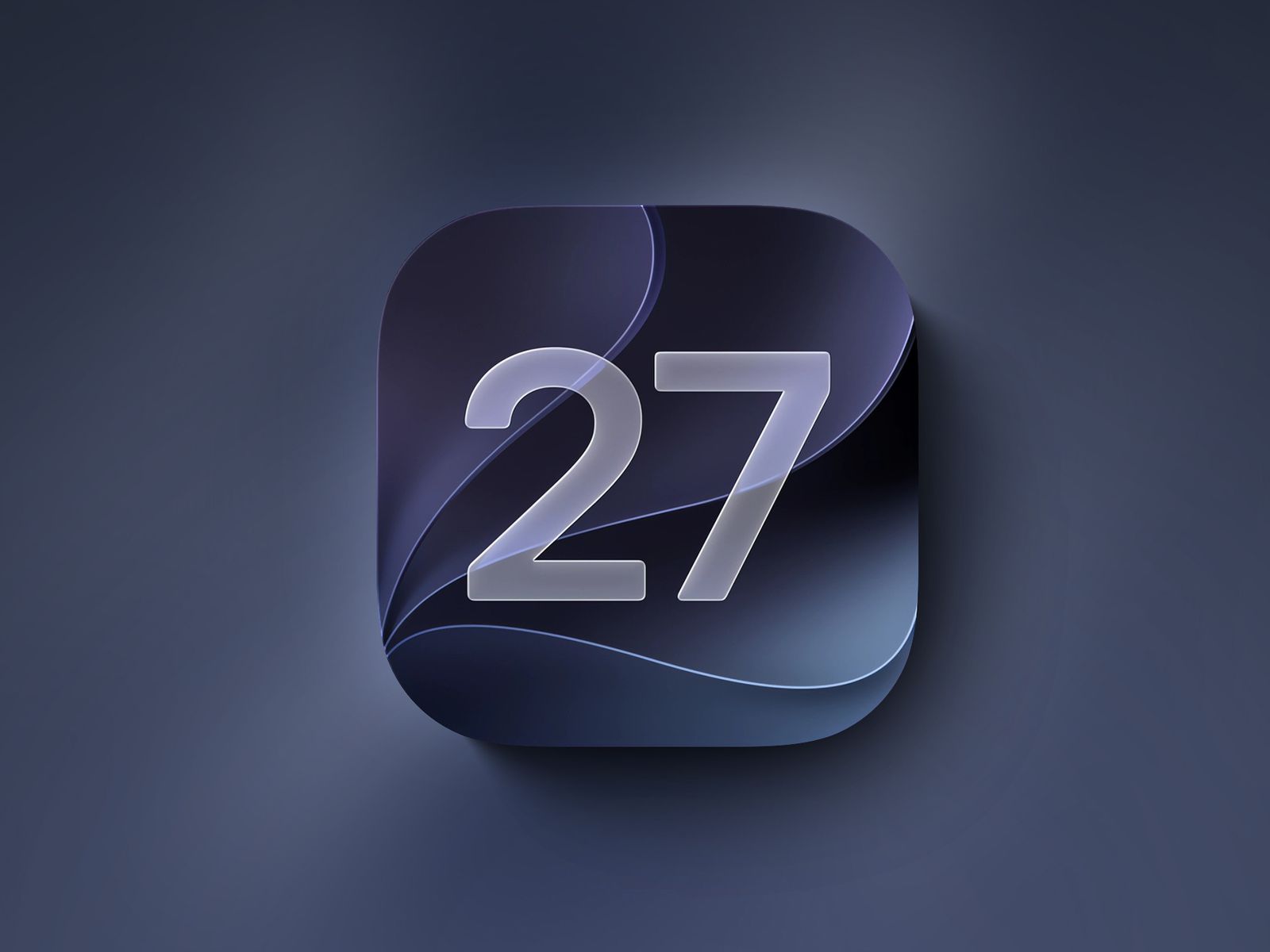
Sep 16, 2026
iOS 27.2 Beta: Everything New (Redesigned Health App, Siri AI Languages, Dual Capture FaceTime)
iOS 27.2 beta 1 is here, just two days after iOS 27. Here's everything new: the redesigned Apple Intelligence Health app, five new Siri AI languages, dual capture for Group FaceTime, Apple TV profiles on iPhone, build numbers, install steps, and why Apple
Read more →
Comments
No comments yet. Be the first to comment!
Leave a Comment
Sign in to comment
Join the conversation with your account or continue as a guest.