
mcOS Tahoe
macOS Tahoe (version 26) is the twenty-second major release of Apple's desktop operating system, succeeding macOS Sequoia. It introduces a "Liquid Glass" design, new features like iPhone Live Activities in the menu bar, and a revamped Spotlight.
https://iosbuddy.com/blog/macos-venturamacOS Tahoe (version 26) is the twenty-second major release of macOS, Apple's operating system for Mac computers. It was announced on June 9, 2025, at Apple's Worldwide Developers Conference (WWDC) and released to the public on September 15, 2025.[1][2] The operating system is named after Lake Tahoe, a freshwater lake in the Sierra Nevada mountains of the United States, continuing Apple's tradition of using California landmarks as macOS release names.
- Overview
- Release History
- Version Notes
- System Requirements
- Compatible Mac Models
- Discontinued Support
- Storage Requirements
- New Features and Changes
- Liquid Glass Design
- Apple Intelligence Integration
- Spotlight Enhancements (added in 26.4)
- Continuity and Cross-Device Features
- New and Updated Apps
- Control Center and Menu Bar
- Edge Light (macOS 26.2 and later)
- Accessibility Features (added in 26.4)
- Parental Controls
- Removed and Deprecated Features
- Security and Privacy
- Version Comparison: Tahoe vs. Sequoia
- Hackintosh Compatibility
- Reception
- See Also
- References
macOS Tahoe represents a significant shift in Apple's naming and versioning strategy. It is the first macOS version to use a year-based numbering scheme (version 26 indicating the year 2026), aligning with iOS, iPadOS, and watchOS naming conventions. The release introduces a major visual redesign called "Liquid Glass," deep integration of Apple Intelligence features, and several new cross-device continuity capabilities.[3]
Overview
macOS Tahoe succeeds macOS Sequoia (version 15) as the latest major version of Apple's desktop operating system. The release marks a transitional period for the Mac platform, as Apple has confirmed that Tahoe is the final version of macOS to support Intel-based Macs. All future releases are expected to require Apple Silicon.[4]
The operating system focuses on three primary areas: visual redesign, artificial intelligence integration, and ecosystem continuity. The Liquid Glass design language refreshes the Mac interface while maintaining familiarity, while Apple Intelligence features are embedded across system apps to provide translation, image generation, and automation capabilities.[5]
Release History
| Version | Build | Release Date | Size | Status |
|---|---|---|---|---|
| macOS Tahoe 26.0 | 25A354 | September 15, 2025 | 17.01 GB | Signed |
| macOS Tahoe 26.0.1 | 25A362 | September 29, 2025 | 17.01 GB | Signed |
| macOS Tahoe 26.1 | 25B78 | November 3, 2025 | 17.43 GB | Signed |
| macOS Tahoe 26.2 | 25C56 | December 12, 2025 | 17.45 GB | Signed |
| macOS Tahoe 26.3 | 25D125 | February 11, 2026 | 17.58 GB | Signed |
| macOS Tahoe 26.3.1 | 25D2128 | March 4, 2026 | 18.00 GB | Signed |
| macOS Tahoe 26.4 | 25E246 | March 24, 2026 | 18.38 GB | Signed |
| macOS Tahoe 26.4.1 | 25E253 | April 9, 2026 | 18.38 GB | Signed |
| macOS Tahoe 26.5 | 25F71 | May 11, 2026 | 18.41 GB | Signed |
| macOS Tahoe 26.5.1 | 25F80 | June 1, 2026 | 18.41 GB | Signed |
All listed versions remain signed by Apple as of June 2026, meaning users can still install or restore to these specific builds without being forced to upgrade to a newer version.[6]
Version Notes
26.0 (25A354) - September 15, 2025 Initial public release. Introduced Liquid Glass design, Apple Intelligence, Phone app for Mac, and Games app.[3]
26.0.1 (25A362) - September 29, 2025 Bug fix release. Resolved an upgrade issue affecting Mac Studio models with M3 Ultra chip (2025). Also addressed a rare data migration problem when transferring from Time Machine backups.[6]
26.1 (25B78) - November 3, 2025 Added Liquid Glass tinted appearance option, Apple Music AutoMix over AirPlay, improved FaceTime audio quality, and enabled Communication Safety defaults for existing child accounts in applicable regions.[7]
26.2 (25C56) - December 12, 2025 Introduced Edge Light video effect for video calls, Podcasts chapter automation, Games app filter improvements, AirDrop verification codes for unknown contacts, and on-device spam detection in Messages.[8]
26.3 (25D125) - February 11, 2026 Focused on Apple Intelligence enhancements. Added Live Translation system-wide, Genmoji combination features, expanded ChatGPT integration in Image Playground, and new Shortcuts automations triggered by external display connections.[9]
26.3.1 (25D2128) - March 4, 2026 Security update. Patched two actively exploited vulnerabilities in WebKit and the kernel. Recommended for all users.[10]
26.4 (25E246) - March 24, 2026 Added Journal app for macOS, Spotlight clipboard history, custom conversation backgrounds in Messages, and accessibility reader feature. Increased installer size to 18.38 GB reflecting additional assets.[11]
26.4.1 (25E253) - April 9, 2026 Maintenance release. Fixed a bug causing iCloud Drive sync failures on Macs with multiple user accounts. Resolved an issue where some Intel-based Macs (2019 Mac Pro, 16-inch MacBook Pro) experienced kernel panics during sleep.[12]
26.5 (25F71) - May 11, 2026 Major feature update. Added Passwords app timeline showing password change history, Reminders automatic categorization powered by Apple Intelligence, and Live Activities from iPhone appearing in the menu bar. Installer size increased to 18.41 GB.[13]

26.5.1 (25F80) - June 1, 2026 Latest maintenance release. Improved stability for iPhone Mirroring when switching between multiple iPhones. Fixed a memory leak in Safari affecting sites with embedded video players. Resolved a rare issue where Time Machine backups could become corrupted when backing up to network-attached storage (NAS) devices.[14]
System Requirements
macOS Tahoe drops support for several Intel-based Mac models that were compatible with macOS Sequoia. This is the last version of macOS to support Intel processors.[4]
Compatible Mac Models
- MacBook Air with Apple Silicon (2020 and later)
- MacBook Pro with Apple Silicon (2020 and later)
- MacBook Pro (16-inch, 2019)
- MacBook Pro (13-inch, 2020, four Thunderbolt 3 ports)
- iMac (2020 and later)
- Mac mini (2020 and later)
- Mac Studio (2022 and later)
- Mac Pro (2019 and later)
Discontinued Support
The following Intel-based Mac models are not compatible with macOS Tahoe and remain on macOS Sequoia:[4][7]
- MacBook Air (Intel, 2020)
- MacBook Pro 13-inch (2018, 2019, 2020 with two Thunderbolt 3 ports)
- MacBook Pro 15-inch (2018 and 2019)
- iMac (2019)
- iMac Pro (2017)
- Mac mini (2018)
Storage Requirements
The macOS Tahoe installer has grown from 17.01 GB in version 26.0 to 18.41 GB in version 26.5.1. Apple recommends having at least 45 GB of free storage space before upgrading to ensure sufficient room for installation and normal operation.[8]
New Features and Changes
Liquid Glass Design
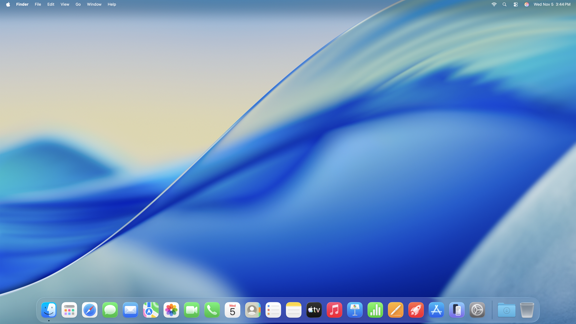
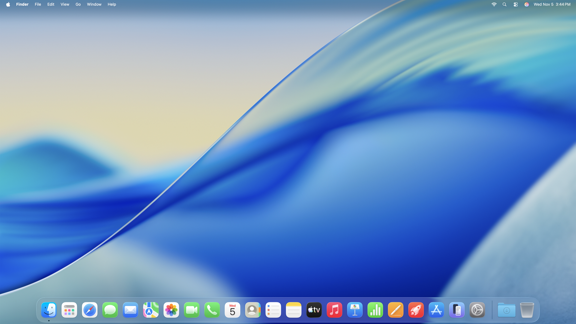
macOS Tahoe introduces a comprehensive visual redesign termed "Liquid Glass." This design language features transparent and translucent interface elements that dynamically adapt to content.[3] Key design changes include:
- Transparent menu bar: The menu bar becomes semi-transparent, making the display feel larger and allowing wallpaper to show through.
- Liquid Glass sidebars and toolbars: Application sidebars and toolbars reflect and refract underlying content, drawing focus to user content.
- Customizable icon appearance: Users can choose between light, dark, tinted, or a new "Clear" appearance for app icons and widgets. Clear Look adds a glassy translucent appearance.[9]
- Folder customization: Folders can now be assigned unique colors and adorned with emoji or symbols for easier recognition.[6]
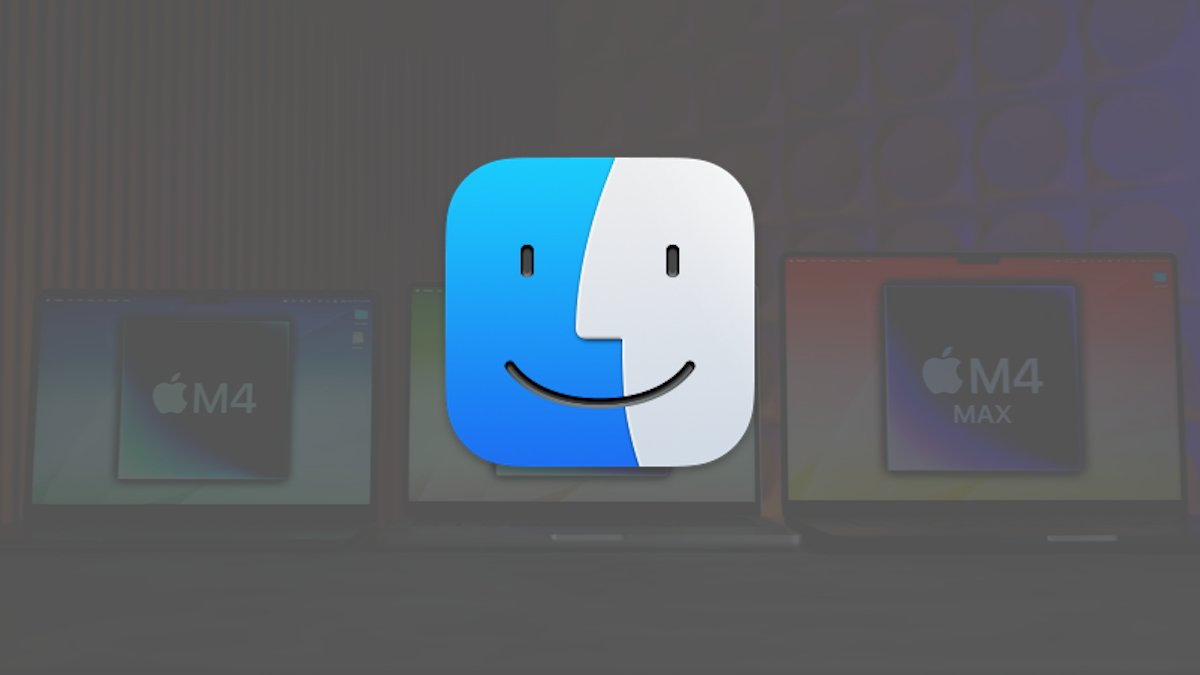
- Finder icon update: The classic Finder icon has been redesigned with the blue portion now on the right side of the face, featuring a glassy Liquid Glass finish.[9]
- Volume and brightness overlays: The traditional large on-screen overlays have been replaced with smaller, oblong notifications that appear in the top-right corner of the display.[9]
Apple Intelligence Integration
Apple Intelligence, Apple's suite of on-device AI features, receives expanded integration in macOS Tahoe. Features include:[3][5]
Live Translation (added in 26.3): Provides automatic text translation in Messages, live captions in FaceTime, and spoken translation for calls in the Phone app. All processing occurs on-device to preserve privacy.
Genmoji Enhancement (added in 26.3): Users can combine multiple emoji to create entirely new symbols. Additional control options allow modification of expressions and hairstyle for Genmoji inspired by photos.
Image Playground Expansion (added in 26.3): New ChatGPT integration provides additional artistic styles including Watercolor and Oil Painting. An "Any Style" option allows users to describe custom visual styles.
Shortcuts Integration (expanded in 26.3): The Shortcuts app can now leverage Apple Intelligence for text summarization and image creation. The new "Use Model" action sends natural-language requests to Apple Intelligence or ChatGPT, with responses feeding directly into subsequent shortcut actions. Automations can trigger shortcuts based on time of day or events such as connecting an external display.[6]
Spotlight Enhancements (added in 26.4)
Spotlight receives significant improvements in macOS Tahoe 26.4 and later:[3][9][11]
- Category filtering: Search results can be filtered by Applications, Files, Actions, or Clipboard categories using buttons that appear next to the search field.
- Quick Keys: Frequent actions in apps can be assigned quick keys, allowing execution with just a few keystrokes.
- Clipboard history access (26.4+): Spotlight can now search clipboard history, including items from Universal Clipboard across Apple devices.
- In-app actions: Users can send messages, create calendar events, and run shortcuts directly from Spotlight without leaving the keyboard.
- Menu bar item search: Spotlight can search through an active application's menu bar items.
Continuity and Cross-Device Features
Live Activities from iPhone (added in 26.5): Live Activities displayed on the iPhone Lock Screen, such as sports scores or flight status, now appear in the Mac menu bar. Clicking an activity provides more details; a second click opens the corresponding app via iPhone Mirroring.[3][6][13]
Phone App on Mac: A new Phone app for macOS allows users to make and receive cellular calls relayed from a nearby iPhone. Features include:[6]
- Call Screening: Unknown callers are prompted to state their name and reason before the call rings
- Hold Assist: Maintains position in queue when waiting for a live agent
- Recents, Contacts, and Voicemail access
- Live Translation for calls
iPhone Mirroring Integration: Suggested apps in Spotlight include iPhone apps, which open via iPhone Mirroring when selected.[9]
New and Updated Apps
Apple Games App: A dedicated gaming destination that aggregates games installed on the Mac (including those downloaded outside the App Store). Features include:[3][9]
- Friends tab showing what friends are playing
- In-game challenge score banners providing real-time updates
- Game library filters by category and size (enhanced in 26.2)
- Connected controller support
- Game Overlay for friend invites, chat, and system settings
Messages:
- Live polls in group chats for decision-making
- Screening tools to filter unknown numbers
- On-device spam detection (added in 26.2)
- Custom conversation backgrounds (added in 26.4)
- Option to minimize interruptions[3]
Journal App (added in 26.4): The Journal app, previously available on iOS, comes to macOS, allowing users to capture daily moments with text, photos, videos, audio recordings, and locations.[11]
Passwords App (added in 26.5):
- Timeline of password changes for each account
- Ability to view previously used passwords[13]
Reminders (Apple Intelligence-powered, added in 26.5):
- Automatic categorization of related reminders into sections
- Suggested tasks, follow-ups, and grocery list items based on emails and messages[13]
Notes (added in 26.4):
- Phone call recordings saved as audio notes with transcriptions[11]
Photos (added in 26.5):
- Pinned Collections for frequently viewed collections
- Selectable tile sizes for customizing Collections layout[13]
Safari:
- Transparent address bar allowing webpage colors to shine through
- Unified tab and address bar option removed[9]
- Memory leak fix for video playback (26.5.1)[14]
Control Center and Menu Bar
Inspired by iOS, macOS Tahoe allows extensive customization of Control Center:[9][10]
- Addition of controls from third-party apps
- Controls from iPhone apps (launch iPhone Mirroring when clicked)
- Page-based layout organization
- Ability to place controls directly into the menu bar
- Per-app toggles for controlling which apps can add menu bar items
Edge Light (macOS 26.2 and later)
The Edge Light video effect uses the Mac display as a virtual ring light during video calls in low-light conditions. Features include:[8]
- Adjustable light width and temperature
- Mouse awareness that recedes the light when accessing content underneath
- Optional automatic activation in low-light situations
- Available on Mac computers introduced in 2024 and later
Accessibility Features (added in 26.4)
Accessibility Reader (26.4+): Makes text in any app easier to read for users who are blind, have low vision, or have reading disabilities.[11]
Braille Access (26.4+): Users with connected braille displays can take notes, read documents, access Live Captions, launch apps, and perform other tasks directly from the braille display.
Accessibility Nutrition Labels: App Store product pages now indicate whether apps support VoiceOver, Voice Control, captions, and other accessibility features.
Parental Controls
The App Store product page now displays:[3]
- Age rating for apps
- Information about sensitive content (cartoon violence, mature themes)
- Available parental controls
- Capabilities such as unrestricted web access
Communication Safety and web content filters limiting adult websites are enabled by default for existing child accounts (ages 13-17, varying by country or region) starting in macOS 26.1.[7]
Removed and Deprecated Features
- Compact tab layout in Safari: The option to unify the tab bar and address bar has been removed.[9]
- Intel Mac support (after Tahoe): Apple has confirmed that macOS Tahoe is the final version to support Intel processors. Future releases will require Apple Silicon.[4]
- Background apps notification: macOS now notifies users when closed apps attempt to run background daemons, with options to always allow or deny permission.[9]
Security and Privacy
macOS Tahoe includes several security enhancements across its version history:
- AirDrop verification codes (26.2): When using AirDrop with unknown contacts, the receiver's device displays a code that the sender must enter to complete the transfer, adding a verification layer.[8]
- Communication Safety defaults (26.1): Enabled by default for existing child accounts in applicable regions.[7]
- WebKit and kernel patches (26.3.1): Addressed two actively exploited zero-day vulnerabilities.[10]
- Secure Enclave requirements: New features leveraging Apple Intelligence require Apple Silicon's Secure Enclave.
- iCloud Drive fix (26.4.1): Resolved sync failures on multi-user Macs.[12]
- Time Machine NAS fix (26.5.1): Resolved rare backup corruption issue.[14]
Version Comparison: Tahoe vs. Sequoia
| Feature | macOS Sequoia (15) | macOS Tahoe (26) |
|---|---|---|
| Design Language | Traditional Aqua | Liquid Glass with transparency |
| Intel Support | Full support for 2018+ models | Limited support (2019 Mac Pro, 2019 16-inch MacBook Pro only) |
| Apple Intelligence | Basic integration | Deep integration (Live Translation 26.3+, enhanced Genmoji, ChatGPT in Image Playground) |
| Live Activities | Not supported | iPhone Live Activities in menu bar (26.5+) |
| Phone App | Not available | Full Phone app with Call Screening |
| Games App | Not available | Dedicated Games app with overlay |
| Spotlight | Basic search | Category filters, Quick Keys, clipboard history (26.4+) |
| Shortcuts Automations | Time-based only | External display, file/folder triggers (26.3+) |
| Journal App | Not available | Available (26.4+) |
| Passwords Timeline | Not available | Available (26.5+) |
| Last Intel Version | No | Yes |
Hackintosh Compatibility
While technically possible to run macOS Tahoe on non-Apple hardware using community bootloaders, Apple's license explicitly restricts macOS to Apple-branded hardware. Challenges include:[15]
- Every OS update risks breaking the boot chain
- Modern macOS builds lack NVIDIA web drivers
- iCloud, DRM, and Secure Enclave features may fail
- No vendor support available
Reception
Early reviews of macOS Tahoe have focused on the Liquid Glass redesign and Apple Intelligence integration as the most significant changes. Critics have noted that the transition to year-based versioning (26 instead of 16) has caused some confusion among users accustomed to sequential numbering. The announcement that Tahoe is the final Intel-compatible version has been characterized as the definitive end of the Intel Mac era, which began in 2006.[10]
The steady increase in installer size from 17.01 GB to 18.41 GB over the release cycle has been noted by users, largely attributed to additional Apple Intelligence models and Liquid Glass assets. Apple has confirmed that all versions from 26.0 through 26.5.1 remain signed as of June 2026, an unusually long signing window that allows users to downgrade if needed.[6]
See Also
- Apple Intelligence
- macOS Ventura
- macOS Sequoia
References
- Apple WWDC 2025 Announcement - macOS Tahoe
- macOS Tahoe - Simple English Wikipedia
- Apple App Store - What's new in macOS Tahoe
- MacKeeper - macOS Tahoe Compatibility
- Apple Support - What's new in the updates for macOS Tahoe
- Apple Support - macOS Tahoe 26 Updates
- Apple Security Updates - macOS Tahoe 26.1
- Apple Security Updates - macOS Tahoe 26.2
- MacRumors - macOS Tahoe: All the Little Changes
- MacObserver - macOS Versions in Order
- Apple Security Updates - macOS Tahoe 26.4
- Apple Security Updates - macOS Tahoe 26.4.1
- Apple Security Updates - macOS Tahoe 26.5
- Apple Security Updates - macOS Tahoe 26.5.1
- CleanMyMac - macOS Tahoe Hackintosh Guide
You Might Also Like

Jun 5, 2026
DFU (Protocol)
Like Dislike The DFU (Device Firmware Update) protocol is designed to provide a standard for upgrading the firmware of USB devices. It consists of two main parts: a large main firmware and a smaller bootloader
Read more →
Aug 8, 2026
Apple Raises Trade-In Values for iPhone, iPad, Mac, and Apple Watch — Here's What Changed
Apple has boosted US trade-in values for most iPhone, iPad, Mac, and Apple Watch models, with some Macs jumping nearly 30%. Here's the full breakdown.
Read more →
Sep 6, 2026
Apple's September 9 Event: iPhone Ultra, iPhone 18 Pro, Pro Max, and Everything Else to Expect
Apple's "Surprise and Shine" event lands September 9, 2026. Here's everything expected: the iPhone Ultra foldable, iPhone 18 Pro and Pro Max, new Apple Watches, AirPods 5, price hikes, and more.
Read more →
Jun 6, 2026
iPhone Stuck on Apple Logo? 7 Proven Fixes That Actually Work (2026)
iPhone stuck on the Apple logo? Fix it in minutes with force restart, Recovery Mode, and DFU Mode — step-by-step for iPhone 8 through iPhone 16. No data loss with most methods.
Read more →
Jun 13, 2026
macOS 27 Golden Gate Beta 1: Every New Feature, Compatible Macs & Release Date
Apple announced macOS 27 Golden Gate at WWDC 2026 on June 8, 2026. Building directly upon the visual identity of macOS 26 Tahoe, this version marks a historic shift by dropping support for Intel CPUs entirely, running exclusively on Apple silicon. The first developer beta (build 26A5353q) is currently available for testing, with the stable consumer launch planned for September 2026
Read more →
Jun 4, 2026
Apple Beta Software Program
The Apple Beta Software Program enables users to try early versions of iOS, iPadOS, macOS, watchOS, tvOS, HomePod software, and AirPods firmware before they are officially released, helping Apple identify bugs and improve performance and usability
Read more →
Comments
No comments yet. Be the first to comment!
Leave a Comment
Sign in to comment
Join the conversation with your account or continue as a guest.