
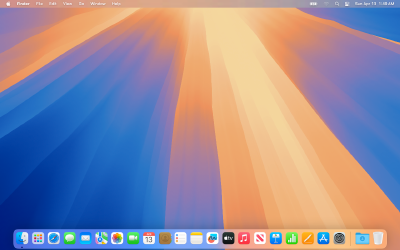
macOS Sequoia
macOS Sequoia (version 15) is Apple's desktop operating system. Standout features include iPhone Mirroring for full phone control on your Mac, advanced window tiling, a dedicated Passwords app, and Apple Intelligence for supported Apple Silicon Macs.
macOS Sequoia (version 15) is the twenty-first major release of macOS, Apple's operating system for Mac computers. It was announced on June 10, 2024, at Apple's Worldwide Developers Conference (WWDC) and released to the public on September 16, 2024.[1][2] The operating system is named after Sequoia National Park, located in the Sierra Nevada mountain range of California, continuing Apple's tradition of using California landmarks as macOS release names.
macOS Sequoia was the first macOS version to be released on the same day as a new iOS and iPadOS version. The release introduced iPhone Mirroring, a major Continuity upgrade allowing users to access and control their iPhone directly from the Mac. It also brought a new window tiling system, a redesigned Safari, a dedicated Passwords app, and — through subsequent updates — the first iteration of Apple Intelligence on Mac.[3]
Overview
macOS Sequoia succeeds macOS Sonoma (version 14) as the twenty-first major version of Apple's desktop operating system. The release focuses on three primary areas: cross-device continuity, productivity enhancements, and artificial intelligence. iPhone Mirroring allows seamless control of an iPhone from the Mac desktop, while window tiling brings a long-requested productivity feature to macOS. Apple Intelligence, introduced in stages beginning with version 15.1, brings writing tools, enhanced Siri, and generative image features to Mac.[4]

Sequoia is notable as the final version of macOS to support the iMac Pro (2017), the 2019 iMac, the 2018 Mac Mini, the 2020 Intel MacBook Air, and most Intel-based MacBook Pro models — hardware that its successor, macOS Tahoe, dropped entirely.[5]
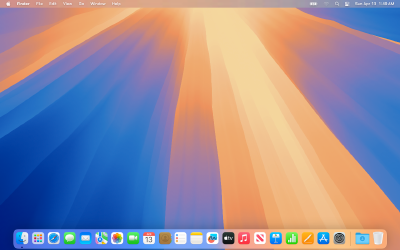
Release History
| Version | Build | Release Date | Status |
|---|---|---|---|
| macOS Sequoia 15.0 | 24A335 | September 16, 2024 | Signed |
| macOS Sequoia 15.0.1 | 24A348 | October 3, 2024 | Signed |
| macOS Sequoia 15.1 | 24B83 | October 28, 2024 | Signed |
| macOS Sequoia 15.1.1 | 24B91 | November 19, 2024 | Signed |
| macOS Sequoia 15.2 | 24C101 | December 11, 2024 | Signed |
| macOS Sequoia 15.3 | 24D60 | January 27, 2025 | Signed |
| macOS Sequoia 15.3.1 | 24D70 | February 10, 2025 | Signed |
| macOS Sequoia 15.3.2 | 24D81 | March 11, 2025 | Signed |
| macOS Sequoia 15.4 | 24E248 | March 31, 2025 | Signed |
| macOS Sequoia 15.4.1 | 24E263 | April 16, 2025 | Signed |
| macOS Sequoia 15.5 | 24F74 | May 12, 2025 | Signed |
| macOS Sequoia 15.6 | 24G84 | July 29, 2025 | Signed |
| macOS Sequoia 15.6.1 | 24G90 | August 20, 2025 | Signed |
| macOS Sequoia 15.7 | 24G222 | September 15, 2025 | Signed |
| macOS Sequoia 15.7.1 | 24G231 | September 29, 2025 | Signed |
| macOS Sequoia 15.7.2 | 24G325 | November 3, 2025 | Signed |
| macOS Sequoia 15.7.3 | 24G419 | December 12, 2025 | Signed |
| macOS Sequoia 15.7.4 | 24G517 | February 11, 2026 | Signed |
| macOS Sequoia 15.7.5 | 24G607 | March 2026 | Signed |
| macOS Sequoia 15.7.7 | — | May 11, 2026 | Signed |
Versions in the 15.7.x series are security-only updates issued to users who remain on Sequoia after the release of macOS Tahoe, providing continued protection without requiring an upgrade.[6]
Version Notes
15.0 (24A335) — September 16, 2024 Initial public release. Introduced iPhone Mirroring, window tiling, a redesigned Safari with Highlights and Distraction Control, a new Passwords app, updated Calculator with Math Notes, Video Conferencing with Presenter Preview, and text effects and emoji Tapbacks in Messages.[7]
15.0.1 (24A348) — October 3, 2024 Bug fix release. Resolved an issue where Messages could unexpectedly quit when replying with a shared Apple Watch face. Improved compatibility with third-party security software.[8]
15.1 (24B83) — October 28, 2024 Introduced the first set of Apple Intelligence features, including Writing Tools (rewrite, proofread, summarize), an enhanced Siri with conversational context and richer language understanding, Photos Clean Up and memory movie generation, notification summaries, and Smart Reply in Mail and Messages. Added drag-and-drop support for iPhone Mirroring and AirPods Pro Hearing Protection.[9]
15.1.1 (24B91) — November 19, 2024 Security update. Recommended for all users.[10]
15.2 (24C101) — December 11, 2024 Added Image Playground (create images in multiple styles from descriptions and photo library), ChatGPT integration in Siri and Writing Tools, natural language search in Apple Music, a Weather widget in the menu bar, pre-market price quotes in Stocks, and Presenter Preview when connecting to an external display. Also brought background images to Safari Start Page and HTTPS upgrades for all websites.[11]
15.3 (24D60) — January 27, 2025 Introduced Genmoji creation in Messages and other apps. Updated Calculator to repeat the last operation when clicking the equals sign again. Improved notification summary styling, using italicized text for clearer distinction.[12]
15.3.1 (24D70) — February 10, 2025 Security update. Recommended for all users.[13]
15.3.2 (24D81) — March 11, 2025 Security update. Recommended for all users.[14]
15.4 (24E248) — March 31, 2025 Added the ability to create Memory movies in Photos with Apple Intelligence by describing a story, a Sketch style option in Image Playground, and Mail Categorization to help prioritize messages. Expanded Apple Intelligence language support to include French, German, Italian, Japanese, Korean, Portuguese, Simplified Chinese, Spanish, and additional English locales. Added new emoji and Podcasts widgets.[15]

15.4.1 (24E263) — April 16, 2025 Security update. Recommended for all users.[16]
15.5 (24F74) — May 12, 2025 Added a Screen Time notification for parents when the Screen Time passcode is used on a child's device. Included general bug fixes and security updates.[17]
15.6 (24G84) — July 29, 2025 Bug fixes and security updates. Recommended for all users.[18]
15.6.1 (24G90) — August 20, 2025 Addressed an actively exploited security vulnerability. Recommended for all users.[19]
15.7 and later Security-only maintenance releases issued to users remaining on Sequoia following the launch of macOS Tahoe in September 2025. Versions through 15.7.7 continued to receive patches through at least May 2026.[6]
System Requirements
macOS Sequoia drops support for the 2018 and 2019 MacBook Air models (Intel Amber Lake chips) compared to its predecessor, macOS Sonoma, making it the first macOS version to drop support for a Mac equipped with a T2 security chip. Apple Intelligence features require an M1 chip or later and are not available on any Intel-based Mac.[5][20]
Compatible Mac Models
- iMac (2019 and later)
- iMac Pro (2017)
- MacBook Air (2020 and later)
- MacBook Pro (2018 and later)
- Mac Mini (2018 and later)
- Mac Pro (2019 and later)
- Mac Studio (2022 and later)
Feature Restrictions
Not all Sequoia features are available on all compatible Macs:
- Apple Intelligence requires Apple silicon (M1 or later). Intel-based Macs are excluded entirely.
- iPhone Mirroring requires a T2 security chip. The 2019 iMac is the only compatible Mac that lacks this chip and therefore does not support the feature.
- Live audio transcription in Notes requires Apple silicon.
Discontinued Support vs. macOS Sonoma
The following Intel MacBook Air models supported by macOS Sonoma are not compatible with macOS Sequoia:[5]
- MacBook Air (13-inch, 2018)
- MacBook Air (13-inch, 2019)
Storage Requirements
Apple recommends at least 35 GB of available storage space before upgrading to macOS Sequoia to ensure sufficient room for installation and normal system operation.[21]
New Features and Changes
iPhone Mirroring
macOS Sequoia introduces iPhone Mirroring, a Continuity feature that allows users to access and control their iPhone directly on the Mac, even when the iPhone is locked and placed nearby. Key capabilities include:[7]
- Full Home Screen and app access from a Mac window using keyboard and trackpad
- iPhone notifications visible and actionable on the Mac
- Drag-and-drop file transfer between Mac and iPhone (added in 15.1)
- Keyboard and Multi-Touch gesture support for navigating iPhone apps
- Suggested iPhone apps appearing in Mac Spotlight results
iPhone Mirroring requires iOS 18 on the iPhone and is not available in the European Union due to Digital Markets Act compliance requirements.[5]
Window Tiling
Sequoia brings automatic window tiling to macOS, a feature long available in Windows and through third-party utilities. Dragging a window to the edge or corner of the display triggers a tiling suggestion, and keyboard shortcuts or menu commands can arrange windows into tiled positions without dragging.[7]
Safari
Safari 18, bundled with macOS Sequoia, introduces several browsing improvements:[7]
- Highlights: Surfaces key information from a webpage, including locations, summaries, and entity details.
- Redesigned Reader: Streamlined article view with a summary and a table of contents for longer articles.
- Distraction Control: Allows users to hide specific elements on a webpage permanently.
- Video Viewer: Full-screen video experience with automatic Picture-in-Picture when navigating away from the page.
- Unified menu bar: Consolidates the tab bar and address bar into a single bar (option removed in macOS Tahoe).
- HTTPS upgrades: Safari attempts to use HTTPS on all websites (added in 15.2).
- Background images: Customizable Start Page backgrounds (added in 15.2).
Passwords App
A new dedicated Passwords app replaces the previous Keychain Access workflow, centralizing management of passwords, passkeys, Wi-Fi credentials, and verification codes:[7]
- Autofill integration directly with Safari
- Secure iCloud sync with end-to-end encryption
- iCloud Passwords app support on Windows
- Password change timeline and history (enhanced further in macOS Tahoe 26.5)
Apple Intelligence (introduced in 15.1)
Apple Intelligence is Apple's suite of on-device AI capabilities, available exclusively on Macs with Apple silicon. Features were introduced in stages across multiple Sequoia updates.[9][11][12][15]
Writing Tools (15.1+): Available system-wide wherever text can be selected. Rewrite suggests alternative phrasings; Proofread shows grammar and language improvements; Summarize condenses selected text; Describe Your Change allows natural-language direction for rewrites.
Enhanced Siri (15.1+): New visual treatment with a glowing border around the screen edge. Supports Type to Siri, maintains conversational context across a session, understands product and feature questions about Apple devices, and sounds more natural and expressive.
Photos Intelligence (15.1+): Search photos by describing their contents. Clean Up removes distracting objects from images. Memory movie creation by describing a story.
Notification Summaries (15.1+): Glanceable summaries of grouped notifications. Reduce Interruptions Focus lets urgent notifications through while silencing others.
Image Playground (15.2+): Create images in animation and illustration styles using text descriptions and people from a photo library. Available in Messages, Freeform, and third-party apps.
ChatGPT Integration (15.2+): Siri can tap into ChatGPT for relevant questions. Writing Tools includes a Compose option powered by ChatGPT. No account required; requests are anonymous and not used for training.
Genmoji (15.3+): Users can generate custom emoji by describing them in Messages and other apps.
Memory Movies (15.4+): Generate a curated photo and video memory movie from a natural-language description in Photos.
Mail Categorization (15.4+): Sorts incoming mail into categories to surface the most important messages.
Expanded Language Support (15.4+): Apple Intelligence features available in French, German, Italian, Japanese, Korean, Portuguese (Brazil), Simplified Chinese, Spanish, and additional English locales.
Calculator and Notes
The Calculator app has been redesigned with rounded buttons and a style closer to its iOS counterpart, departing from the interface used since OS X Yosemite. A calculation history is now available, along with unit conversions. Notes gains Math Notes, which evaluates equations and expressions typed directly into a note, supporting assigned variables.[7]
Video Conferencing
- Presenter Preview: See a preview of the screen or window being shared before the audience sees it.
- Background replacement: Replace the background during video calls with custom images or blurs.
- Reaction effects: Trigger animated reactions using physical gestures recognized by the camera.[7]
Messages
- Text effects for individual words or entire messages
- Emoji Tapbacks (any emoji as a message reaction, beyond the original six)
- Sticker Tapbacks
- Scheduled message sending
- On-device spam detection (added in later updates)[7]
Calendar and Reminders
Calendar integrates with Reminders, allowing users to view, edit, and complete reminders without switching apps. Reminders lists appear directly on the Calendar view alongside events.[7]
AirPods
With AirPods Pro 2 running firmware 7B19 or later:[9]
- Head gestures: Nod to accept calls; shake to decline. Responds to notifications with head gestures for hands-free control.
- Voice Isolation: Prioritizes the user's voice on phone calls, cutting down background noise.
- Hearing Protection: Minimizes exposure to loud environmental noise across all listening modes (United States and Canada).
- Personalized Spatial Audio for supported games.
Maps
Maps gains the ability to plan hikes, displaying trail information, elevation data, and route overviews. Custom route planning is available for outdoor routes.[7]
Game Porting Toolkit 2
The second iteration of Apple's Game Porting Toolkit provides updated tools for developers to evaluate and port Windows games to macOS more efficiently, building on the Wine and CrossOver compatibility layer introduced with the first toolkit.[7]
Removed and Deprecated Features
- MacBook Air 2018–2019 support: These Intel Amber Lake models are the only Macs dropped relative to macOS Sonoma.[5]
- Keychain Access as password UI: The standalone Passwords app replaces the previous Keychain-based password management experience for consumers.
- Old Calculator design: The visual style used since OS X Yosemite is retired in favor of a rounded, iOS-aligned design.
Security and Privacy
macOS Sequoia includes multiple security improvements across its version history:
- AirPods Hearing Protection (15.1): Reduces exposure to dangerously loud audio at the OS level.
- Screen Time passcode notification (15.5): Parents are alerted when the Screen Time passcode is entered on a child's device.
- Actively exploited vulnerability patch (15.6.1): Addressed a WebKit vulnerability under active exploitation, rated critical.
- Ongoing 15.7.x security patches: Continued through at least May 2026 for users who deferred upgrading to macOS Tahoe.[6]
Version Comparison: Sequoia vs. Sonoma
| Feature | macOS Sonoma (14) | macOS Sequoia (15) |
|---|---|---|
| iPhone Mirroring | Not available | Full control with drag-and-drop (15.1+) |
| Apple Intelligence | Not available | Deep integration on Apple silicon (15.1+) |
| Window Tiling | Not available | Automatic snap to edges and corners |
| Safari Reader | Basic view | Table of contents, summary, Distraction Control |
| Passwords App | Keychain Access only | Dedicated Passwords app |
| Writing Tools | Not available | System-wide rewrite, proofread, summarize (15.1+) |
| Genmoji | Not available | Custom emoji generation (15.3+) |
| Image Playground | Not available | AI image creation in multiple styles (15.2+) |
| Mail Categorization | Not available | Inbox sorting by priority (15.4+) |
| Calculator Design | Legacy Yosemite-era design | Rounded iOS-aligned design with history |
| Intel Mac support | 2018+ models (broader) | 2018+ models (drops 2018–2019 MacBook Air) |
Reception
macOS Sequoia launched to broadly positive reviews, with iPhone Mirroring and the new window tiling system cited most frequently as standout additions. Critics noted that Apple Intelligence — the most heavily promoted aspect of the release — was not available at launch, arriving only in October 2024 with version 15.1, and rolled out incrementally across several subsequent updates rather than as a complete package.
The decision to restrict all Apple Intelligence features to Apple silicon Macs drew attention, as it effectively excluded a large installed base of supported Intel machines from the headlining capability. The staggered rollout of Image Playground (15.2), Genmoji (15.3), and international language support (15.4) continued well into 2025 before the feature set reached the breadth Apple had suggested at WWDC.[4][9]
iPhone Mirroring was unavailable at launch for users in the European Union due to Digital Markets Act compliance, a restriction that drew criticism. The feature launched in the EU in a subsequent update.[5]
See Also
- macOS Tahoe
- macOS Ventura
- macOS Sonoma
- macOS Monterey
References
- Apple WWDC 2024 Announcement — macOS Sequoia
- macOS Sequoia — Wikipedia
- MacRumors — macOS Sequoia Roundup
- Setapp — Full list of macOS versions
- EveryMac — macOS Sequoia Compatibility List
- Macworld — macOS version history
- Apple Support — What's new in macOS Sequoia 15.0
- Apple Support — macOS Sequoia 15.0.1 release notes
- Apple Support — macOS Sequoia 15.1 release notes
- Apple Support — macOS Sequoia 15.1.1 release notes
- Apple Support — macOS Sequoia 15.2 release notes
- Apple Support — macOS Sequoia 15.3 release notes
- Apple Support — macOS Sequoia 15.3.1 release notes
- Apple Support — macOS Sequoia 15.3.2 release notes
- Apple Support — macOS Sequoia 15.4 release notes
- Apple Support — macOS Sequoia 15.4.1 release notes
- Apple Support — macOS Sequoia 15.5 release notes
- Apple Support — macOS Sequoia 15.6 release notes
- Apple Support — macOS Sequoia 15.6.1 release notes
- BetaWiki — macOS Sequoia
- P.J. Hutchison — macOS Sequoia system requirements
You Might Also Like
Jun 6, 2026
iPhone Stuck on Apple Logo? 7 Proven Fixes That Actually Work (2026)
iPhone stuck on the Apple logo? Fix it in minutes with force restart, Recovery Mode, and DFU Mode — step-by-step for iPhone 8 through iPhone 16. No data loss with most methods.
Read more →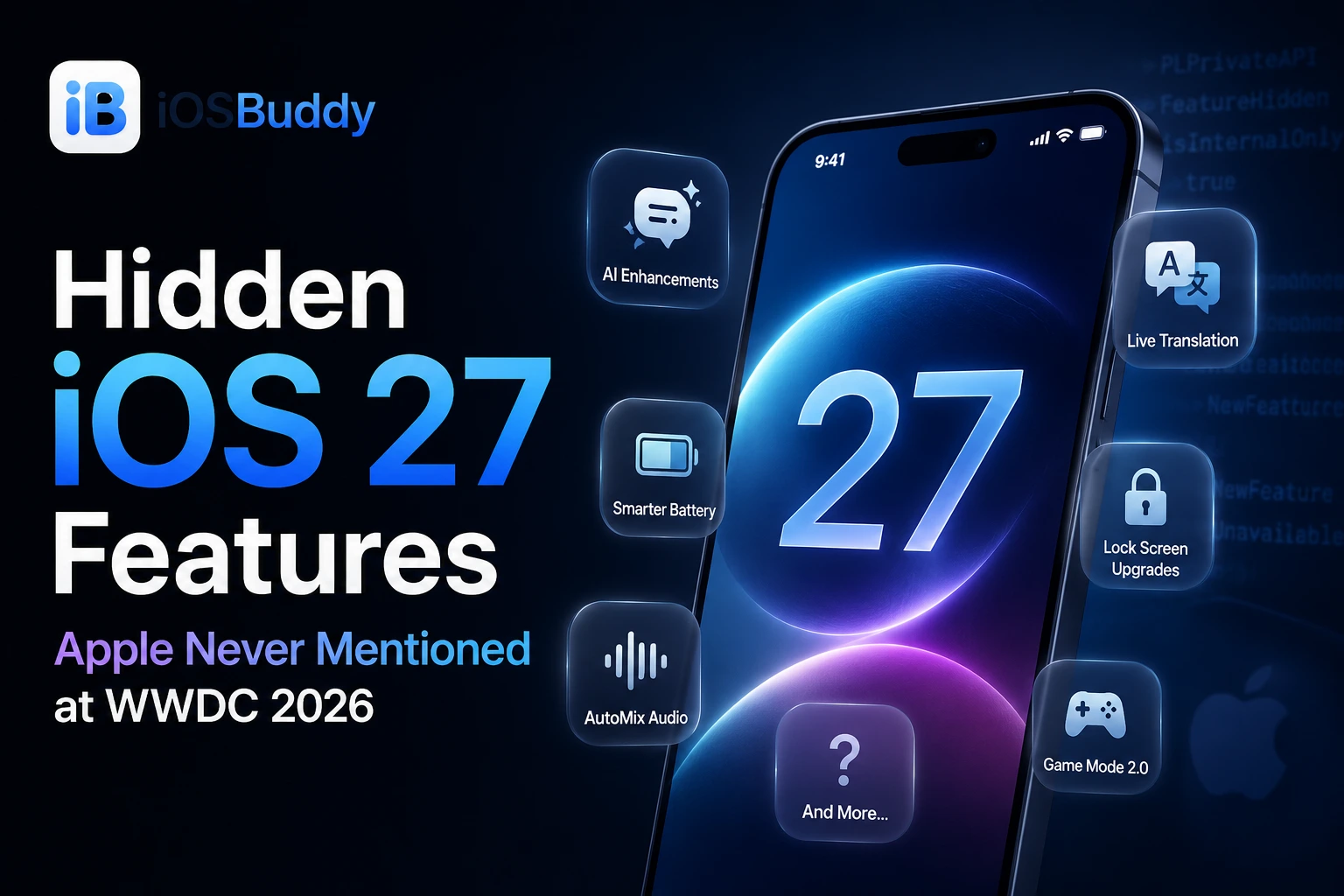
Jun 16, 2026
Hidden iOS 27 Features Apple Never Mentioned at WWDC 2026
Discover the hidden iOS 27 features Apple skipped at WWDC 2026. From smarter copy & paste to custom volume controls, these quality-of-life upgrades quietly transform your iPhone experience.
Read more →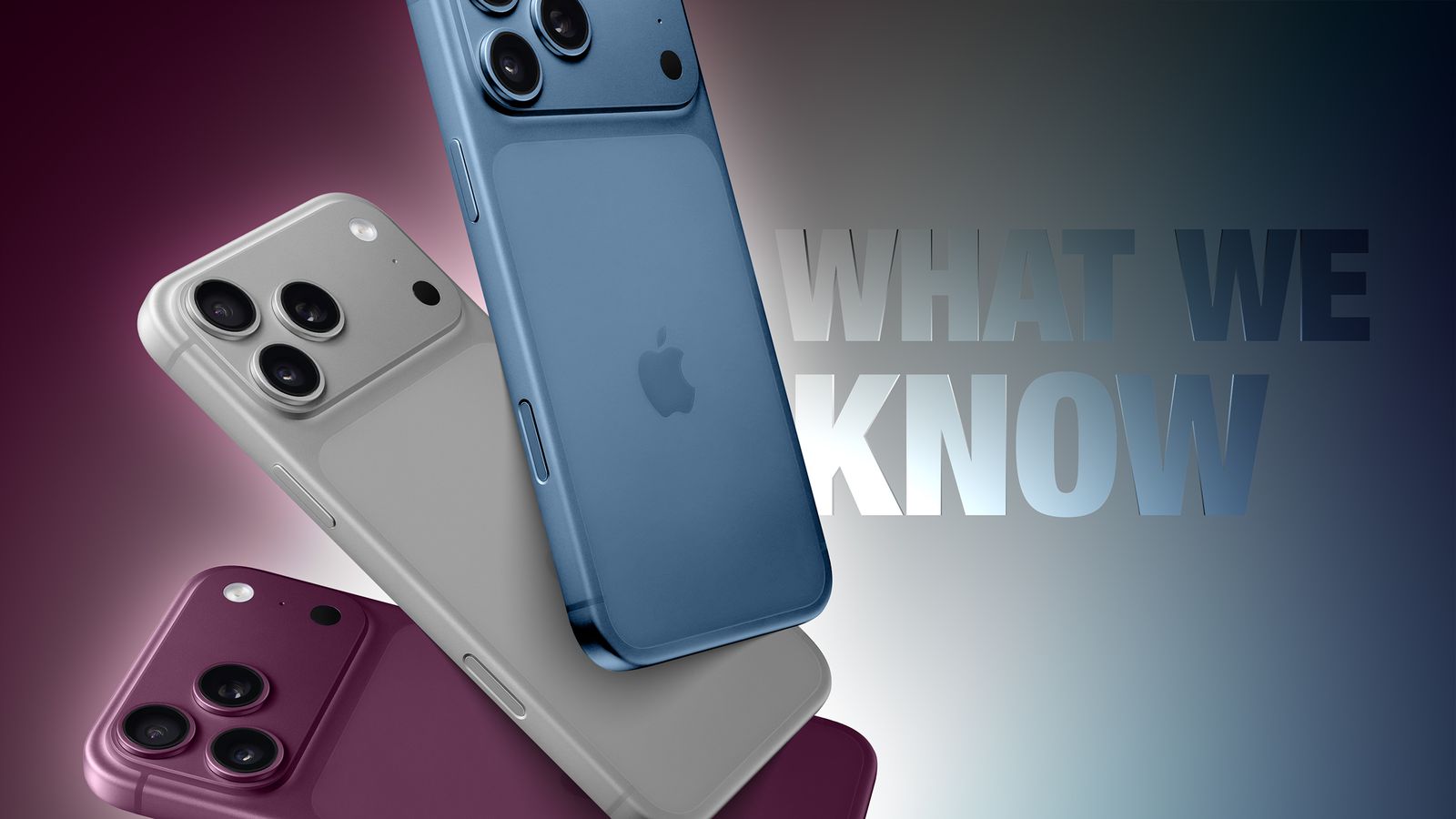
Sep 5, 2026
iPhone 18 Pro Max: Release Date, Price, Specs, and Everything We Know So Far
iPhone 18 Pro Max rumors point to a 2nm A20 Pro chip, a smaller Dynamic Island, a variable aperture camera, and a bigger battery. Here's everything expected ahead of Apple's September 2026 event.
Read more →
Aug 8, 2026
Apple Raises Trade-In Values for iPhone, iPad, Mac, and Apple Watch — Here's What Changed
Apple has boosted US trade-in values for most iPhone, iPad, Mac, and Apple Watch models, with some Macs jumping nearly 30%. Here's the full breakdown.
Read more →
Jun 13, 2026
macOS 27 Golden Gate Beta 1: Every New Feature, Compatible Macs & Release Date
Apple announced macOS 27 Golden Gate at WWDC 2026 on June 8, 2026. Building directly upon the visual identity of macOS 26 Tahoe, this version marks a historic shift by dropping support for Intel CPUs entirely, running exclusively on Apple silicon. The first developer beta (build 26A5353q) is currently available for testing, with the stable consumer launch planned for September 2026
Read more →
Jul 4, 2026
Baseband Firmware — iOS Cellular Radio Firmware
Baseband firmware (also listed as Modem Firmware) is the low-level software that runs on your iPhone’s cellular modem. It operates independently of iOS to handle all radio communications, cellular connections, data transmission, and network handoffs.
Read more →
Comments
No comments yet. Be the first to comment!
Leave a Comment
Sign in to comment
Join the conversation with your account or continue as a guest.