
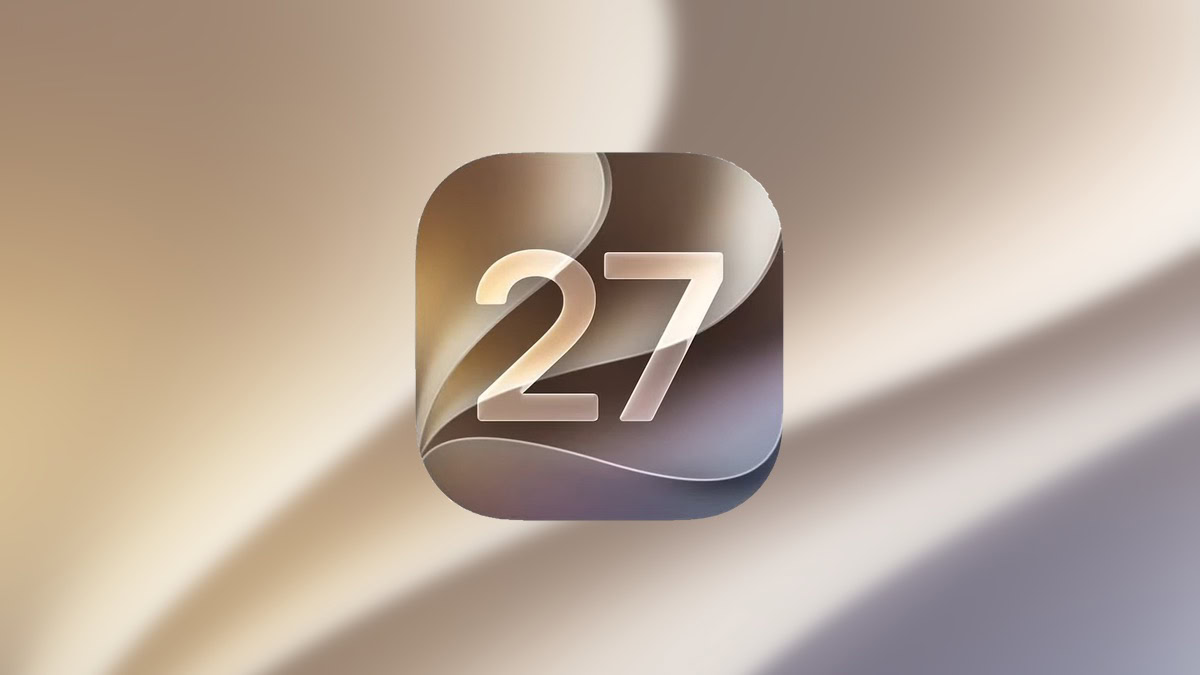
iPadOS 27 Beta 1: Every New Feature, Release Date & Compatible iPads
iPadOS 27.0 Developer Beta 1 was released by Apple on June 8, 2026, immediately following the WWDC 2026 keynote. The update introduces substantial system refinements, upgraded performance, and next-generation AI capabilities powered by Apple Intelligence.
Apple has officially released iPadOS 27 Developer Beta 1 following its WWDC 2026 keynote — and the update is shaping up to be one of the most refined, intelligence-driven releases in the iPad's history. From the long-awaited Siri 2.0 overhaul to a user-controlled Liquid Glass slider, here is everything you need to know about iPadOS 27 Beta 1.
- iPadOS 27 Release Date
- iPadOS 27 Compatible Devices: Is Your iPad Supported?
- ✅ Supported iPads
- ❌ No Longer Supported
- Every New Feature in iPadOS 27 Beta 1
- 1. Siri 2.0 — The Biggest Upgrade Since 2011
- 2. Liquid Glass Slider — Customise the Transparency Effect
- 3. Refined Icon Design
- 4. Home Screen Undo & Redo
- 5. Extra-Large Widgets
- 6. Apple Intelligence in Photos: Cleanup, Extend & Reframe
- 7. Natural Language Shortcuts
- 8. AirPods Equalizer
- 9. Safari Tab Organisation & Webpage Alerts
- 10. Performance & Battery Improvements
- Apple Intelligence: What Requires What
- How to Install iPadOS 27 Developer Beta 1
- Final Verdict on iPadOS 27 Beta 1
What Is iPadOS 27?
iPadOS 27 is Apple's next major operating system for iPad, unveiled at WWDC 2026 on June 8, 2026. Rather than a ground-up redesign, the update doubles down on system refinement, deeper Apple Intelligence integration, and expanded user customization — a "Snow Leopard moment" for the iPad platform. The same core feature set is shared with iOS 27 and macOS 27 (Golden Gate), though iPadOS 27 carries several exclusive enhancements aimed at the iPad's larger canvas and multitasking strengths.
iPadOS 27 Release Date
- Developer Beta 1: Available now (June 8, 2026)
- Public Beta: Expected in July 2026
- Official Public Release: Scheduled for September 2026, alongside the iPhone 18 lineup
Should you install it? iPadOS 27 Beta 1 is developer software. Performance is largely fluid, but battery drain and early-stage bugs are to be expected. Wait for the public beta — or ideally the final release — before updating your primary device.
iPadOS 27 Compatible Devices: Is Your iPad Supported?
Apple has trimmed its compatibility list more aggressively than in previous years. iPadOS 27 requires at least an A14 Bionic or M1 chip, dropping several popular older models that ran iPadOS 26.
✅ Supported iPads
| Model | Notes |
|---|---|
| iPad Pro (M4 and later) | Full Apple Intelligence |
| iPad Pro 12.9-inch (4th gen and later) | |
| iPad Pro 11-inch (2nd gen and later) | |
| iPad Air 13-inch (M2 and later) | Apple Intelligence |
| iPad Air 11-inch (M2, M3, M4) | Apple Intelligence |
| iPad Air (4th gen and later) | |
| iPad (9th gen and later) | |
| iPad (A16) | |
| iPad mini (6th gen and later) | |
| iPad mini (A17 Pro) | Full Apple Intelligence |
❌ No Longer Supported
- iPad Pro 12.9-inch (3rd generation, 2018)
- iPad Pro 11-inch (1st generation, 2018)
- iPad Air (3rd generation)
- iPad (8th generation and earlier)
- iPad mini (5th generation and earlier)
Apple Intelligence note: The most advanced on-device Apple Intelligence features require an M4 chip or later with at least 12GB of unified memory. Basic Apple Intelligence is available on M1+ iPads and iPad mini (A17 Pro).
Every New Feature in iPadOS 27 Beta 1
1. Siri 2.0 — The Biggest Upgrade Since 2011
The headline feature of iPadOS 27 is a completely overhauled Siri, and it is hard to overstate how significant the change feels. Siri 2.0 arrives with:
- Fluid new animations — the assistant feels visually alive in a way it never has before
- Deep contextual awareness — Siri can now handle multi-step, natural language requests such as planning a multi-stop trip, booking appointments across apps, and understanding follow-up questions without losing context
- A dedicated Siri app — for the first time, Siri gets its own standalone app, allowing users to manage longer, more complex interactions from a persistent interface
- Waitlist access — the new Siri AI is rolling out gradually; some users will see a waitlist prompt in Beta 1
Apple reportedly partnered with Google to power the underlying model, while maintaining its focus on on-device processing and user privacy.
2. Liquid Glass Slider — Customise the Transparency Effect
iPadOS 26 introduced the controversial "Liquid Glass" aesthetic — a translucent, refractive UI language that divided opinion. iPadOS 27 responds with a practical solution: a Liquid Glass Intensity Slider in Settings.
Users can now manually dial the transparency effect from fully translucent (maximum Liquid Glass) to a more opaque, readable interface. This caters to both fans of the design and those who found it hard to read at high transparency levels — without removing the aesthetic entirely.
3. Refined Icon Design
App icons in iPadOS 27 receive a subtle but meaningful update — increased contrast and a more distinct "liquid glass" layering effect that makes them easier to differentiate across both light and dark modes. The change is especially noticeable when scrolling quickly through a dense Home Screen.
4. Home Screen Undo & Redo
A small but genuinely welcome quality-of-life addition: when customising your Home Screen, iPadOS 27 now displays Undo and Redo buttons. Accidentally moved an app or a widget? One tap undoes it. This has been a missing feature since the Home Screen customisation redesign and should make experimenting with layouts far less frustrating.
5. Extra-Large Widgets
iPadOS 27 introduces a new extra-large widget size for first-party apps including Weather and Calendar. On a large iPad display, these widgets surface significantly more information at a glance — ideal for users who use their iPad as a desk or kitchen companion without needing to open individual apps.
6. Apple Intelligence in Photos: Cleanup, Extend & Reframe
The Photos app receives three powerful AI-driven editing tools powered by Apple Intelligence:
- Cleanup — remove unwanted objects or people from a photo with a single tap
- Extend — intelligently expand an image's borders, filling in background detail using generative AI
- Reframe — adjust perspective and composition after the fact, effectively re-shooting the angle in software
These tools bring professional-grade editing capabilities to everyday users without requiring third-party apps.
7. Natural Language Shortcuts
Shortcuts — Apple's powerful automation tool — has always had a steep learning curve. iPadOS 27 changes that by letting users describe what they want to automate in plain language, and having the system build the workflow automatically.
For example: typing "Every morning at 7am, turn on Do Not Focus, play my Morning playlist, and show me today's weather" now creates a fully functional multi-step shortcut without touching a single action block.
8. AirPods Equalizer
AirPods users have long wanted more granular audio control. iPadOS 27 delivers an all-new AirPods menu that includes a built-in Equalizer, allowing users to fine-tune bass, mids, and treble independently for a personalised listening experience without requiring a third-party app.
9. Safari Tab Organisation & Webpage Alerts
Safari gains two productivity-focused features:
- Automatic tab organisation — Safari can now group open tabs by topic automatically, keeping research, shopping, and reading sessions separated without manual effort
- Webpage change notifications — users can subscribe to specific web pages and receive a notification when the content on that page changes, useful for product restocks, news updates, or event announcements
10. Performance & Battery Improvements
Even on Beta 1, iPadOS 27 is notably responsive. Apple has implemented:
- Up to 30% faster app launch times
- Smoother window switching and multitasking animations, powered by a new software-based CPU scheduler
- Improved battery efficiency, particularly in Safari during active browsing sessions
- More reliable AirDrop connections
- Seamless Wi-Fi transitions when switching between networks
Performance does slow during the initial indexing process after installation, but returns to its baseline once complete.
Apple Intelligence: What Requires What
| Feature | Minimum Chip Required |
|---|---|
| Basic Apple Intelligence | M1 or A17 Pro |
| Advanced on-device AI | M4 + 12GB RAM |
| Siri 2.0 (waitlist) | M1 or A17 Pro |
| Photos AI editing tools | M1 or A17 Pro |
| Natural Language Shortcuts | All supported devices |
How to Install iPadOS 27 Developer Beta 1
- Enrol your Apple ID in the Apple Developer Program at developer.apple.com
- On your iPad, go to Settings → General → Software Update
- Tap Beta Updates and select iPadOS 27 Developer Beta
- Download and install
If you'd rather wait for a more stable build, the public beta arrives in July and requires only a free Apple ID — no developer account needed.
Final Verdict on iPadOS 27 Beta 1
iPadOS 27 is not a revolution — it is a refinement, and an intelligent one. Apple has listened to the frustrations around Liquid Glass legibility, delivered on the long-promised Siri upgrade, and brought meaningful AI tools to the apps people use every day. The performance improvements alone make it a compelling update even for users on supported older hardware.
The public beta in July will be the sweet spot for most users wanting to try features early. For everyone else, the final release in September promises to be one of the most polished iPadOS updates in years.
Published by iOSBUDDY.COM | Last updated: June 2026
Tags: iPadOS 27, iPadOS 27 Beta, iPadOS 27 features, iPadOS 27 release date, iPadOS 27 compatible iPads, Siri 2.0, Liquid Glass, Apple Intelligence, WWDC 2026
You Might Also Like
Jun 5, 2026
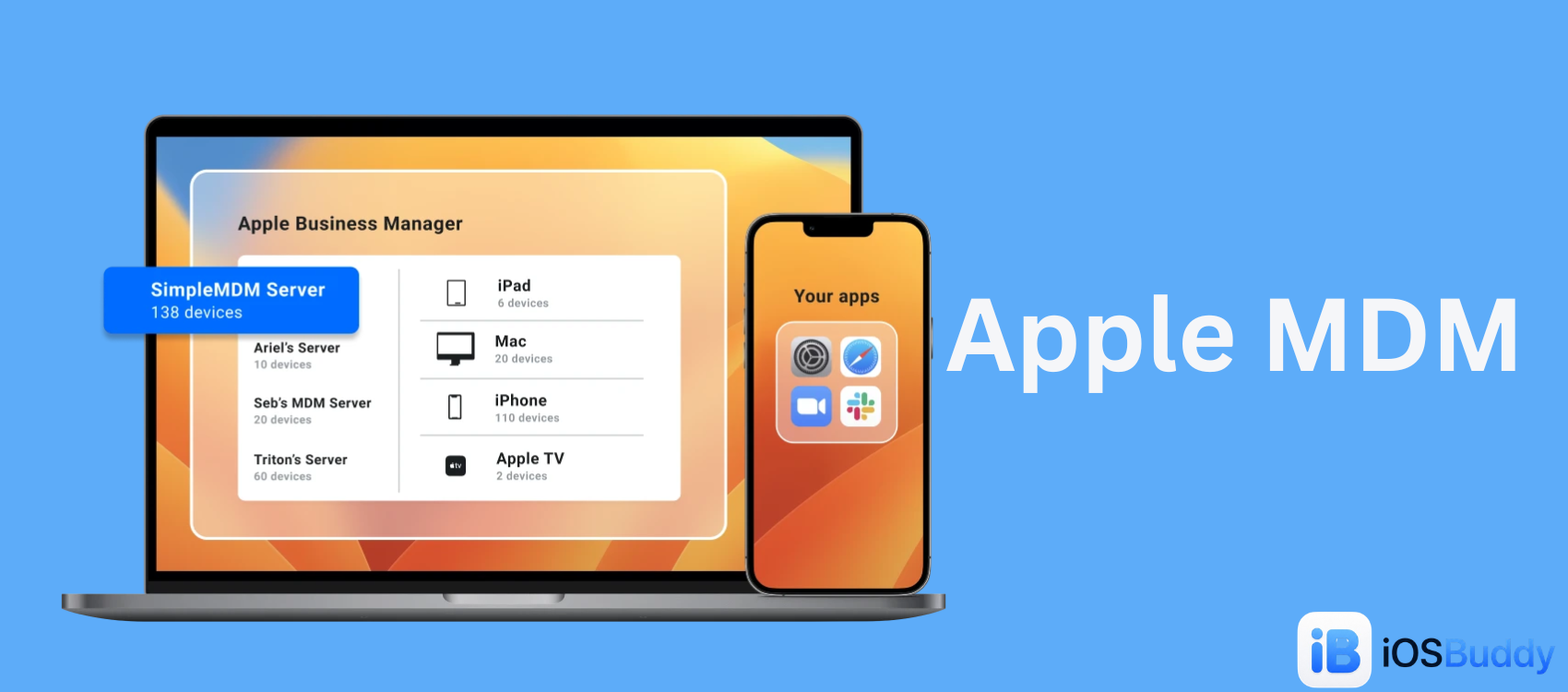
Apple MDM
Mobile Device Management (MDM) for Apple allows organizations to securely configure, monitor, and manage iPhones, iPads, Macs, and Apple TVs remotely.
Read more →
Jun 27, 2026
ASR (Apple Software Restore)
ASR (Apple Software Restore) is Apple’s native command-line utility used to efficiently copy disk images to a target volume, clone drives, and restore system snapshots. It is the powerful, invisible backend engine that drives the graphical "Restore" feature in macOS's Disk Utility.
Read more →
Jul 4, 2026
AirPods Ultra With Cameras: iOS 27 Code Leak Reveals Apple's Next Wearable
New iOS 27 beta code points to "AirPods Ultra," a camera-equipped earbud codenamed B790. Here's what the leak reveals about Apple's Visual Intelligence wearable and when it might launch.
Read more →
Comments
No comments yet. Be the first to comment!
Leave a Comment
Sign in to comment
Join the conversation with your account or continue as a guest.