

iOS 27 Beta 2: Write with Siri, RCS Threading, and Apple Wallet's Biggest Upgrade in Years
iOS 27 Developer Beta 2 introduces "Write with Siri" keyboard AI integration, advanced RCS message threading for Android chats, and a major Apple Wallet "Spending Insights" hub for unified financial tracking. These updates focus on enhancing user productivity, cross-platform messaging, and personalized financial management.
Apple's second iOS 27 developer beta — out since June 22 — has three features doing most of the talking: a completely new AI writing system built into your keyboard, meaningful improvements to cross-platform messaging with Android users, and Apple's most ambitious push into personal finance since the Apple Card launched in 2019.
- Write with Siri: The Writing Tools Replacement You Didn't Know Was Coming
- RCS Gets Threading — and iPhone Users Can Finally Reply Inline to Android Messages
- Apple Wallet Insights: A Finance Dashboard, Built Right Into Your iPhone
- Other Changes Worth Knowing About
- Should You Install iOS 27 Beta 2?
- Device Compatibility
Here's a deep dive into everything that's actually changed, and what it means for you.
Write with Siri: The Writing Tools Replacement You Didn't Know Was Coming

The old Writing Tools are gone. If you've been using Apple Intelligence in iOS 18 or iOS 26, you're used to the floating panel that offered preset rewriting options — "Friendly," "Professional," "Concise." That interface has been removed in iOS 27 Beta 2 and replaced with something that works quite differently.
Write with Siri is now embedded in the keyboard itself. Open any app that uses Apple's standard system text field — Notes, Mail, Messages, third-party apps with native text support — and you'll see a prominent "Write with Siri" prompt appear in the keyboard suggestions bar before you start typing. Once you begin typing, it shrinks to a small Siri icon sitting next to your predictive word suggestions, so it never gets in the way.
When you tap it, an input field expands from the Dynamic Island, asking you to describe what you want to do with the text. That's where things get meaningfully different from the old approach. Rather than choosing from a fixed list of tones, users can ask Siri in natural language to generate new text, proofread a paragraph, or rewrite content in a different register.
The other critical upgrade is context awareness. Because Write with Siri is fully integrated with Siri AI, it can draw on information from your messages, email, and other documents that Siri has access to — something the old Writing Tools could never do. If you're drafting a follow-up email and you ask Siri to reference the original thread, it can.
After Siri processes your request, a new panel appears at the bottom of the screen with a before-and-after snapshot of the changes, plus quick undo buttons and an option to Edit with Siri to follow up with additional requests.
You don't even need to tap the keyboard button to trigger it. With Siri's on-screen awareness, you can simply speak your request out loud and Siri will understand you want to operate on whatever text field is currently focused.
One caveat worth noting: Write with Siri and other Siri AI features require Apple Intelligence-compatible hardware and are not available in the EU or China at launch. Generally speaking, you'll need an iPhone 16 or later for the full feature set; the most capable on-device AI model requires an iPhone 17 Pro or iPhone Air.
RCS Gets Threading — and iPhone Users Can Finally Reply Inline to Android Messages
This one has been a long time coming. iOS 27 Beta 2 adds inline reply support for RCS conversations — a feature that has been part of the GSMA's Universal Profile 2.7 specification since June 2024.
In practice, this means iPhone users can now long-press a message in a green-bubble RCS chat and reply directly to that specific message, with the reply appearing threaded beneath the original — exactly how replies work in iMessage. Android users on the receiving end see the threading too, as confirmed by real-world testing shared on Reddit.
The update also fixes a persistent annoyance with emoji reactions. In iOS 26, a reaction to a media file could appear as a text description rather than the emoji itself. In iOS 27 Beta 2, the emoji now appears directly on the image or video.
And crucially, RCS end-to-end encryption — which was present in iOS 26 but had been pulled from Beta 1 — is back in Beta 2, meaning your green-bubble conversations with Android users are once again properly encrypted by default.
The feature is functional but reported as buggy in the current beta, and both sender and recipient must be on devices and carriers that support RCS for threading to work. That's expected at this stage.
Apple Wallet Insights: A Finance Dashboard, Built Right Into Your iPhone
This might be the most consequential long-term change in iOS 27 Beta 2, even if it's the least finished.
Apple has added an Insights tab to the Wallet app, accessible by tapping the three-dot icon in the top-right corner of Wallet. The pitch is straightforward: connect your bank accounts and cards to Wallet, and get a unified view of your spending trends, recurring transactions, and account balances — all without downloading a third-party budgeting app.
The fine print in the app explains that your device is connected to your financial institution by an Apple wholly owned subsidiary, which fetches, categorises, and standardises your account information for display on your device — and that your account information is not stored. That's a meaningful privacy distinction from apps like Mint or YNAB, which have historically retained your financial data on external servers.
The visual design will feel familiar to Health app users. Insights in Wallet strongly resembles the visualisation features in Health that offer trend breakdowns for activity, sleep, and more.
If this sounds like something Apple tried before — it is. Apple introduced a Connected Cards feature in iOS 17.1, but it saw limited adoption. Discover implemented support and users could see their total card balance and transaction history, but Discover removed that functionality in early June, and almost no other US issuers ever adopted it. The difference with Insights is that Apple is handling the account connection itself through its own subsidiary, rather than relying on each bank to independently build and maintain an integration.
For US users, the feature is present but not yet fully functional in Beta 2. Tapping Continue on the introductory splash screen just sends users to the standard Add to Wallet interface with no new options available. UK users have had working access since Beta 1, and users whose banks already had Connected Accounts integration have confirmed that Insights is working for them, displaying spending highlights and details — so the infrastructure is real.
This is one to watch across the remaining beta cycle. If Apple can land even a handful of major US bank integrations before September, Wallet Insights could make a genuine dent in the personal finance app market.
Other Changes Worth Knowing About
Home app: Beta 2 adds Apple TV to the Updates section of the Home app's settings, letting you install the latest tvOS build without needing to turn the Apple TV on first — bringing it in line with how HomePod updates have worked for a while.
AirPods Max 2: Firmware updates that were broken in Beta 1 can now be applied.
Camera: The macro indicator has been redesigned with a ring that activates when macro mode is engaged, and a new "Ask Siri" option has been added directly inside the Camera interface.
Screenshot cropping: A screenshot cropping bug introduced in Beta 1 appears to be fixed.
Lock Screen media controls: Media controls are now persistent — even if you swipe them away and tap Clear, they'll return the next time something starts playing.
iPhone Mirroring: Connectivity between iOS 27 and macOS 27 Golden Gate is more reliable after crash issues in Beta 1.
Should You Install iOS 27 Beta 2?
As with any early beta, this is not recommended for a primary iPhone. Expect bugs, battery life issues, and app compatibility problems until Apple gets closer to the fall release.
That said, if you're already on Beta 1 and have a device to spare, this is a genuine upgrade. The Siri speed improvements are real, the RCS threading works, and Write with Siri gives you a good early look at how AI writing is going to work across iOS going forward.
For everyone else: the public beta arrives in July and the official release is planned for September, alongside the iPhone 18 lineup.
Device Compatibility
iOS 27 supports iPhone 11 and later, including iPhone SE (2nd generation and later). Full Write with Siri and Siri AI features require an iPhone 16 or newer. The most capable AI model — enabling features like Expressive Voice customisation — requires an iPhone 17 Pro or iPhone Air.
Follow iOSBuddy.com for coverage of every iOS 27 beta as it lands. Got something new spotted in Beta 2? Drop it in the comments.
Tags: iOS 27 beta 2, Write with Siri, RCS inline replies, Apple Wallet Insights, iOS 27 features, Siri AI, Apple Intelligence, iPhone update 2026, iOS 27 release date, iPhone 18
You Might Also Like
Jun 5, 2026
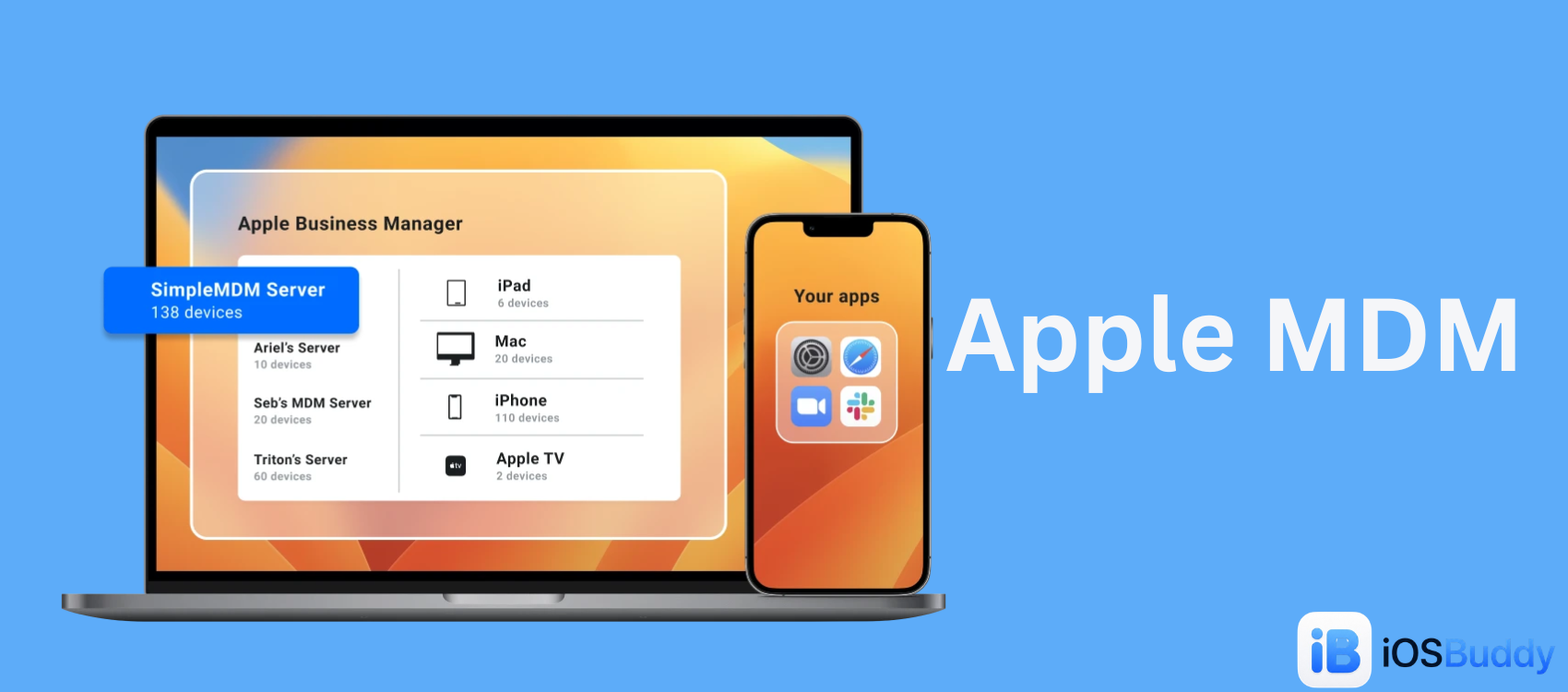
Apple MDM
Mobile Device Management (MDM) for Apple allows organizations to securely configure, monitor, and manage iPhones, iPads, Macs, and Apple TVs remotely.
Read more →
Jun 27, 2026
IPSW — Apple's Firmware Bundle Format
An IPSW file is a standalone software update package used by Apple to deliver firmware to its devices. It stands for iPhone Software (or Apple Device Software Update). These files are used to update, restore, or reset an iPhone, iPad, Apple Watch, Apple TV, HomePod, or Apple Silicon Mac.
Read more →
Jun 27, 2026
ASR (Apple Software Restore)
ASR (Apple Software Restore) is Apple’s native command-line utility used to efficiently copy disk images to a target volume, clone drives, and restore system snapshots. It is the powerful, invisible backend engine that drives the graphical "Restore" feature in macOS's Disk Utility.
Read more →
Jun 27, 2026
iBoot — Apple's iOS Bootloader
iBoot is a critical piece of software created by Apple that acts as the main bootloader for iOS devices. A bootloader is like a computer’s wakeup guide; it is the program that starts up right when you turn on your device, making sure everything is safe before loading the actual operating system (iOS)
Read more →
Jun 18, 2026
Apple and the Met Police Have Prevented 14,000 iPhone Thefts in London — Here Is How They Did It
Apple has partnered directly with London's Metropolitan Police in an unprecedented data-sharing agreement that has driven iPhone theft down by 18 percent in a single year, preventing more than 14,000 incidents across the capital.
Read more →
Jun 7, 2026
macOS Ventura
macOS Ventura (version 13) is Apple's nineteenth major operating system for Mac. It introduces advanced multitasking with Stage Manager, improves ecosystem continuity by letting you use your iPhone as a webcam, and adds iOS-style Clock and Weather apps directly to your desktop.
Read more →
Comments
No comments yet. Be the first to comment!
Leave a Comment
Sign in to comment
Join the conversation with your account or continue as a guest.