
iOS 27 Developer Beta 2: Every New Feature, Fix, and Change You Need to Know
Apple released iOS 27 Developer Beta 2 (build 24A5370h) on June 22, 2026. Following the initial debut of iOS 27 at WWDC, this second beta focuses heavily on refining system stability, smoothing out the brand-new "Liquid Glass" interface, and accelerating Siri AI performance
Apple dropped iOS 27 Developer Beta 2 on June 22, 2026 — two weeks after the first beta landed alongside the WWDC 2026 keynote. If you're already running Beta 1, this update is worth installing. If you're still on iOS 26, here's everything that's changing and whether it's safe to jump in early.
- What's New in iOS 27 Beta 2?
- Siri and Apple Intelligence Get Noticeably Faster
- RCS End-to-End Encryption Is Back
- Wallet Gets an Insights Tab
- Camera and System App Refinements
- Home App and Smart Home Intelligence
- Bug Fixes in iOS 27 Beta 2
- Known Issues Still Present
- Performance and Stability
- Compatible Devices
- Should You Install iOS 27 Beta 2?
- What's Next
What's New in iOS 27 Beta 2?
Siri and Apple Intelligence Get Noticeably Faster
The biggest headline in this update is performance. Siri feels meaningfully snappier in day-to-day use, and early testers across 9to5Mac and Macworld have confirmed the speed gains are real — not placebo. Apple is positioning Siri AI as a genuinely conversational assistant for iOS 27, and Beta 2 is the first build where that ambition starts to feel tangible.
New in this beta: a Visual Intelligence contextual menu lets you automatically search for subjects in images using third-party services. Highlight something on screen, and Siri can hand it off to a connected app or search engine without you digging through menus.

The old Writing Tools have also been replaced. "Write with Siri" now appears as a prominent prompt above the keyboard system-wide — shrinking to a Siri icon once you start typing. It's available in Messages, Notes, Mail, and anywhere else you'd write on iPhone. Notes also gets proofreading and rewriting tools back after they went missing in Beta 1.
One accessibility win: the Always Listen for Siri feature is now fully functional after being broken in the first beta.
Note: Full Siri AI and Apple Intelligence features require an iPhone 15 Pro or newer (A17 Pro chip, 8 GB RAM). The broader update supports iPhone 11 and later.
RCS End-to-End Encryption Is Back
One of the more significant reversals in this beta: RCS end-to-end encryption has been re-enabled after being pulled from Beta 1. Along with that, inline replies are now supported for RCS messages — the same threaded reply behaviour iPhone users have had in iMessage for years finally arrives for cross-platform conversations. Tapback reactions for RCS also appear to be rolling out.
Wallet Gets an Insights Tab
The Wallet app has a new Insights tab in Beta 2, giving you a consolidated view of spending patterns and account balances across your linked cards. Apple is also expanding this feature to more regions and more card types than were supported in Beta 1. If you use Apple Pay regularly, this turns Wallet from a tap-to-pay tool into something closer to a lightweight personal finance dashboard.

Custom pass creation also gets a small upgrade: new texture options are available when building your own passes.
Camera and System App Refinements
The Camera app's macro indicator has been redesigned. The macro icon now includes a ring indicator that activates when macro mode is engaged — a cleaner visual signal than the previous implementation. There's also a new "Ask Siri" option integrated directly into Camera, Podcasts, Safari, and a number of other first-party apps, putting contextual AI assistance one tap away inside the apps where you're already working.
Home App and Smart Home Intelligence
The Home app picks up new Apple Intelligence features in this beta for smart home management, though Apple hasn't spelled out the specifics publicly yet. Testers are beginning to surface what these look like in practice, so expect more detail to emerge over the coming days.
Bug Fixes in iOS 27 Beta 2
Beta 2 addresses several issues that made Beta 1 frustrating for daily use:
- Screenshot cropping — the cropping tool was behaving erratically; now fixed
- iPhone Mirroring — connectivity between iOS 27 and macOS 27 Golden Gate is now more reliable after crash issues in Beta 1
- Wi-Fi drops — sporadic disconnections that affected some users in Beta 1 have been resolved
- Siri setup prompt bug — a persistent prompt asking users to set up Siri even after completing setup has been squashed
- Siri app grid view — the display was rendering incorrectly; now fixed
- AirPods Max 2 firmware updates — can now be applied through this beta
Known Issues Still Present
Not everything is fixed. Two bugs in particular are worth knowing about before you update:
- Wallpaper desaturation — swiping home from an app can cause the wallpaper to briefly appear washed out
- Portrait mode blur — the camera's portrait mode blur effect has documented issues that haven't been resolved yet
Performance and Stability
The overall consensus from early testers is that iOS 27 Beta 2 feels substantially more polished than Beta 1 — and more stable than most first-month betas in recent iOS cycles. The system feels smooth and responsive.
One thing worth knowing: your device may run warm for the first few hours after installing the update. That's expected behaviour as the system re-indexes your content. Benchmarks and storage management are both trending positively as the build stabilises.
Compatible Devices
iOS 27 Beta 2 supports:
- iPhone 11, 11 Pro, 11 Pro Max
- iPhone 12 series
- iPhone 13 series
- iPhone 14 series
- iPhone 15 series
- iPhone 16 series
- iPhone 17 series
- iPhone SE (2nd generation and later)
Apple Intelligence and Siri AI features require iPhone 15 Pro or newer.
Should You Install iOS 27 Beta 2?
If you're already on Beta 1: Yes. This is a meaningful stability improvement, the RCS encryption fix alone is worth the update, and the Siri speed gains are noticeable. Install it and submit feedback via the Feedback app.
If you're on iOS 26: Wait. Early developer betas are still rough by design — app crashes, battery quirks, and unexpected bugs are part of the deal this early in the cycle. The public beta arrives in July, which is a safer entry point for non-developers. The full release is expected in September alongside the new iPhone lineup.
What's Next
Apple will continue releasing developer betas through the summer. The first iOS 27 public beta is expected in July 2026, opening up testing to anyone with an Apple ID — no developer account required. The official release is planned for September 2026, in line with Apple's usual schedule.
We'll be covering every beta as it lands. Bookmark iOSBuddy.com and follow us for the fastest coverage of what's changing.
Found a bug or a new feature in iOS 27 Beta 2 that we missed? Drop it in the comments below.
Tags: iOS 27, iOS 27 Beta 2, iOS 27 features, Apple Intelligence, Siri AI, RCS encryption, iPhone update 2026, iOS 27 release date, Write with Siri, Apple Wallet Insights
You Might Also Like

Jun 16, 2026
iOS 27 Release Date: Public Beta, Final Launch Date & Full Timeline
When is the iOS 27 release date? Here's the complete timeline, from the June 8 Developer Beta and July Public Beta to the final launch expected in September 2026.
Read more →
Jun 7, 2026
macOS Ventura
macOS Ventura (version 13) is Apple's nineteenth major operating system for Mac. It introduces advanced multitasking with Stage Manager, improves ecosystem continuity by letting you use your iPhone as a webcam, and adds iOS-style Clock and Weather apps directly to your desktop.
Read more →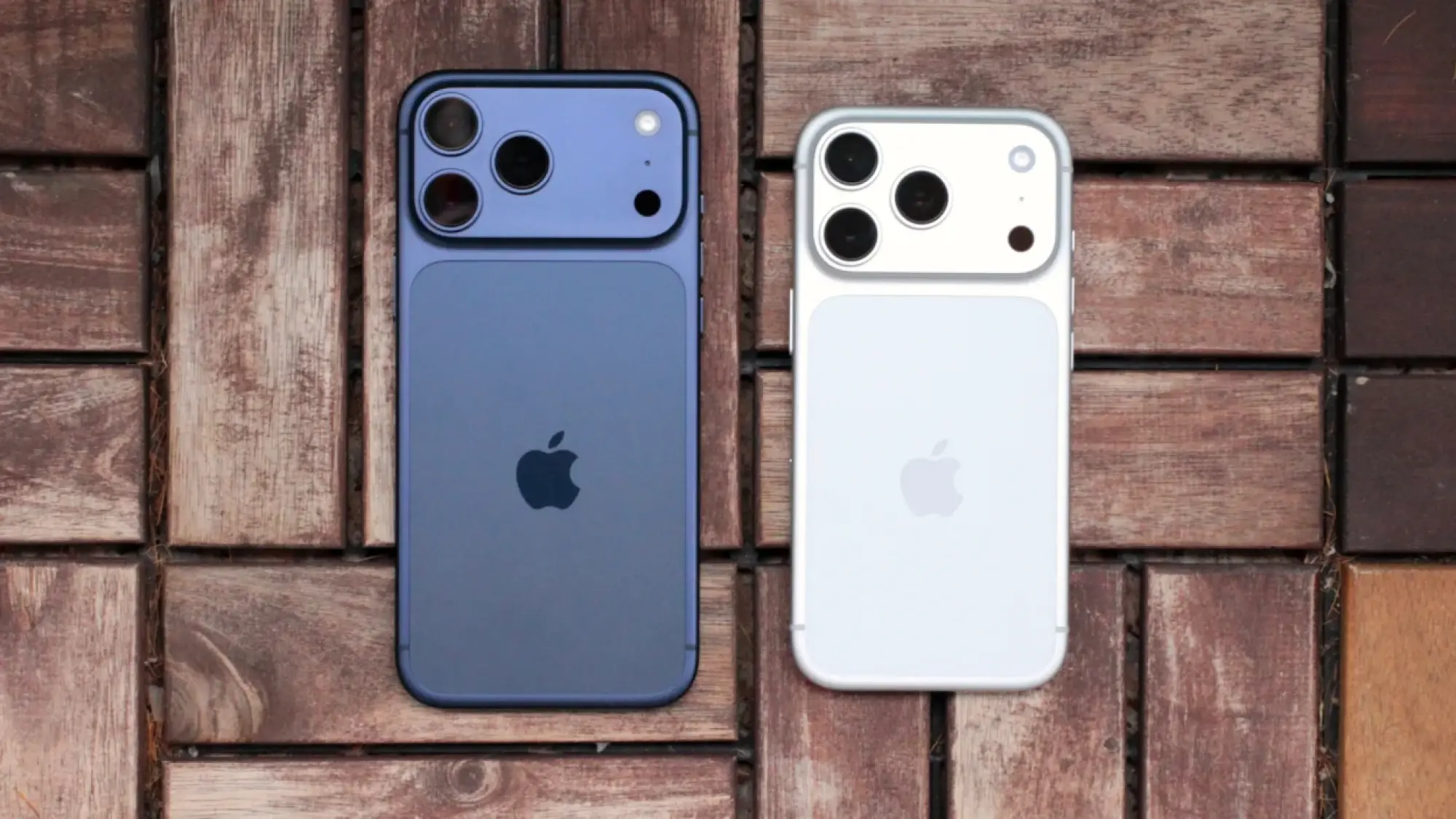
Sep 5, 2026
iPhone 18 Pro: Release Date, Price, Specs, and Everything We Know So Far
iPhone 18 Pro rumors point to a 2nm A20 Pro chip, a smaller Dynamic Island, a variable aperture camera, and Apple's new C2 modem. Here's everything expected ahead of Apple's September 2026 event.
Read more →
Jun 27, 2026
ASR (Apple Software Restore)
ASR (Apple Software Restore) is Apple’s native command-line utility used to efficiently copy disk images to a target volume, clone drives, and restore system snapshots. It is the powerful, invisible backend engine that drives the graphical "Restore" feature in macOS's Disk Utility.
Read more →
Jun 8, 2026
How to Watch Apple's WWDC 2026 Keynote: iOS 27, New Siri, and Everything You Need to Know
Apple's Worldwide Developers Conference (WWDC) 2026 is set to take place from June 8 to June 12, 2026. The event will kick off with a keynote presentation at 10 a.m. PT/1 p.m. ET, followed by a Platforms State of the Union address.
Read more →
Jun 16, 2026
Hidden iOS 27 Features Apple Never Mentioned at WWDC 2026
Discover the hidden iOS 27 features Apple skipped at WWDC 2026. From smarter copy & paste to custom volume controls, these quality-of-life upgrades quietly transform your iPhone experience.
Read more →
Comments
No comments yet. Be the first to comment!
Leave a Comment
Sign in to comment
Join the conversation with your account or continue as a guest.