
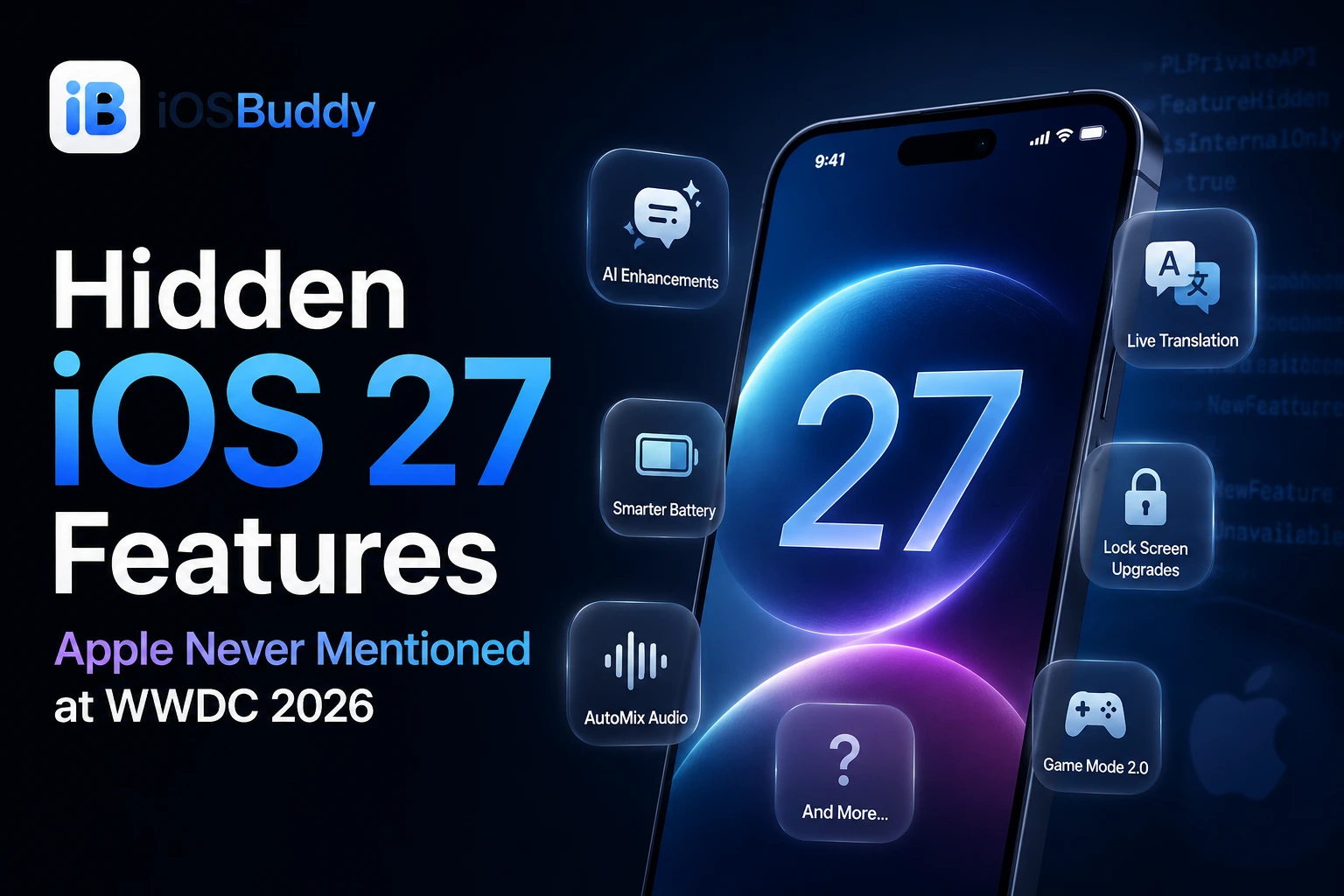
Hidden iOS 27 Features Apple Never Mentioned at WWDC 2026
Discover the hidden iOS 27 features Apple skipped at WWDC 2026. From smarter copy & paste to custom volume controls, these quality-of-life upgrades quietly transform your iPhone experience.
Apple spent its entire WWDC 2026 keynote on Siri AI, parental controls, and Apple Intelligence — and in doing so, quietly skipped dozens of iOS 27 features that developers and power users are now surfacing from the beta. Some of these additions answer decade-old requests. Others hint at hardware Apple has yet to announce. A few were built and ready but deliberately held back from the stage for strategic reasons. This is the complete guide to every hidden, buried, and unannounced iOS 27 feature worth knowing about before September.
- Why Apple Hides Features at WWDC
- The Big Three: Features Apple Built But Did Not Announce
- 1. Siri Extensions: Third-Party AI Chatbot Support Hidden in the Code
- 2. Fully Customisable Camera App: Held for iPhone 18 Pro
- 3. Modular Watch Face for Non-Ultra Apple Watch
- Foldable iPhone: The Biggest Hidden Signal in the Beta Code
- Hidden Quality-of-Life Features Apple Skipped on Stage
- 4. Independent Alarm Volume Control
- 5. Holiday Alarm Auto-Disable
- 6. AirPods Equaliser: Finally a Real One
- 7. Full-Page Widgets and What They Really Signal
- 8. Silent Location Hiding in Find My
- 9. Timed Location Sharing
- 10. iCloud Shared Albums Go Cross-Platform and Full Resolution
- 11. Extract Video Frames as Full-Resolution Photos
- 12. Photos Slideshows From Any Album, Saved as Video
- 13. Siri AI Will Recommend You Take a Break
- 14. AirDrop Up to 80% Faster
- 15. Apple Cash Bill Splitting via Camera
- 16. Create Wallet Passes from Physical Cards
- 17. Tap to Share at Physical Retail
- 18. Apple Maps Local Lists and AI-Enhanced Flyover
- 19. Podcasts: Search Within Individual Episodes
- 20. Apple Music AutoMix Improvements and Expanded Lyrics Translation
- 21. Advanced AutoFill in Third-Party Apps
- 22. Connectivity Assist: Wi-Fi Plus Cellular Simultaneously
- 23. Touchscreen MacBook Hidden in macOS 27 Code
- 24. Image Playground Gets a Simpler Interface
- 25. App Adaptability: A New Developer Requirement for Future Hardware
- Features Still Missing That Were Expected
- How to Find Hidden Features in iOS 27 Beta 1
- When Will These Hidden Features Officially Arrive?
- Quick Reference: Hidden iOS 27 Features at a Glance
Why Apple Hides Features at WWDC
WWDC keynotes are marketing events as much as they are technical reveals. Bloomberg's Mark Gurman wrote that Apple showed roughly 57 of the approximately 60 features he had previewed ahead of WWDC 2026, with three notably absent from the stage. Beyond those intentional omissions, the beta itself contains dozens of smaller changes Apple did not have time to cover. Every year, developers spend the weeks following WWDC cataloguing what Apple left out — and iOS 27 Beta 1 is unusually rich with undisclosed additions.
The Big Three: Features Apple Built But Did Not Announce
1. Siri Extensions: Third-Party AI Chatbot Support Hidden in the Code
The most significant feature Apple never mentioned at WWDC 2026 is already sitting inside the iOS 27 Developer Beta, waiting to be switched on.
The most notable omission is Extensions, a framework that would allow third-party AI chatbots beyond ChatGPT to integrate with Siri, Apple Intelligence, and features like Writing Tools and Image Playground. Underlying support for Extensions is already present and visible in the first iOS 27 developer beta, with both a dedicated settings panel and an App Store section built and waiting to be switched on.
Apple's iOS 27 developer beta contains underlying support for a feature the company never mentioned at its WWDC keynote: an Extensions framework that would allow iPhone users to swap between ChatGPT, Anthropic's Claude, and Google's Gemini directly inside Siri.
Apple has reportedly already held discussions with OpenAI, Anthropic, and Google about the framework, including details about an entitlement those companies would need to apply for. Anyone running the first iOS 27 or macOS Golden Gate betas can already see a chatbot picker allowing users to switch between Siri and ChatGPT; Gurman says that list is expected to grow via the new developer framework and App Store section. The feature has reportedly been in active use inside Apple for months.
Why did Apple hide it? Gurman offers four theories: demonstrating strong AI interoperability could weaken Apple's ongoing argument against EU regulators; announcing robust third-party chatbot support could have overshadowed Apple's own Siri overhaul; the threat of litigation from OpenAI may have persuaded Apple to avoid publicly stripping ChatGPT of its exclusive status; and adding a range of external AI options would have further complicated Apple's messaging at a time when it already needed to explain its use of Google's AI models in Siri AI.
The Extensions framework is confirmed coming — the only unknown is exactly when Apple flips the switch.
2. Fully Customisable Camera App: Held for iPhone 18 Pro
A fully customisable Camera app is among the features that were conspicuously absent from the keynote. The report claims that it exists in internal Apple builds running on employee devices.
This feature is likely being held for the iPhone 18 Pro launch, given how closely it ties into the camera hardware upgrades expected with that device.
What this means in practice: users would be able to choose exactly which controls appear on the viewfinder, rearrange them, and create a camera layout tailored to how they shoot. The feature is built. It is simply being saved for the hardware reveal.
3. Modular Watch Face for Non-Ultra Apple Watch
A new Modular watch face for Apple Watch is among the features that were conspicuously absent from the keynote. The Modular face has long been restricted to Apple Watch Ultra models as a hardware differentiation. The new Apple Watch face is expected to arrive alongside refreshed hardware in the autumn. This would make a more information-dense watch face accessible to every Apple Watch user for the first time.
Foldable iPhone: The Biggest Hidden Signal in the Beta Code
Shortly after the WWDC 2026 opening keynote ended, Apple released the first developer beta of its new operating systems. Hidden within the iOS 27 beta is code containing multiple references to features typically associated with a foldable device.
As shared by software researcher M1Astra with Bloomberg News, some code strings in iOS 27 beta 1 are related to a phone's folded or unfolded state. One mechanism is referred to internally as "foldState". There are also entries labeled "mechanicalAngleDegrees" and "angleDegrees," suggesting the software can determine how widely a device is opened around its hinge.
The iOS 27 beta code also contains references to a foldable device internally codenamed V68, expected to debut in September.

Apple is introducing several new features in iOS 27 designed specifically for a foldable device. This includes an extra-large widget size for the Home Screen and the ability to resize iPhone mirrored apps on Macs running Golden Gate. Apple is also introducing a new developer feature called App Adaptability, which encourages developers to ensure their apps work seamlessly across different screen sizes and aspect ratios.
The iPhone Mirroring app on macOS 27 has been updated to support wider, iPad-like layouts running on an iPhone, which is a direct preparation for a device with a larger unfolded screen.
Hidden Quality-of-Life Features Apple Skipped on Stage
4. Independent Alarm Volume Control
Since the original iPhone, iOS has routed ringtones, alerts, and alarms through a single ringer volume, so quieting text notifications also quieted the morning alarm. iOS 27 finally separates these. Individual volume controls for ringtones, alerts and system sounds now provide greater customisation of audio settings. You can set a loud alarm while keeping notification sounds low, independently, for the first time in the iPhone's nineteen-year history.
5. Holiday Alarm Auto-Disable
Among the upgrades discovered by developer Aaron Perris on X is the ability to temporarily disable alarms during recognised holidays. The system detects public holidays in your region and offers to suspend scheduled alarms automatically, so you do not get woken on a bank holiday by an alarm that should have been off. It is a small feature with a disproportionately satisfying real-world impact.
6. AirPods Equaliser: Finally a Real One
The AirPods settings page has been redesigned from the ground up in iOS 27, and the headline addition is a genuine, granular Equaliser. The beta introduces independent alarm volume and a real AirPods equalizer, answering requests iPhone owners have made for more than a decade. Bass, mids, and treble are adjustable independently and saved per AirPods model, without requiring a third-party app.
7. Full-Page Widgets and What They Really Signal
The beta introduces an extra-large widget size that occupies an entire Home Screen page, surfacing far more data from apps such as Weather, Music, and News. TechCrunch's hands-on shows full-screen widgets turning a page into a glanceable news or calendar board. Bloomberg's Mark Gurman reported that the full-page layout is among several iOS 27 features built for larger displays, alongside hidden code references to folding hardware, adding weight to expectations of a foldable iPhone later this year.
8. Silent Location Hiding in Find My
iOS 27 introduces a new "Hide Location" button in Find My that allows you to stop sharing your location without notifying the other person. Previously, the only way to stop sharing was an action the other person could detect. This finally gives users the ability to quietly pause sharing, with specific privacy use cases for surprise planning, personal safety, and general discretion. You can now pause location sharing with an individual contact until the end of the day without them receiving a notification. Planning a surprise party or shopping for an anniversary gift just got less stressful.
9. Timed Location Sharing
Alongside the silent hide, two long-requested Find My features are finally here: custom duration sharing lets you share your location for a specific number of minutes, hours, or days, or set an exact end date and time. This is useful for events, weekend trips, or any situation where you want to share temporarily without having to remember to turn it off.
10. iCloud Shared Albums Go Cross-Platform and Full Resolution
Apple largely neglected iCloud Shared Albums over the years. Even more frustratingly, the company never addressed the feature's biggest drawback: shared photos and videos are always compressed, resulting in a noticeable drop in quality. iOS 27 finally makes amends. You can finally share photos and videos in full resolution with friends and family without any quality loss. Android and Windows users can now upload photos and videos to a shared iCloud album.
iCloud Shared Albums also gains support for temporary albums, letting you create a shared collection with a built-in expiry date — useful for events, trips, or group occasions where you want shared photos to disappear after a set period rather than accumulating indefinitely.
11. Extract Video Frames as Full-Resolution Photos
While playing a video, you can tap the three-dot menu in the top-right corner and select Save Video Frame as Photo. iOS will then extract that frame and save it directly to your photo library as a standalone image in full resolution. The previous workaround of screenshotting and cropping is finally obsolete.
12. Photos Slideshows From Any Album, Saved as Video
iOS 27 now lets users create slideshows from any photos and videos rather than just specific albums, something it is hard to believe the Photos app has not been able to do before now. Slide duration, transition style, and music can all be customised, and the slideshow can be saved as a video.
13. Siri AI Will Recommend You Take a Break
Hidden code in iOS 27 suggests that the new Siri AI will recommend that you take breaks if you have been chatting with the digital assistant for too long. This is a meaningful signal of Apple's approach to AI wellbeing and is consistent with the company's Screen Time philosophy. It is not yet visible in Beta 1 but is present in the underlying code.
14. AirDrop Up to 80% Faster
AirDrop features a completely rewritten local wireless protocol that moves files up to 80% faster in iOS 27 when two modern iPhones are placed directly next to each other. The improvement is most noticeable with large files such as videos and RAW photos, and operates independently of Wi-Fi or cellular speed.
15. Apple Cash Bill Splitting via Camera
With iOS 27, users can split bills using Apple Cash and Apple Intelligence. By scanning a receipt with the iPhone camera or using a photo of a bill in Messages, Apple Wallet, or through Visual Intelligence, users can have items identified and select what they ordered, with their share of tax and tip calculated automatically before paying with Apple Cash.
This is a US-only feature at launch and requires an Apple Intelligence-compatible device, but it is one of the most practical applications of Visual Intelligence to ship in iOS 27.
16. Create Wallet Passes from Physical Cards
iPhone and Apple Watch users will be able to create passes in Apple Wallet from physical cards such as loyalty or membership cards. Using Siri mode in the Camera app, users point their iPhone at a card with a barcode or screenshot a digital one, then save it to Wallet, where it can be presented as a barcode or QR code. Passes can be pinned to the Smart Stack on Apple Watch for quick access.
17. Tap to Share at Physical Retail
As part of the Tap to Pay on iPhone feature, new Tap to Share functionality allows you to connect to a participating small business owner's iPhone and securely share shipping information, email addresses, loyalty rewards, and more. This removes the friction of typing out contact details at the point of sale and works with any NFC-compatible business terminal.
18. Apple Maps Local Lists and AI-Enhanced Flyover
Apple Maps gains Local Lists with trending restaurants and places in the US, and Flyover gets AI-enhanced aerial imagery in select cities. Local Lists surfaces intelligent, trending collections of nearby places directly in Maps search, with all insights generated privately without being tied to individual user data. The improved Flyover delivers noticeably sharper building detail and smoother aerial transitions in major cities.
19. Podcasts: Search Within Individual Episodes
In the Apple Podcasts app, there is a new "search within show" feature. This lets you search the transcript of an individual episode to jump to exactly the moment a specific topic was discussed, rather than scrubbing manually through a two-hour conversation. For long-form podcast listeners, this is a genuinely transformative addition.
20. Apple Music AutoMix Improvements and Expanded Lyrics Translation
In the Apple Music app, the AutoMix feature has "even better transitions" that feel "more immersive and engaging for listeners." Introduced in iOS 26, AutoMix adds seamless, DJ-like transitions between songs. Apple Music's Lyrics Translation feature is expanding to seven additional language pairings: English to French, English to German, English to Italian, English to Korean, English to Spanish, French to English, and Japanese to English.
21. Advanced AutoFill in Third-Party Apps
AutoFill functionality has been expanded securely to deep integration within third-party applications, bypassing the need to constantly trigger the native keyboard strip. Credit card and address AutoFill now works more reliably inside apps that previously required manual switching to the system keyboard.
22. Connectivity Assist: Wi-Fi Plus Cellular Simultaneously
iOS 27 will solve weak signal problems, with Apple saying your iPhone will now "more seamlessly" select the best network — Wi-Fi or cellular — available. This will ensure FaceTime calls do not drop or navigation continues without interruption. The system maintains a hybrid connection using both Wi-Fi and cellular simultaneously when either signal is marginal, rather than forcing an abrupt switch that causes call drops or navigation pauses.
23. Touchscreen MacBook Hidden in macOS 27 Code
macOS 27 includes pull-to-refresh gestures and Sidecar touch input that point toward a touchscreen MacBook under codenames K114 and K116. While this is a macOS discovery rather than an iOS one, it was found in the same wave of beta exploration that surfaced the foldable iPhone references, and it suggests Apple is building a coherent multi-form-factor software layer across its entire platform simultaneously.
24. Image Playground Gets a Simpler Interface
Apple plans to overhaul the Image Playground app. The interface for generating a new image has fewer controls and a "describe a change" option for editing images that are created. Previously created images are displayed in a grid with more rounded edges, and instead of a New Image button, there is a "+" button. The redesign makes image generation more approachable and consistent with the broader iOS 27 design language.
25. App Adaptability: A New Developer Requirement for Future Hardware
Apple is introducing a new developer feature called App Adaptability, which encourages developers to ensure their apps work seamlessly across different screen sizes and aspect ratios. This is framed as a design guideline but is understood by developers as a direct preparation requirement for the foldable iPhone. Apps that do not implement App Adaptability before September risk visual breakage on the new form factor.
Features Still Missing That Were Expected
A handful of features rumoured ahead of WWDC never appeared in Beta 1 and have not yet been found in the code:
| Feature | Status |
|---|---|
| RCS end-to-end encryption | In beta, not widely enabled |
| Siri Extensions (Claude, Gemini, GPT picker) | Code present, not activated |
| Customisable Camera app | Not in beta, confirmed coming fall |
| Modular Apple Watch face for non-Ultra | Not in beta, confirmed coming fall |
| Foldable iPhone hardware | V68 references in code, hardware unannounced |
| Touchscreen MacBook | K114/K116 references in macOS 27, hardware unannounced |
How to Find Hidden Features in iOS 27 Beta 1
If you are running iOS 27 Developer Beta 1, the fastest way to explore undisclosed features is:
- Settings search — type specific terms like "volume," "alarm," "location," or "equalizer" into the Settings search bar. Many hidden options only appear this way
- Accessibility menu — several hidden display and input options are parked under Accessibility before they reach their permanent home
- Developer mode — enabling Developer Mode in Settings reveals additional diagnostic and feature flags not visible in standard mode
- Spotlight — searching for app names sometimes surfaces new feature cards before the apps themselves show the UI change
When Will These Hidden Features Officially Arrive?
Most confirmed hidden features in Beta 1 will ship with the final iOS 27 release in September 2026. Features tied to specific hardware — the fully customisable Camera app, the Modular watch face, and foldable-specific UI — are expected to launch alongside new iPhone hardware at the September event. The Siri Extensions framework for third-party AI chatbots has no confirmed activation date but is expected before the end of 2026.
Quick Reference: Hidden iOS 27 Features at a Glance
| Feature | Where to Find It | Availability |
|---|---|---|
| Siri Extensions (Claude / Gemini / GPT) | Settings, Siri | Code present, not active |
| Independent alarm volume | Settings, Sounds | Beta 1 |
| Holiday alarm auto-disable | Clock app | Beta 1 |
| AirPods Equaliser | Settings, Bluetooth, AirPods | Beta 1 |
| Full-page widgets | Home Screen edit mode | Beta 1 |
| Silent location hiding | Find My | Beta 1 |
| Timed location sharing | Find My | Beta 1 |
| iCloud Shared Albums full-res + Android | Photos, iCloud | Beta 1 |
| Video frame extraction | Photos, video player | Beta 1 |
| Slideshows from any album, saved as video | Photos | Beta 1 |
| Siri AI break reminders | Hidden code | Not yet active |
| AirDrop 80% speed boost | System-wide | Beta 1 |
| Apple Cash bill splitting via camera | Wallet, Siri Camera mode | Beta 1 (US) |
| Wallet passes from physical cards | Wallet, Siri Camera mode | Beta 1 |
| Tap to Share at retail | Wallet | Beta 1 |
| Maps Local Lists | Apple Maps (US) | Beta 1 |
| Podcasts episode search | Apple Podcasts | Beta 1 |
| Music AutoMix and expanded Lyrics Translation | Apple Music | Beta 1 |
| Connectivity Assist | Settings, Cellular | Beta 1 |
| Image Playground redesign | Image Playground app | Beta 1 |
| App Adaptability for developers | Xcode, developer docs | Beta 1 |
| Foldable iPhone code (V68) | Beta code only | Hardware unannounced |
| Customisable Camera app | Not in beta | September 2026 |
| Modular Apple Watch face | Not in beta | Fall 2026 |
Tags: hidden iOS 27 features, iOS 27 secret features, iOS 27 beta 1 hidden, iOS 27 Siri Extensions, foldable iPhone iOS 27 code, iOS 27 Find My silent location, iOS 27 alarm volume, iOS 27 AirPods equaliser, WWDC 2026 hidden features, iOS 27 beta discoveries
You Might Also Like
Jun 13, 2026
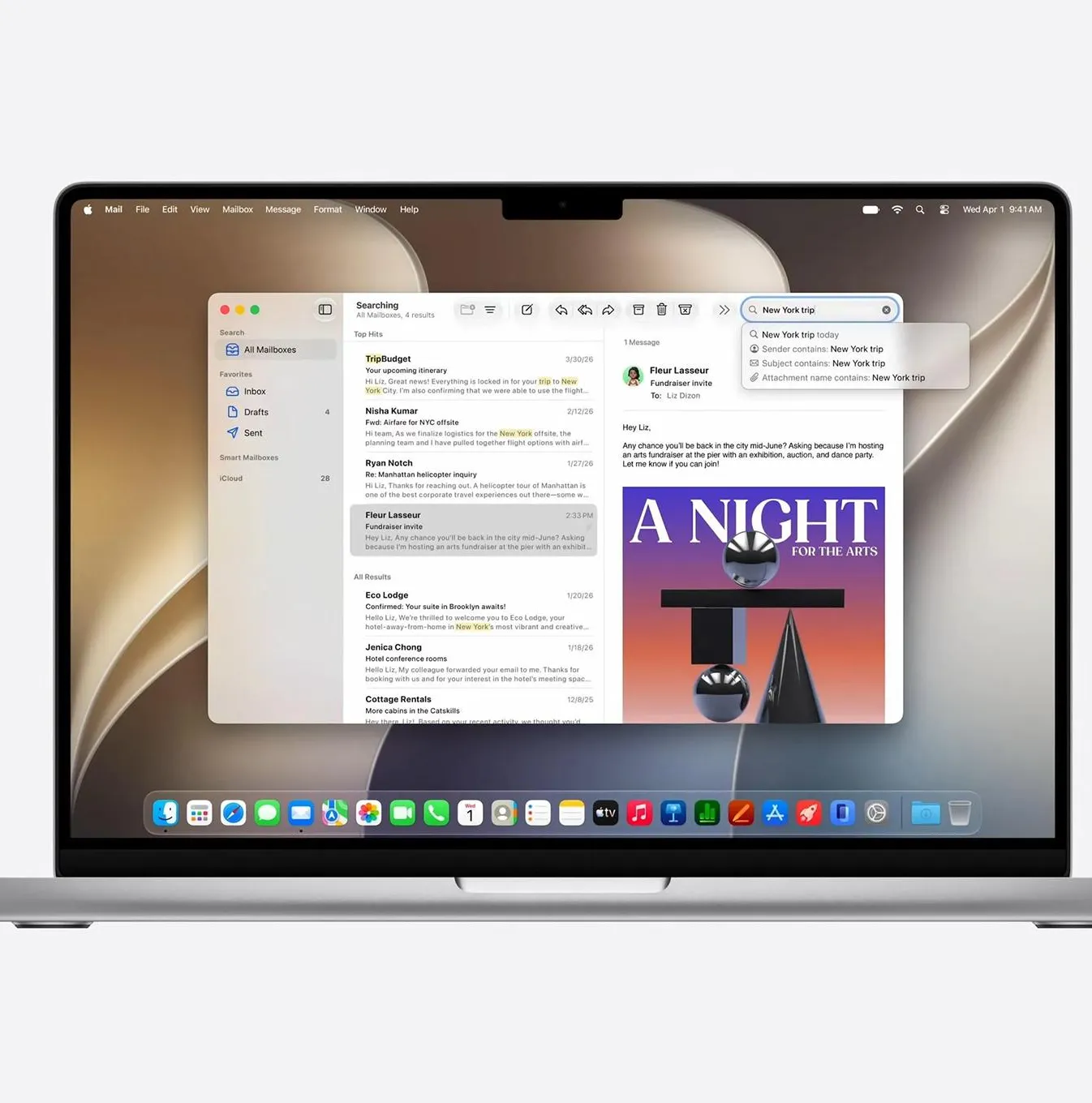
macOS 27 Golden Gate Beta 1: Every New Feature, Compatible Macs & Release Date
Apple announced macOS 27 Golden Gate at WWDC 2026 on June 8, 2026. Building directly upon the visual identity of macOS 26 Tahoe, this version marks a historic shift by dropping support for Intel CPUs entirely, running exclusively on Apple silicon. The first developer beta (build 26A5353q) is currently available for testing, with the stable consumer launch planned for September 2026
Read more →
Jun 8, 2026
How to Watch Apple's WWDC 2026 Keynote: iOS 27, New Siri, and Everything You Need to Know
Apple's Worldwide Developers Conference (WWDC) 2026 is set to take place from June 8 to June 12, 2026. The event will kick off with a keynote presentation at 10 a.m. PT/1 p.m. ET, followed by a Platforms State of the Union address.
Read more →
Jun 13, 2026
iPadOS 27 Beta 1: Every New Feature, Release Date & Compatible iPads
iPadOS 27.0 Developer Beta 1 was released by Apple on June 8, 2026, immediately following the WWDC 2026 keynote. The update introduces substantial system refinements, upgraded performance, and next-generation AI capabilities powered by Apple Intelligence.
Read more →
Jun 27, 2026
What is iOS Restore Mode?
Restore mode (commonly referred to as Recovery Mode) in iOS is a built-in emergency repair state that bypasses the standard operating system to let a computer reinstall or update the iPhone or iPad software
Read more →
Jun 4, 2026
Apple Beta Firmware: The Complete Guide to Developer Betas, Public Betas, and How They Work
Everything you need to know about Apple beta firmware: what it is, who can access it, how IPSW and OTA betas differ, the release cycle from WWDC to GM, AirPods and HomePod beta firmware, and what is new in the iOS 26 / macOS Tahoe era.
Read more →
Aug 8, 2026
Apple Raises Trade-In Values for iPhone, iPad, Mac, and Apple Watch — Here's What Changed
Apple has boosted US trade-in values for most iPhone, iPad, Mac, and Apple Watch models, with some Macs jumping nearly 30%. Here's the full breakdown.
Read more →
Comments
No comments yet. Be the first to comment!
Leave a Comment
Sign in to comment
Join the conversation with your account or continue as a guest.