
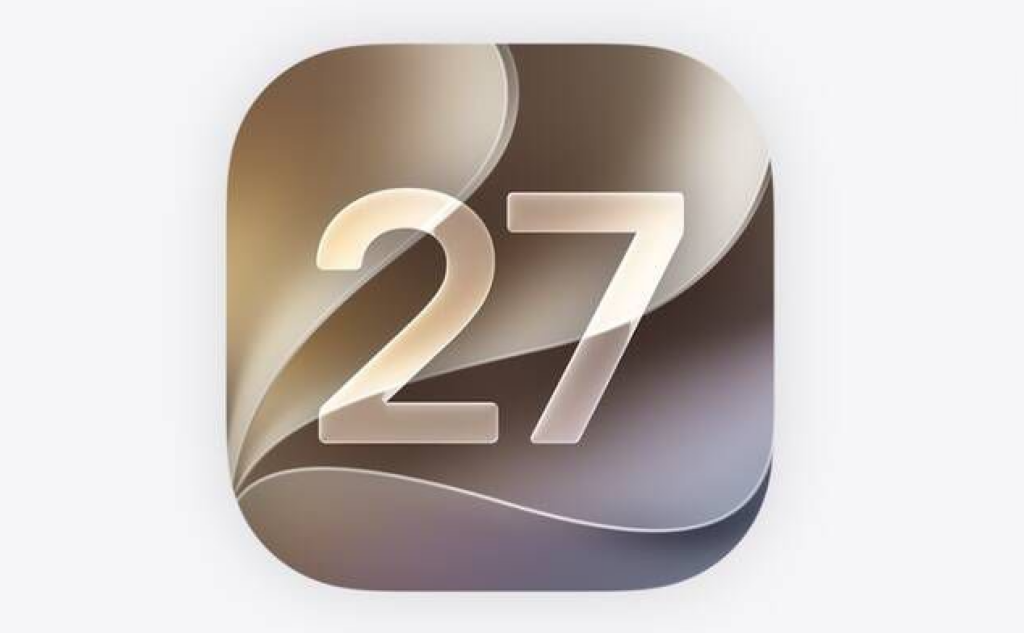
iOS 27 Beta 1: Every New Feature, Release Date & Compatible iPhones (2026)
iOS 27.0 Developer Beta 1 was released by Apple on June 8, 2026, following the WWDC 2026 keynote event. This milestone update heavily advances Apple Intelligence features, redesigns essential core system mechanics, and introduces new device customization levels.
Apple has officially released iOS 27 Developer Beta 1 following its WWDC 2026 keynote on June 8, 2026 — and this is the update iPhone users have been waiting years for. Siri finally gets its complete rebuild, Apple Intelligence expands into nearly every first-party app, performance hits record highs even on older devices, and dozens of long-overdue quality-of-life improvements quietly slip in too. Here is the definitive guide to iOS 27 Beta 1.
What Is iOS 27?
iOS 27 is Apple's next major operating system for iPhone, unveiled at WWDC 2026. It shares a core feature set with iPadOS 27 and macOS 27 (Golden Gate), representing a platform-wide push toward AI-native experiences, system refinement, and stronger user control. The headline story is Siri AI — Apple's most significant overhaul of its virtual assistant since Siri launched in 2011 — but iOS 27 is also packed with meaningful updates to Photos, Camera, Safari, Messages, Screen Time, Health, and more.
iOS 27 Release Date
| Milestone | Date |
|---|---|
| Developer Beta 1 | Available now — June 8, 2026 |
| Public Beta | Expected July 2026 |
| Official Public Release | September 2026, alongside the iPhone 18 lineup |
Should you install iOS 27 Beta 1? Developer betas are early, unstable software. Beta 1 is particularly rough — expect battery drain, app bugs, and missing features. Wait for the public beta in July for a safer preview, or the final release in September for your primary device.
iOS 27 Compatible iPhones: Full Device List
In a rare move, Apple has not dropped any supported devices from iOS 26. Every iPhone that runs iOS 26 will also run iOS 27 — all the way back to the iPhone 11 from 2019, making this the widest iOS compatibility window Apple has ever offered.
✅ All Supported iPhones
iPhone 17 Series
iPhone 16 Series
iPhone 15 Series
iPhone 14 Series
iPhone 13 Series
iPhone 12 Series
- iPhone 12 Pro Max, iPhone 12 Pro, iPhone 12, iPhone 12 mini
iPhone 11 Series
- iPhone 11 Pro Max, iPhone 11 Pro, iPhone 11
iPhone SE
- iPhone SE (2nd generation, 2020)
- iPhone SE (3rd generation, 2022)
Apple Intelligence: Which iPhones Get It?
Not every iOS 27 feature works on every supported device. Here is what each tier can access:
| Tier | Devices | Features |
|---|---|---|
| Full Apple Intelligence | iPhone 15 Pro / Pro Max, all iPhone 16 & 17 models | Siri AI, Photos AI tools, all on-device intelligence |
| Advanced on-device AI | iPhone 17 Pro / Pro Max, iPhone Air | Most capable on-device models requiring top-tier Neural Engine |
| iOS 27 only | iPhone 11 to iPhone 15 (non-Pro) | Core OS features, performance gains, no Apple Intelligence |
Note: iPhone 15 and iPhone 15 Plus use the A16 Bionic chip with 6GB RAM — below the 8GB minimum required for Apple Intelligence's on-device language model. Only the iPhone 15 Pro and Pro Max support Apple Intelligence from the iPhone 15 generation.
Every New Feature in iOS 27 Beta 1
1. Siri AI — Apple's Biggest Software Upgrade in Over a Decade
Siri AI is the centrepiece of iOS 27, and it is a genuine step-change from what came before. The rebuilt assistant operates more like a conversational AI — in the same league as ChatGPT, Claude, and Gemini — rather than the command-and-response Siri of old.
What's new with Siri AI:
- Natural back-and-forth conversations — Siri remembers context across questions in the same session, so follow-up questions work the way you'd expect
- Personal context awareness — Siri can search across your Messages, Mail, Photos, Notes, and Calendar to find exactly what you're looking for using vague, natural descriptions ("find the photo from my mum's birthday last June")
- On-screen awareness — Siri understands what's currently on your screen and can act on it without you having to explain
- Multi-step, cross-app actions — Siri can modify a recently sent message, add a song directly to a playlist, or create a calendar event from an email, all in a single request
- Dedicated Siri App — for the first time, Siri has its own standalone app where conversations can be revisited, and history privately syncs across devices via iCloud
- Dynamic Island integration — Siri primarily lives in the Dynamic Island in iOS 27, with a fresh visual design
Availability: Siri AI is rolling out via a waitlist in Beta 1. Not all users will see it immediately after installing. It requires an Apple Intelligence-enabled device.
2. Visual Intelligence in Camera — Now Discoverable
Visual Intelligence has existed since iPhone 16, but it was hidden behind a Camera Control long-press that most users never found. iOS 27 fixes this with a dedicated Siri mode directly inside the Camera app's mode selector — sitting alongside Photo, Video, and Portrait.
Point your camera at something and Siri can now:
- Identify objects, text, plants, or landmarks in real-time
- Estimate calorie counts from a plate of food
- Split a restaurant bill from a photo of the receipt
- Import contacts automatically from a business card photo
- Add membership cards to Wallet from a photo of the card
- Import calendar events from a screenshot or flyer
This moves Visual Intelligence from a power-user trick to a mainstream, everyday tool.
3. Customisable Camera Interface
The Camera app itself gets a welcome overhaul — users can now choose exactly which controls appear on the viewfinder. Flash, exposure, timer, depth of field, photo styles, resolution — all can be toggled on or off and reordered as widgets at the top of the Camera interface. It is the most personalised the Camera app has ever been.
4. Liquid Glass Slider — Tune the Transparency
iOS 26 introduced the "Liquid Glass" visual design language to widespread debate — some loved the translucent aesthetic, others found it hard to read. iOS 27 gives every user the choice with a new Liquid Glass Intensity Slider in Settings, letting you dial the effect from fully translucent to a more opaque, high-contrast interface without abandoning the design system entirely.
5. Photos: Cleanup, Extend & Spatial Reframing
The Photos app receives three powerful AI editing tools powered by Apple Intelligence:
- Enhanced Clean Up — now removes larger, more complex objects and background distractions with fewer visual artefacts than before
- Extend — uses generative AI to intelligently expand an image beyond its original borders, filling in realistic background detail
- Spatial Reframing — adjusts the composition and perspective of a photo after it was taken, effectively re-shooting the framing in software
Additional Photos improvements:
- Extract video frames as photos — save any frame from a video directly as a still image
- Auto slideshow creation — Photos can generate slideshows from your library automatically
- "Captured by Me" collection — a new section in the Collections tab filters out screenshots and downloads, showing only photos actually taken with your iPhone's camera
6. Safari: Tab Organisation & Webpage Alerts
Safari receives two significant intelligence-driven updates:
- Automatic tab organisation — Safari groups open tabs by topic without any manual effort, keeping research, shopping, and reading separate
- Notify Me (Webpage Change Alerts) — subscribe to any webpage and receive a notification the moment its content updates; perfect for product restocks, news stories, or event releases
7. Redesigned Screen Time & Parental Controls
iOS 27 delivers Apple's most comprehensive parental controls overhaul yet, clearly a WWDC 2026 priority. The new system includes:
- Redesigned Screen Time — a cleaner, easier-to-navigate interface with Time Allowances per app
- Simplified child account setup — Setup Assistant now walks parents through choosing exactly which apps a child can access from day one, with curated "essential," "age-appropriate," or "custom" app sets
- Ask to Browse — children must request parental approval before visiting any new website in Safari
- Ask to Buy — parental approval required for any new app download
- Communication Safety — already blocks nudity in Messages and FaceTime, and now also blocks gore and violent content in shared images and videos
- Contact permission controls — parents can require approval before a child connects with a new contact in Messages, FaceTime, or Phone
8. Natural Language Shortcuts
Apple's Shortcuts automation tool has always been powerful but complex. iOS 27 makes it accessible to everyone by letting users describe what they want in plain English — and the system builds the workflow automatically. Type "Every morning at 7am, turn off Do Not Disturb, send my location to my partner, and show me today's weather," and Shortcuts assembles the full automation without touching a single action block.
9. Independent Alarm Volume
One of the most requested iPhone features is finally here. iOS 27 introduces separate volume controls for alarms, ringtones, timers, and system sounds — independently adjustable. No more waking the house because you turned the ringer up for a phone call the night before.
10. Connectivity Assist
A new system-level feature called Connectivity Assist allows the iPhone to use cellular data simultaneously with Wi-Fi when a Wi-Fi signal is weak or unreliable, creating a seamless hybrid connection. The Settings app also now displays your specific Wi-Fi generation (Wi-Fi 6, Wi-Fi 6E, Wi-Fi 7) so you know exactly what network you're on.
11. Messages Drawing App & Dual Phone Numbers
Two notable additions to Messages in iOS 27:
- Drawing app — a built-in drawing tool lands in Messages, letting users sketch and send illustrations directly in conversation
- Contextual smart replies — Messages uses Apple Intelligence to suggest replies with richer context awareness
- Dual phone numbers — use the same phone number across two iPhones simultaneously, finally solving the problem of managing two devices for one number
12. Health App: Menopause & Perimenopause Tracking
The Health app adds dedicated perimenopause and menopause tracking in iOS 27, including notifications about cycle deviations that are specifically inclusive of perimenopause patterns. This makes the Health app one of the most comprehensive women's health tracking tools available on any smartphone.
13. Notes, Calendar & Reminders Get Smarter
Apple Intelligence works its way into the core productivity apps:
- Notes — now supports Markdown formatting, making it a far more capable writing tool for developers and power users
- Calendar — can create events from a simple written request, parsing natural language to fill in date, time, and location automatically
- Reminders — interprets natural-language commands and automatically structures tasks with due dates and priorities
- Spotlight Search — rebuilt with a faster search infrastructure for more relevant, system-wide results
14. Wallet, AirPods & Maps Updates
- Wallet — can now create custom passes and import membership cards directly from camera photos using Visual Intelligence
- AirPods Equalizer — a dedicated equaliser in the AirPods menu allows granular control over bass, mids, and treble independently
- Apple Maps Flyover — updated with improved graphics and significantly greater visual detail in major cities
- Passwords App — can now help identify and replace compromised credentials automatically
15. Performance: The Fastest iPhone OS Ever
iOS 27 delivers Apple's most significant performance leap in several years, across the full supported device range:
- Apps launch up to 30% faster
- Photos library loads up to 70% faster
- AirDrop transfers up to 80% faster
- Faster AirPlay connections to Apple TV and HomePod
- More reliable AirDrop connections overall
- Powered in part by a new software-based CPU scheduler that improves responsiveness even on older A-series chips
These gains apply to the iPhone 11 and every supported device in between — not just the latest hardware.
16. AI Image Watermarking (SynthID)
A hidden but significant addition: any image created or edited by Image Playground in iOS 27 now carries an invisible SynthID digital watermark embedded in the metadata. This allows AI-generated content to be identified even after sharing, compression, or editing — Apple's approach to responsible AI image disclosure.
Apple Intelligence Tier Summary
| Feature | Minimum Requirement |
|---|---|
| All core iOS 27 features | iPhone 11 and later |
| Apple Intelligence (basic) | iPhone 15 Pro / Pro Max, iPhone 16+, iPhone 17+ |
| Advanced on-device AI models | iPhone 17 Pro / Pro Max, iPhone Air |
| Siri AI (waitlist in Beta 1) | iPhone 15 Pro or newer |
| Visual Intelligence in Camera | iPhone 16 or newer (Camera Control required) |
How to Install iOS 27 Developer Beta 1
- Enrol your Apple ID in the Apple Developer Program at developer.apple.com
- On your iPhone, go to Settings → General → Software Update
- Tap Beta Updates and select iOS 27 Developer Beta
- Download and install — back up your device first
For a safer experience, the public beta arrives in July and is free with any Apple ID — no developer account required.
iOS 27 Beta 1: Verdict
iOS 27 is the iPhone software update Apple has owed its users for a long time. Siri AI, if it delivers on its promise, changes the way people use their phones in a fundamental way — and the surrounding cast of features is equally impressive. Independent alarm volumes, Camera customisation, the Liquid Glass slider, natural language Shortcuts, smarter Photos editing, and massive performance gains across all supported devices — this is a release where almost every iPhone user will find something that directly improves their daily experience.
The public beta in July will be the best moment for most users to try these features safely. September's final release is shaping up to be one of the most substantial iOS updates in the platform's history.
Published by iOSBUDDY.COM | Last updated: June 2026
Tags: iOS 27, iOS 27 Beta 1, iOS 27 features, iOS 27 release date, iOS 27 compatible iPhones, Siri AI, Siri 2.0, Apple Intelligence, Liquid Glass, WWDC 2026, iOS 27 new features
You Might Also Like
Jun 7, 2026
macOS Sequoia
macOS Sequoia (version 15) is Apple's desktop operating system. Standout features include iPhone Mirroring for full phone control on your Mac, advanced window tiling, a dedicated Passwords app, and Apple Intelligence for supported Apple Silicon Macs.
Read more →
Jun 9, 2026
Apple WWDC 2026 Keynote Recap: Every Major Announcement
Apple's WWDC 2026 keynote marked a massive shift for the company, headlined by the transformation of its virtual assistant into Siri AI, major ecosystem-wide Apple Intelligence upgrades, the introduction of macOS 27 Golden Gate, and a farewell message from outgoing CEO Tim Cook.
Read more →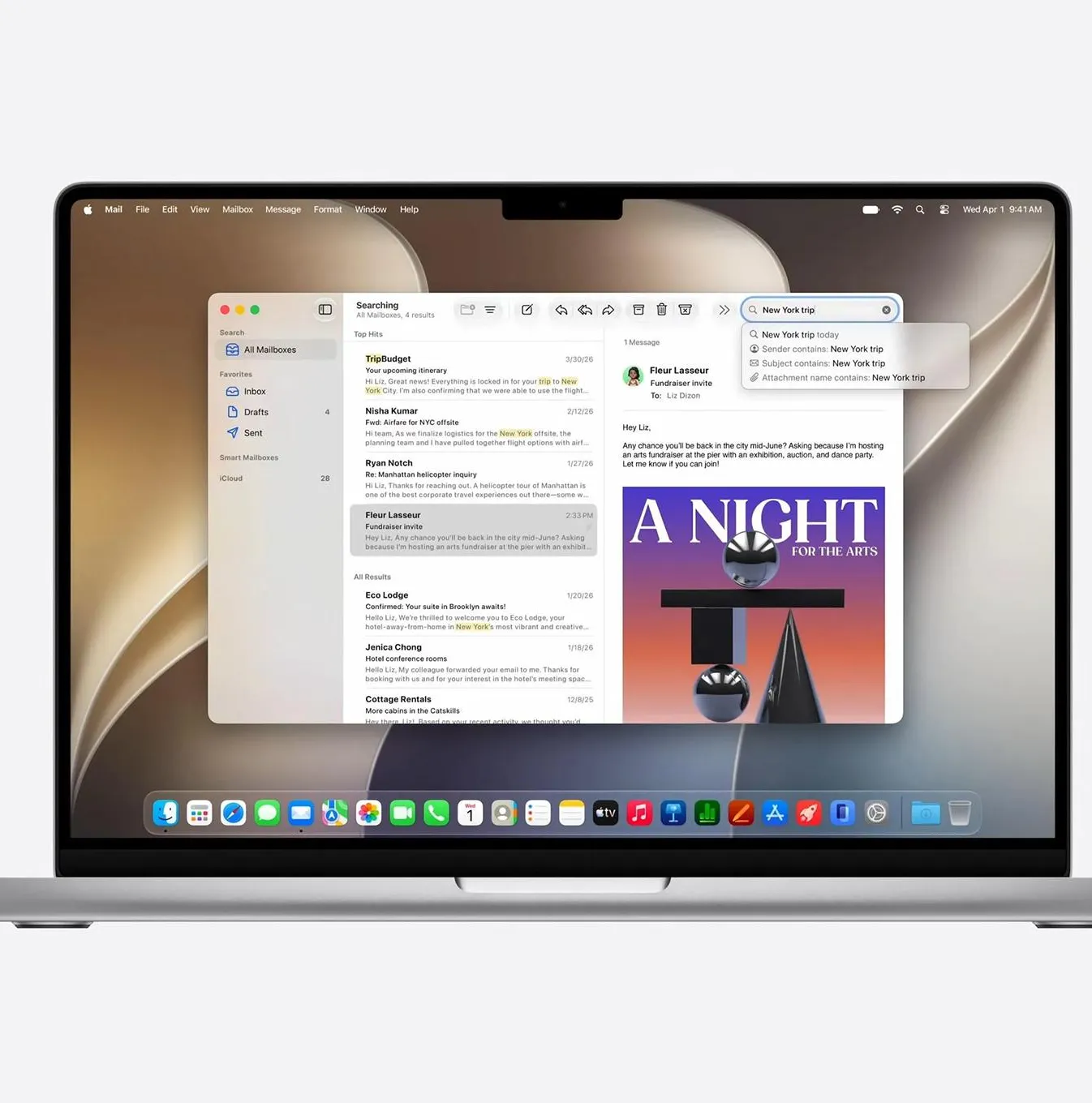
Jun 13, 2026
macOS 27 Golden Gate Beta 1: Every New Feature, Compatible Macs & Release Date
Apple announced macOS 27 Golden Gate at WWDC 2026 on June 8, 2026. Building directly upon the visual identity of macOS 26 Tahoe, this version marks a historic shift by dropping support for Intel CPUs entirely, running exclusively on Apple silicon. The first developer beta (build 26A5353q) is currently available for testing, with the stable consumer launch planned for September 2026
Read more →
Comments
No comments yet. Be the first to comment!
Leave a Comment
Sign in to comment
Join the conversation with your account or continue as a guest.